AI Game Maker

Make your first game from an idea, not a blank project. Describe the rules, controls and look of a small game, then use MiniMax Code to help build, playtest and improve it.

Describe the Game You Want to Make

Start with a sample or write your own game brief. This page prepares your prompt; continue to MiniMax Code to work on the project.

Sample game ideas

What Will Your First Game Be?

Four original starting points for an AI-made game project. Images are illustrative concepts, not finished MiniMax Code outputs; generated projects need testing.

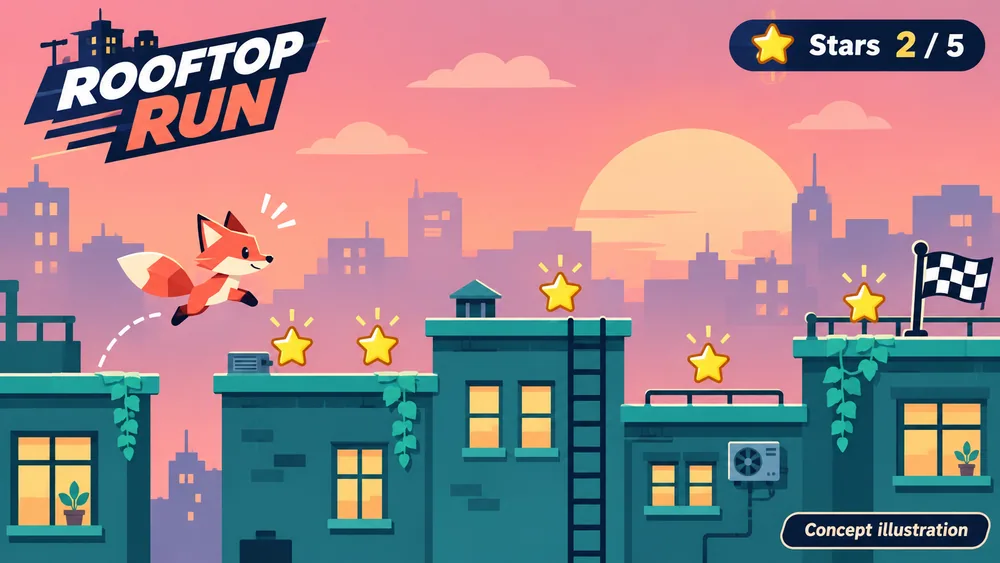
AI Game Maker concept illustration: Rooftop Run. Not a finished product screenshot.

Start with a short platform level: collect five stars, reach the flag and restart after a missed jump.

A Small Game Is a Good Place to Start

Keep the first version focused on something a player can understand, try and finish.

For first-time creators

Turn a rough idea into clear game rules

You do not need a complete design document to begin. Name what the player does, what counts as success and how a round starts again. Ask for a compact first level and explanations you can follow. If you want touch controls, include them in the brief and test them on a real phone.

Try Now
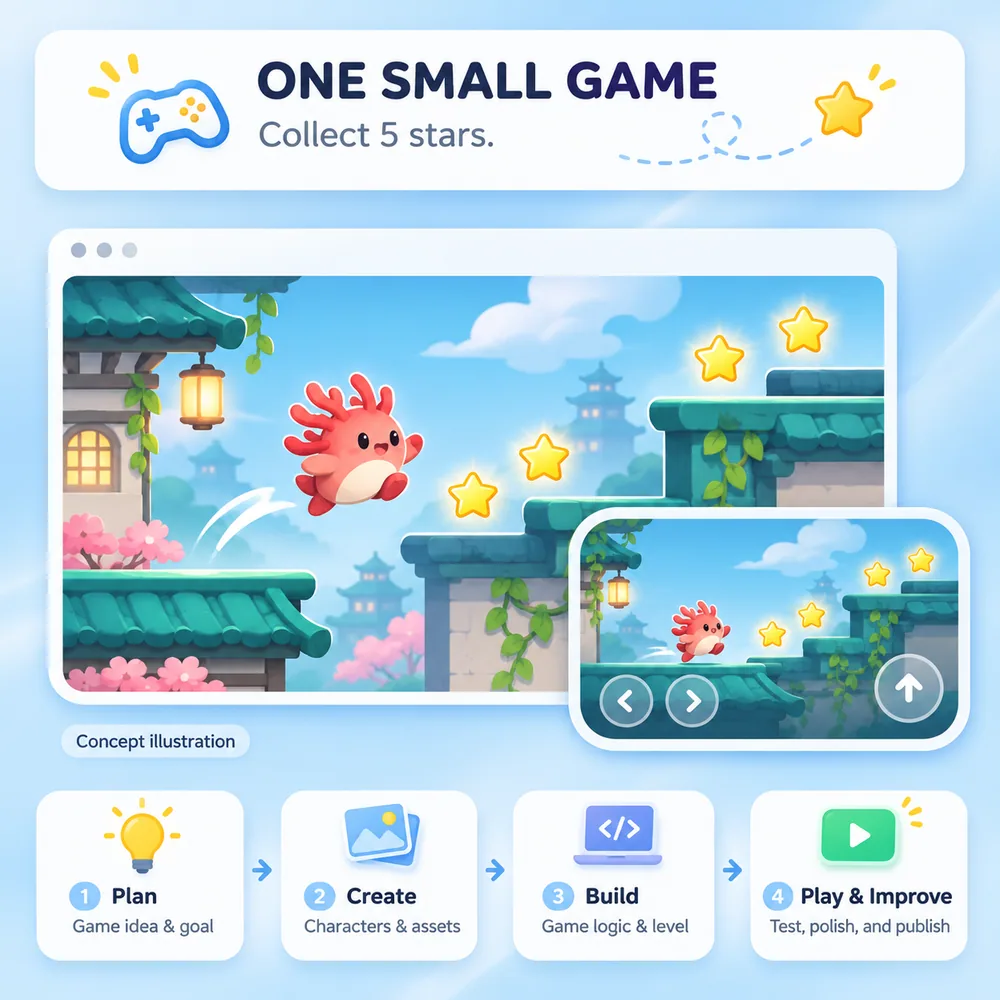
Concept illustration of a simple collect-five-stars brief with desktop and touch-control game previews.

For hobby projects and game jams

Find the fun before adding more features

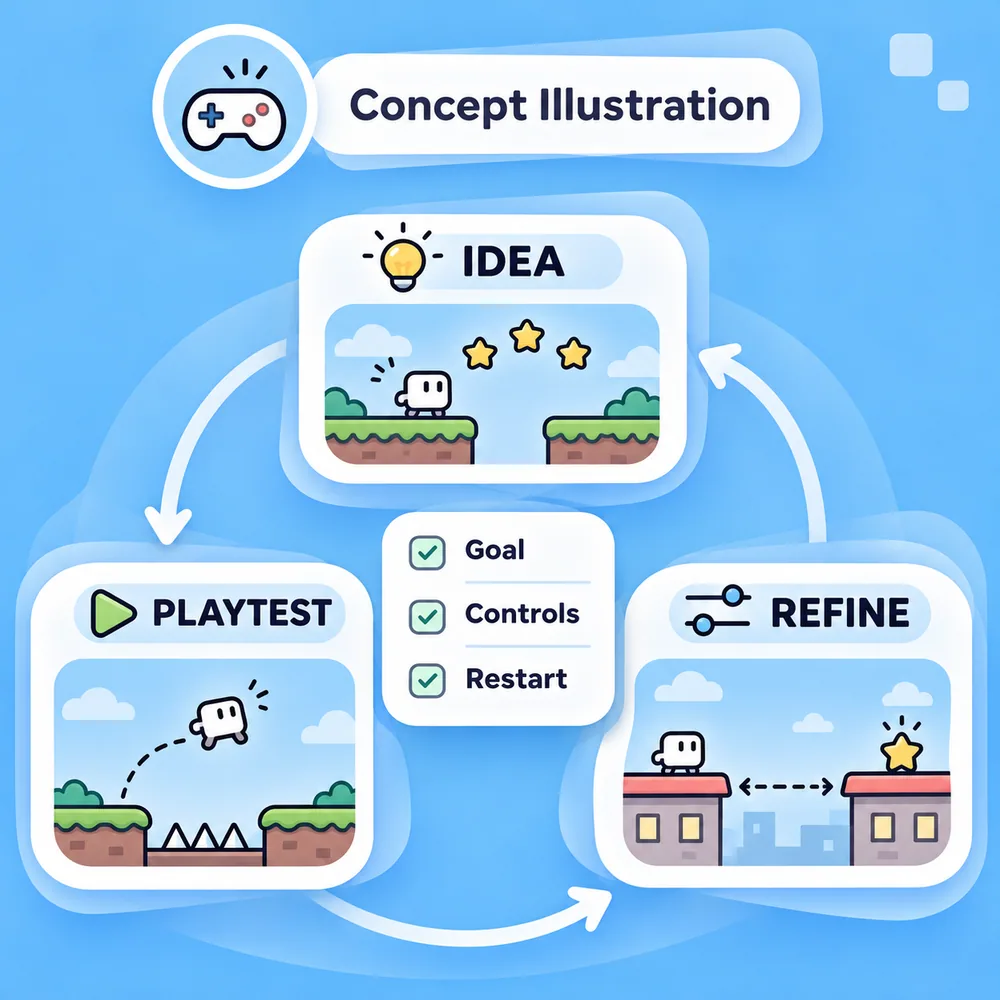
Use a short prototype to explore one mechanic: a jump, a rotating tile or a story choice. Play it, note where the rules feel unclear and request one specific change at a time. Add levels, art and sound only after the core loop works, and check asset rights before sharing your project.

Try Now
Concept illustration of an idea, playtest and refinement cycle with goal, controls and restart checks.

How to Make a Game with AI

Move from a clear brief to a tested first version. These illustrations show a suggested workflow, not guaranteed results.

  1. Step.01

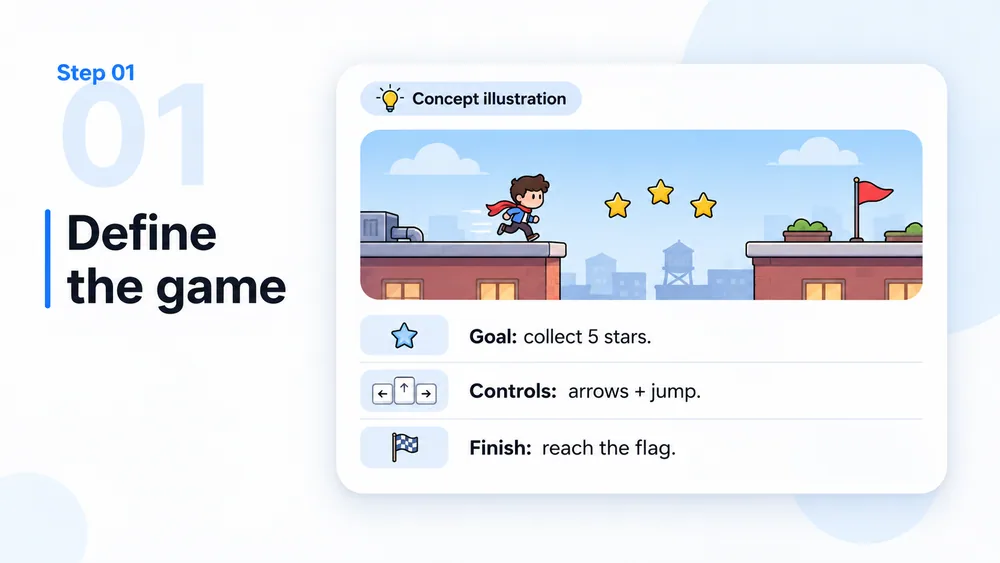
    Define one playable idea

    Choose a genre, player goal, controls and a win or end condition. Keep the first request to one level or a short round, and describe the visual style in a few concrete words.

    AI game-making workflow concept, step 1: Define one playable idea.
  2. Step.02

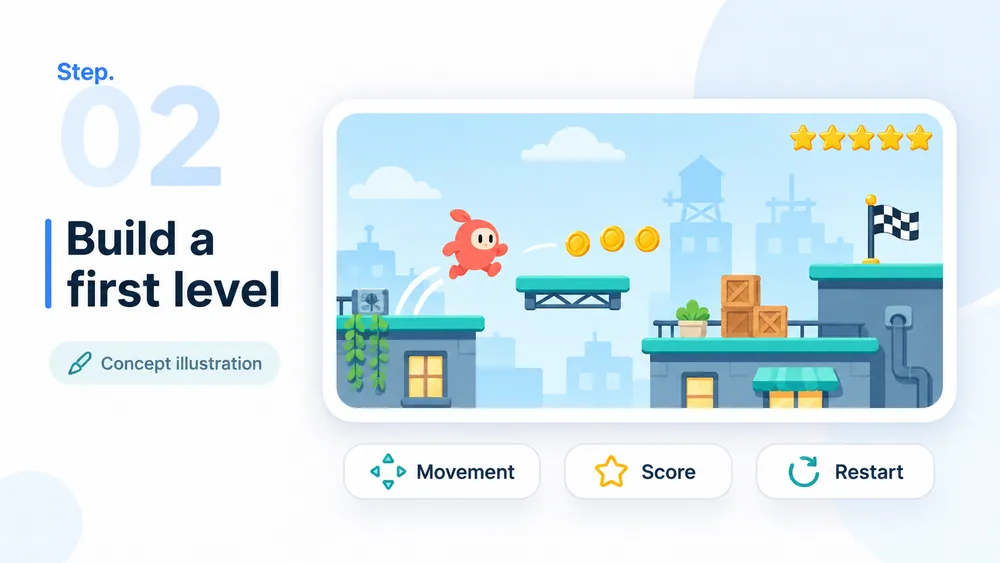
    Build the first version

    Send your brief to MiniMax Code. Ask for a small implementation, original placeholder art, visible game instructions and the steps needed to run it. Review any dependencies or setup requirements.

    AI game-making workflow concept, step 2: Build the first version.
  3. Step.03

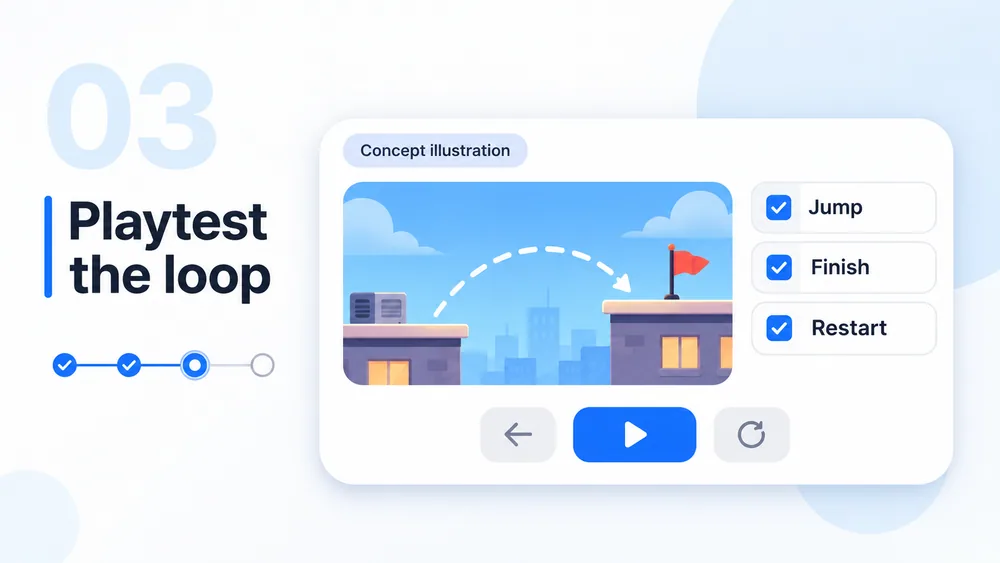
    Play through every outcome

    Try winning, losing, pausing and restarting. Check whether the controls and feedback make sense. For a puzzle or branching story, test the solution or every route rather than just the opening screen.

    AI game-making workflow concept, step 3: Play through every outcome.
  4. Step.04

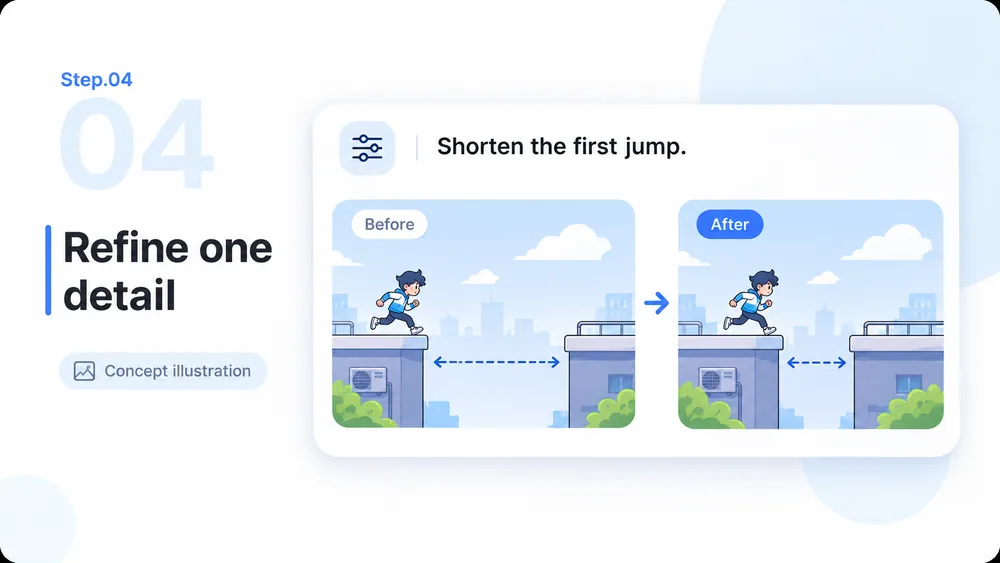
    Refine one detail at a time

    Give specific feedback such as “shorten the first jump” or “make the score easier to read.” Retest the whole loop after each change. Expand the game only when the small version behaves as intended.

    AI game-making workflow concept, step 4: Refine one detail at a time.

AI Game Maker: Questions and Answers

Planning your first game, choosing a manageable scope and understanding what still needs your review.

Make Your First Game Idea Playable