AI 2D Game Maker

Turn 2D mechanics into a focused browser-game prototype. Describe the camera view, movement, sprites, level grid and collision rules, then use MiniMax Code to help build and test the systems that make it playable.

Describe Your 2D Game Systems

Choose a sample or write your own brief. This page prepares your prompt; continue to MiniMax Code to work on the project.

Sample project briefs

Four Ways to Prototype 2D Gameplay

Choose a starting point and edit its prompt. Images are illustrative concepts, not finished MiniMax Code outputs; review and test generated work.

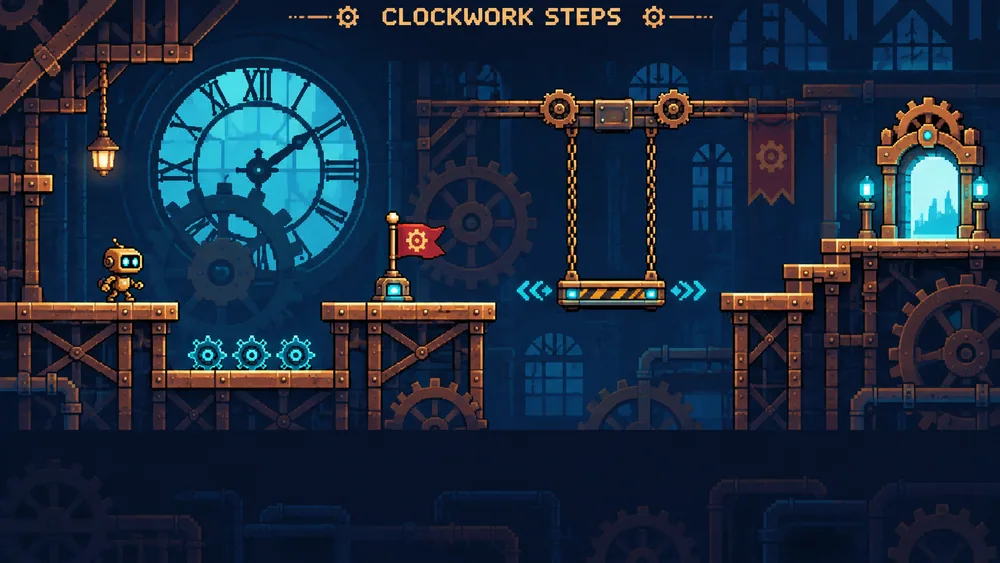
AI 2D Game Maker concept illustration: Clockwork Platformer. Not a finished product screenshot.

A side-view test level built around reliable jumping, moving platforms and clear collision feedback.

Focus on the Systems Behind the Screen

Give movement, map data and game-state transitions explicit rules you can test.

For platformers and arcade prototypes

Make movement feel deliberate

Define acceleration, jump height, input buffering and collision responses as separate requirements. Ask for tunable values so you can change one variable and feel the difference. A convincing screenshot is not proof that a jump, bounce or wall collision behaves correctly.

Try Now
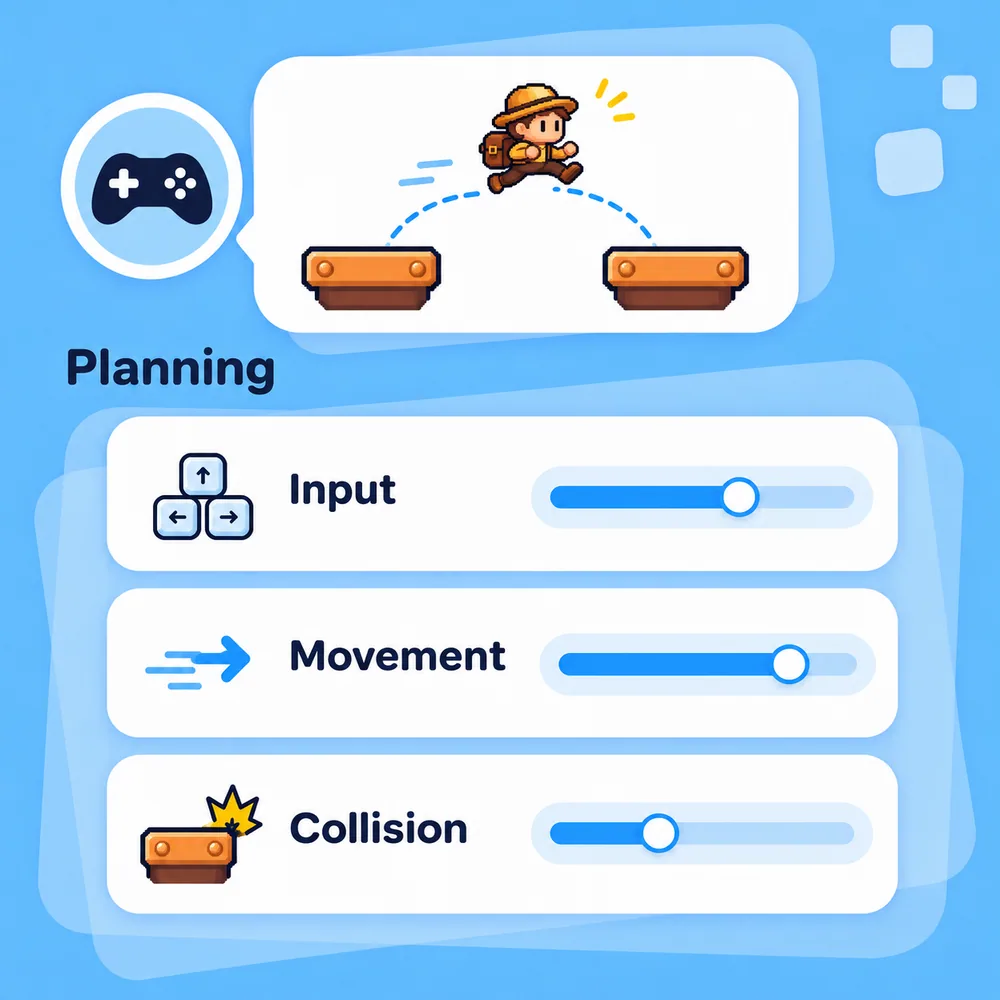
Concept illustration for AI 2D Game Maker: Make movement feel deliberate.

For tile-based and top-down games

Keep the map separate from game state

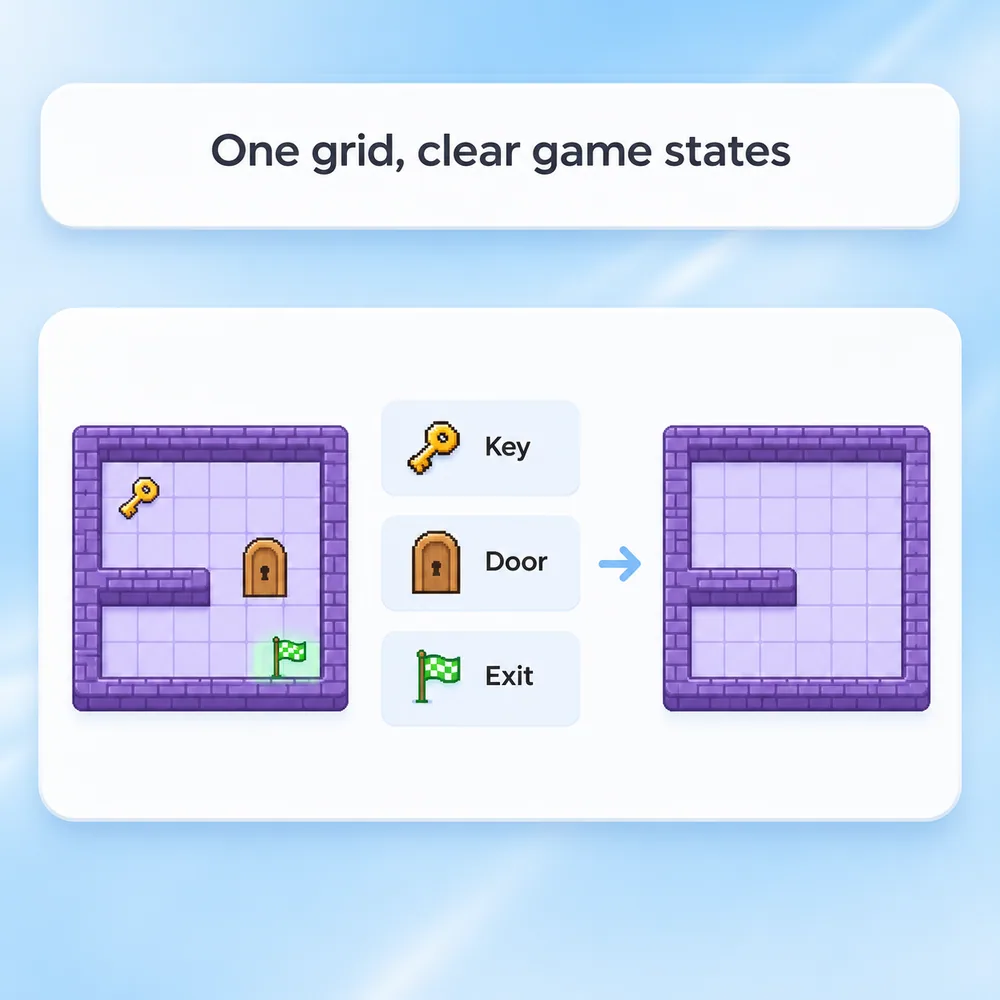
Describe the grid and object layers, then define what changes when a player picks up an item or opens a door. Ask for a small test map with a known route to the goal. Verify that restart clears collected items, position and objective state rather than only redrawing the screen.

Try Now
Concept illustration for AI 2D Game Maker: Keep the map separate from game state.

How to Make a 2D Game with AI

Use this suggested four-step workflow, then verify the result in your own project.

  1. Step.01

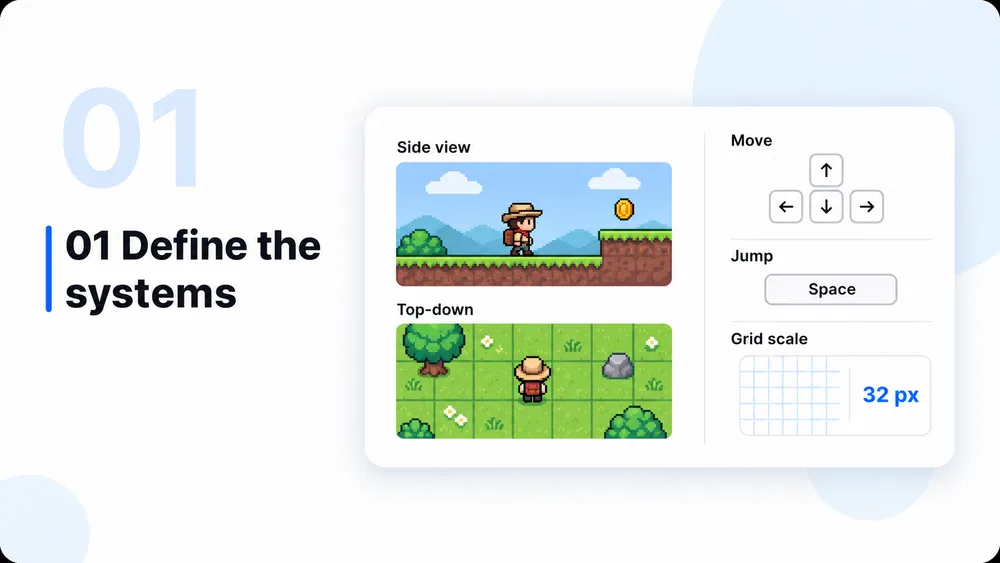
    Specify the 2D systems

    Choose a side or top-down view and define controls, sprite size, tile scale, movement and collision rules. State the target browser and device. Keep the first level small enough to inspect completely.

    AI 2D Game Maker workflow concept, step 1: Specify the 2D systems.
  2. Step.02

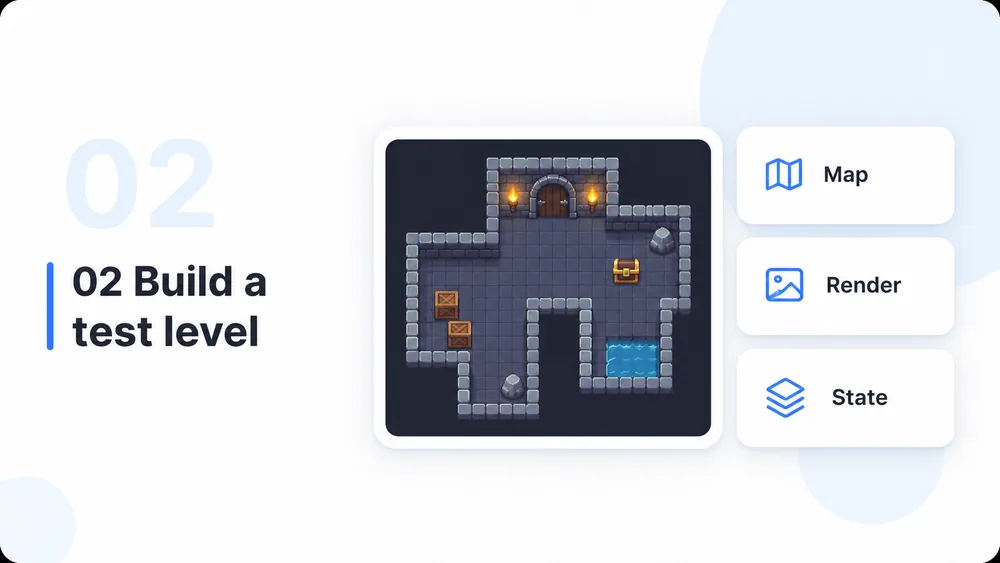
    Build one test level

    Send the brief to MiniMax Code and request a compact implementation with original placeholder art. Separate map data, rendering and game state where practical, and ask for run instructions and adjustable movement values.

    AI 2D Game Maker workflow concept, step 2: Build one test level.
  3. Step.03

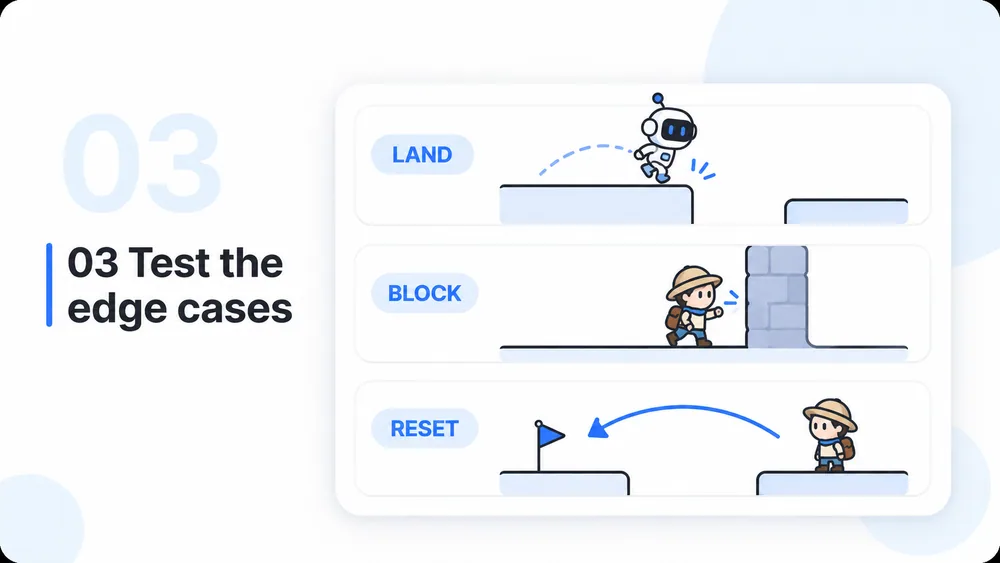
    Test edges and transitions

    Try wall corners, platform edges, repeated inputs and fast movement. Check pickup, damage, win, lose, pause and restart paths relevant to the game. Test touch controls on a real device if you requested them.

    AI 2D Game Maker workflow concept, step 3: Test edges and transitions.
  4. Step.04

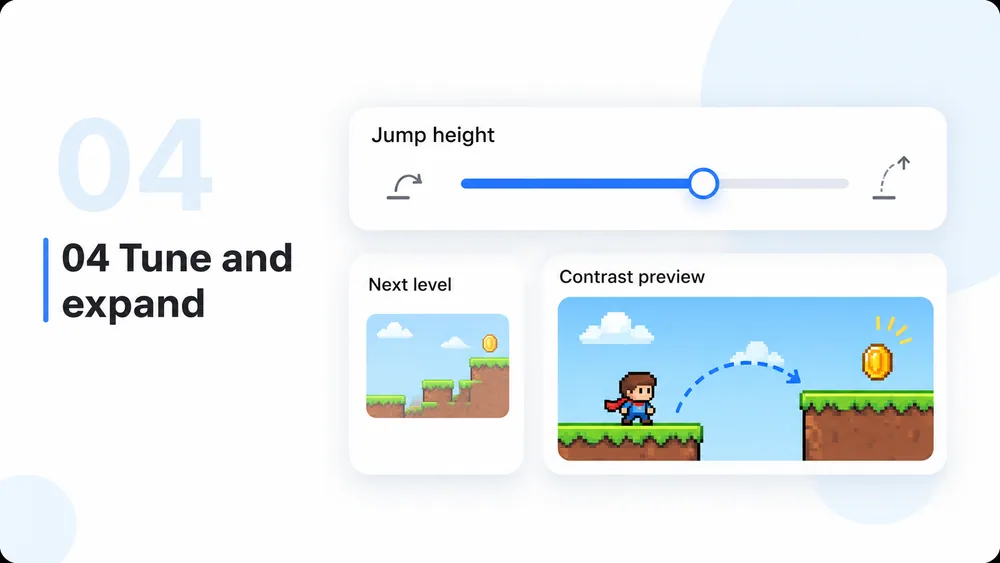
    Tune and add content carefully

    Adjust one system at a time, such as jump timing or ball speed, then replay the same tests. Add sprites, levels and effects after the core rules hold. Check performance and readability at the intended screen size.

    AI 2D Game Maker workflow concept, step 4: Tune and add content carefully.

AI 2D Game Maker: Questions and Answers

Choosing a view, working with sprites and maps, and verifying controls and collisions.

Build and Test Your 2D Game Systems