AI 3D Game Maker

Describe a small 3D scene, player controls and a clear game loop. Use MiniMax Code to help develop a browser-game prototype, then test movement, collisions and performance before expanding the project.

Describe Your Project

Choose a sample brief or write your own. Continue to MiniMax Code to build and review the project.

Sample project prompts

Four Ideas to Start From

Illustrative concepts, not finished MiniMax Code outputs. Adapt a prompt, then test the generated project before using it.

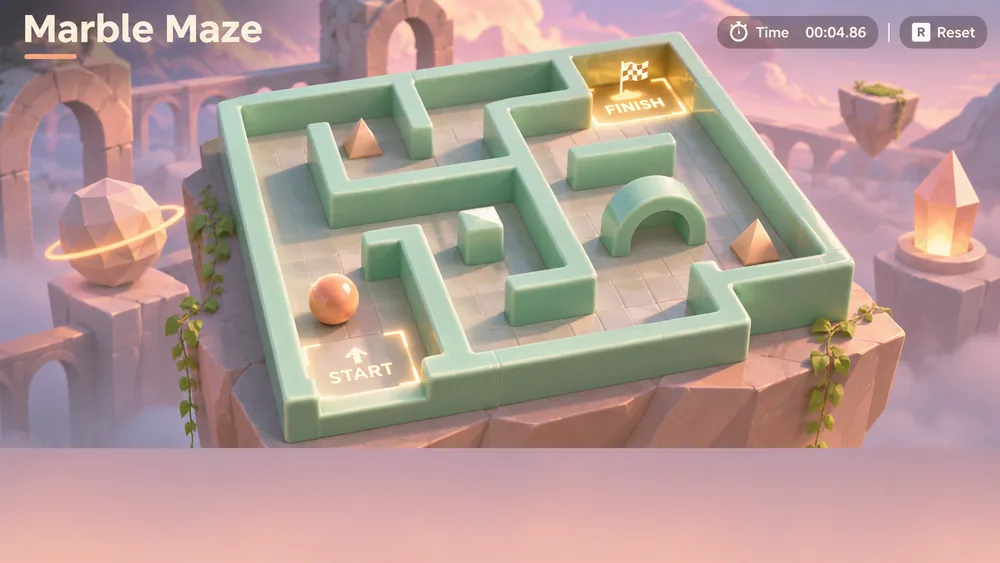
Illustrative concept for AI 3D Game Maker: Marble Maze. Not a finished product screenshot.

Prototype a compact physics-inspired maze with a visible finish and deliberate reset behavior.

Focus Your 3D Project

Define the intended use, review the important details, and keep the first version focused.

For indie prototypes

Validate one mechanic before building a world

Start with a small scene, one player action and an observable success condition. Ask for explicit controls and testable collisions. A focused prototype helps you assess the interaction without implying a production-ready game, professional asset pipeline or game-engine integration.

Try Now
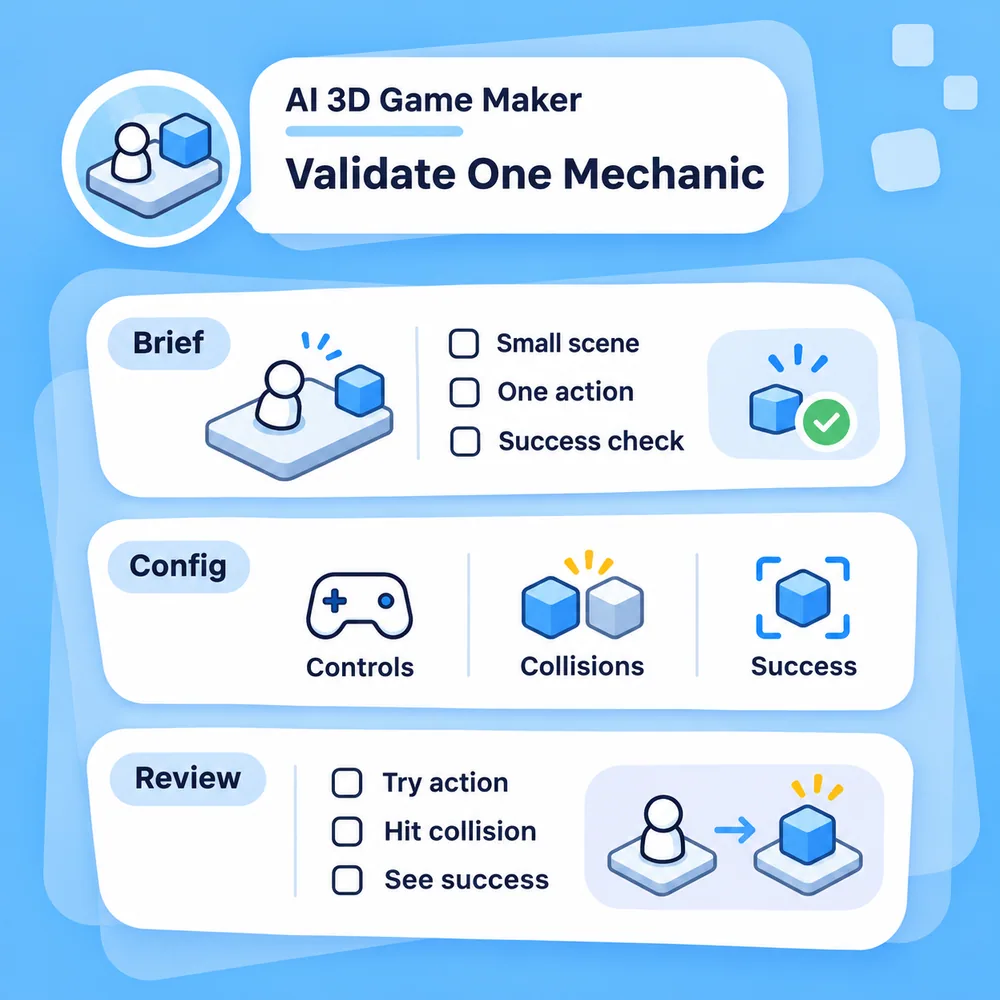
Illustrative workflow: Validate one mechanic before building a world.

For educational experiences

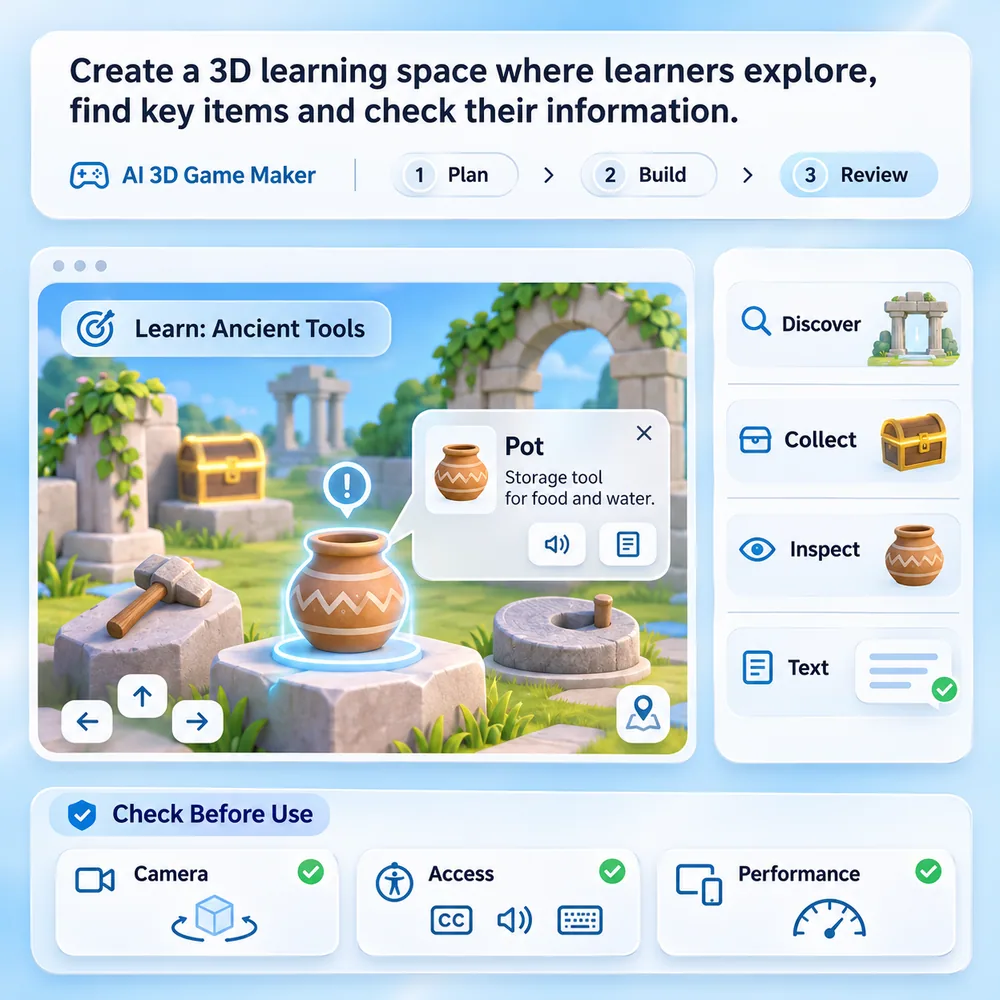
Make a 3D space serve a clear learning task

Describe what users should discover, collect or inspect, and provide reviewed text for each object. Request readable labels and simple navigation. Check camera motion, accessibility alternatives and performance on the intended devices before using the experience with learners.

Try Now
Illustrative workflow: Make a 3D space serve a clear learning task.

From Brief to Reviewed Project in Four Steps

Use this workflow to scope, build, check and refine your project. The steps illustrate a process, not guaranteed results.

  1. Step.01

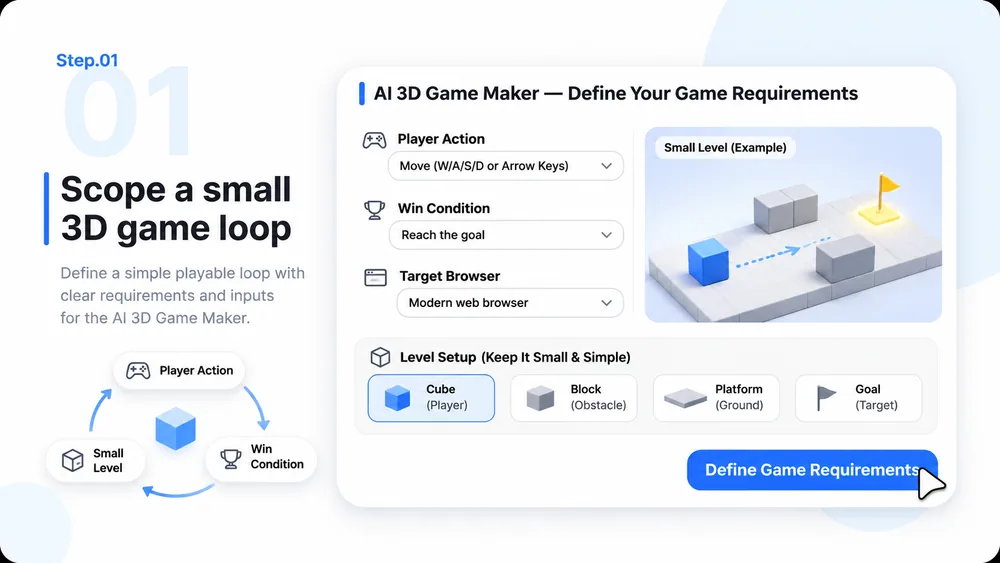
    Scope a small 3D game loop

    Name the player action, win condition and target browser. Choose one small level and original placeholder geometry before asking for complex worlds.

    Step 1 illustration: Scope a small 3D game loop.
  2. Step.02

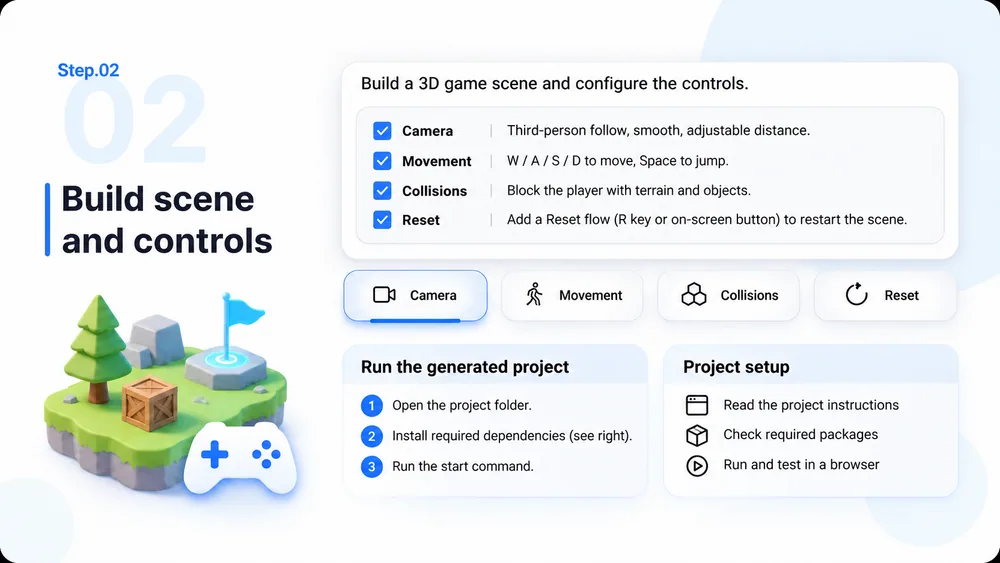
    Build scene and controls

    Request camera behavior, movement, collisions and a reset flow. Ask for clear instructions to run the generated project and disclose any required dependencies.

    Step 2 illustration: Build scene and controls.
  3. Step.03

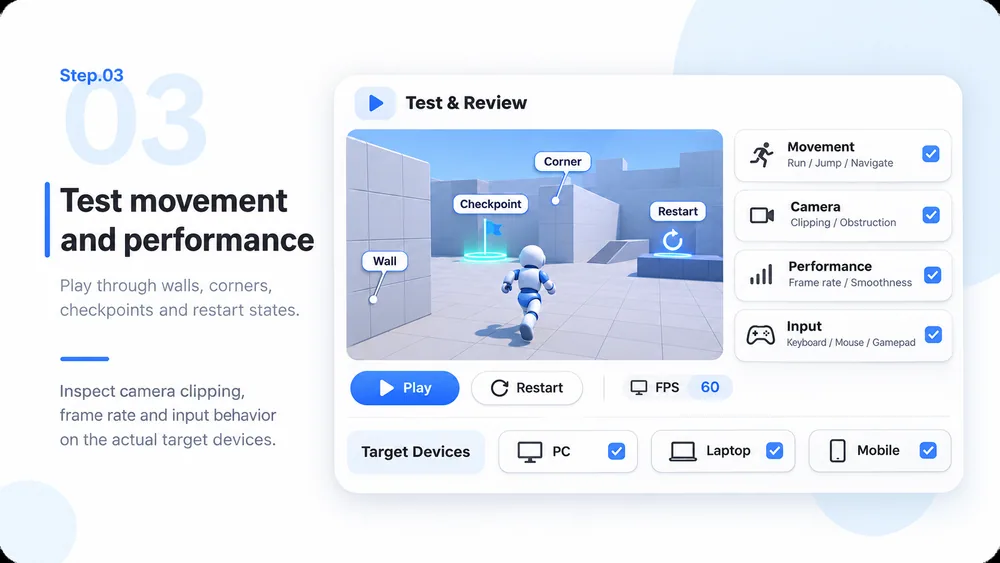
    Test movement and performance

    Play through walls, corners, checkpoints and restart states. Inspect camera clipping, frame rate and input behavior on the actual target devices.

    Step 3 illustration: Test movement and performance.
  4. Step.04

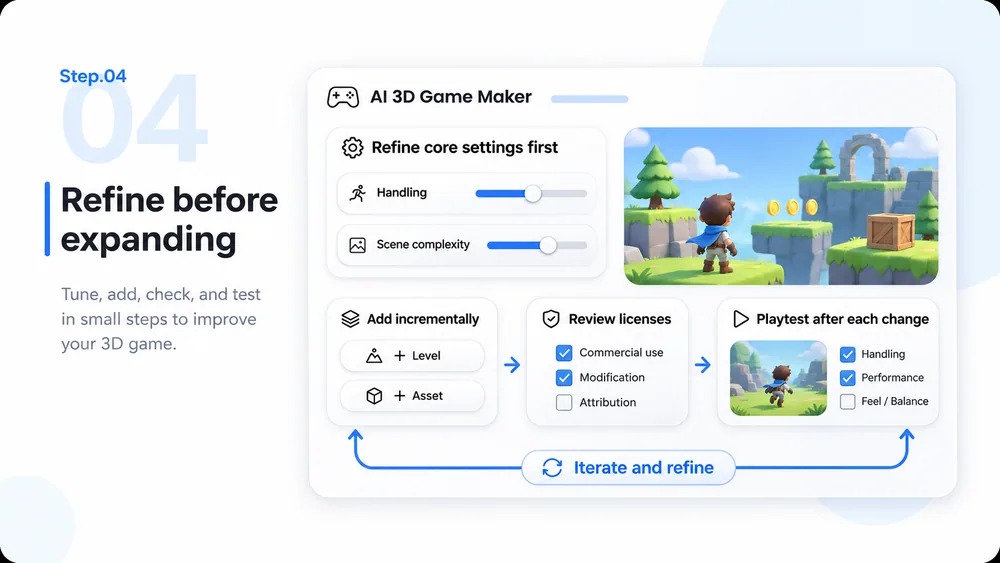
    Refine before expanding

    Adjust handling and scene complexity first. Add levels or assets incrementally, review their licenses, and repeat playtesting after each change.

    Step 4 illustration: Refine before expanding.

AI 3D Game Maker: Questions and Answers

What to request, what to review, and what this project workflow does not include by default.

Start With One Playable 3D Idea