Face Swap Briefs for Consented Creative Portraits

Plan a face swap using images you are authorized to use. MiniMax Code can help specify the creative goal, check pose and lighting, and organize a review before you share a clearly labeled edit.

Plan Your Face Swap Workflow

Start with a text brief in MiniMax Code. Provide authorized source images there after confirming a suitable tool. This page does not upload or process images.

Choose a starting point

Creative Portrait Directions, Clearly Illustrated

All portraits below are generated fictional adults. They illustrate styling directions, not actual face swaps or product capability demonstrations.

Illustrative face swap concept: cinematic character. Explore an invented character in a vintage costume. Keep the result clearly fictional rather than implying a real person appeared in the scene.

Explore an invented character in a vintage costume. Keep the result clearly fictional rather than implying a real person appeared in the scene.

Start with Consent. Finish with a Clear Label.

A face swap brief should establish permission and context before it discusses visual quality.

PERMISSION AND PURPOSE

Plan Consented Edits

Use your own authorized images, fictional characters, or adult subjects who have agreed to the specific edit and intended sharing. MiniMax Code can help document the creative goal and constraints. Do not use face swapping for impersonation, identity checks, harassment, or non-consensual intimate imagery.

Try Now
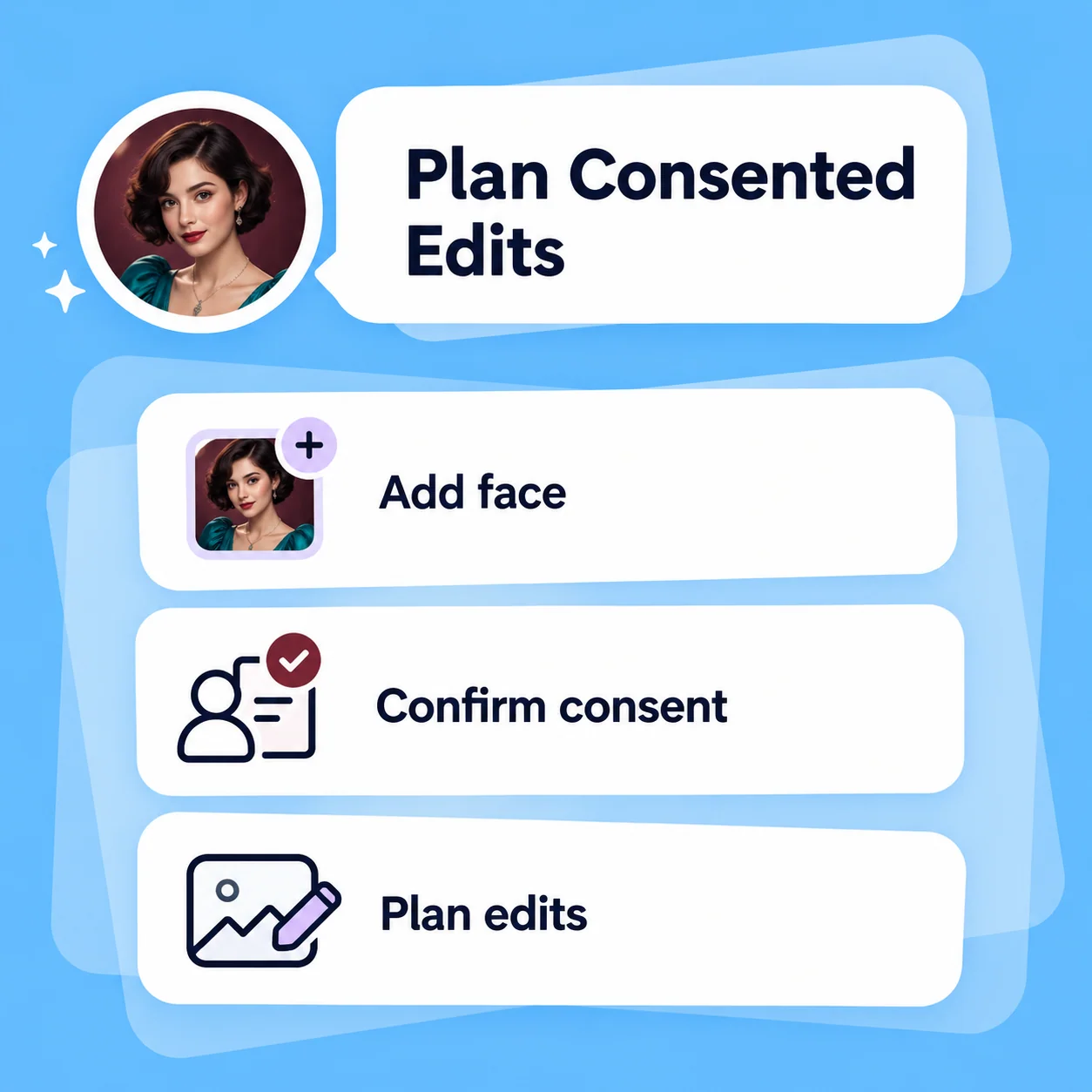
Conceptual workflow illustration for face swap: plan consented edits.

VISUAL COMPATIBILITY

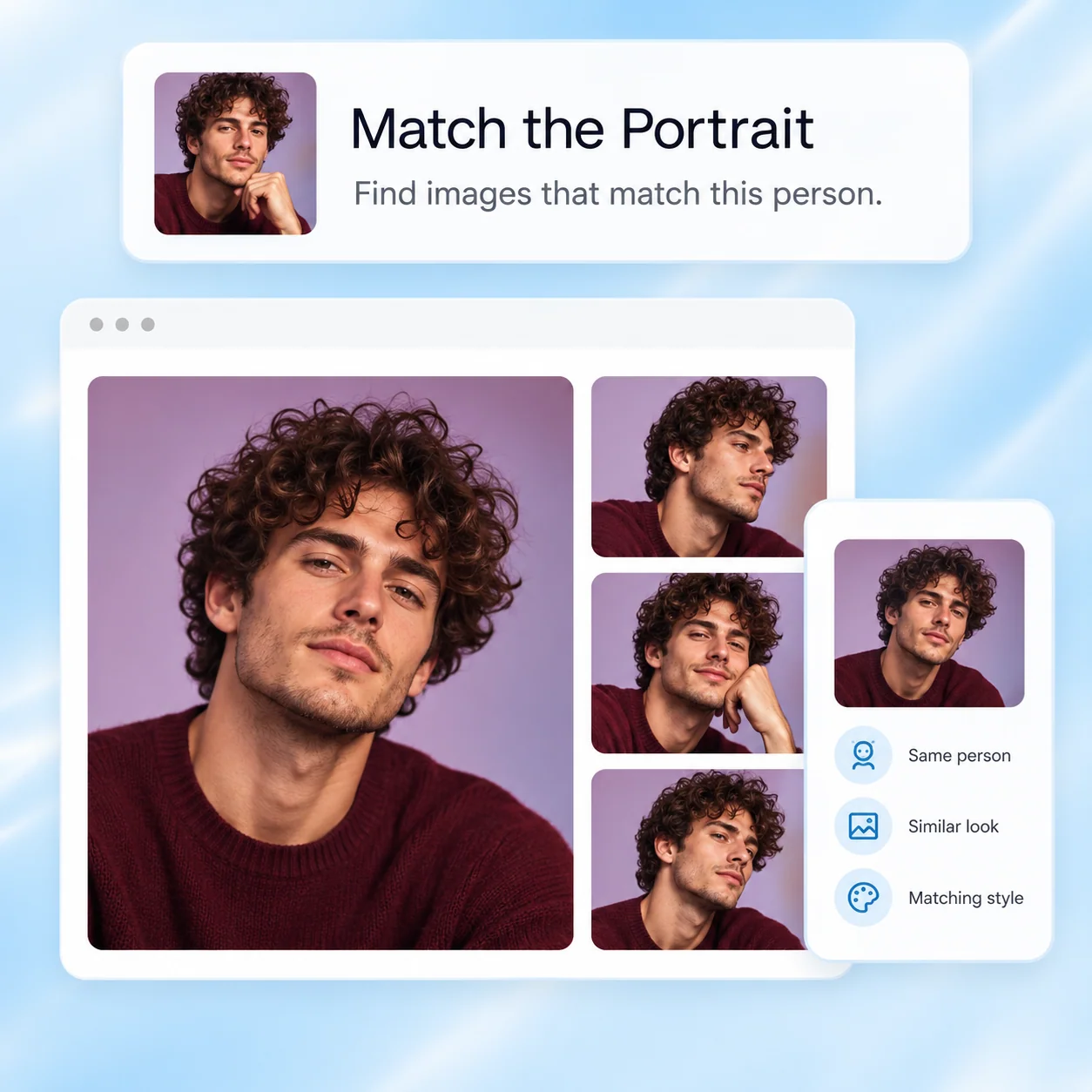
Match the Portrait

Compare source and target pose, expression, camera angle, light direction, and face size. Similar references usually make review easier, but no combination guarantees a natural result. Ask which tools are available before treating this brief as an executable image-processing task.

Try Now
Conceptual workflow illustration for face swap: match the portrait.

RESPONSIBLE DELIVERY

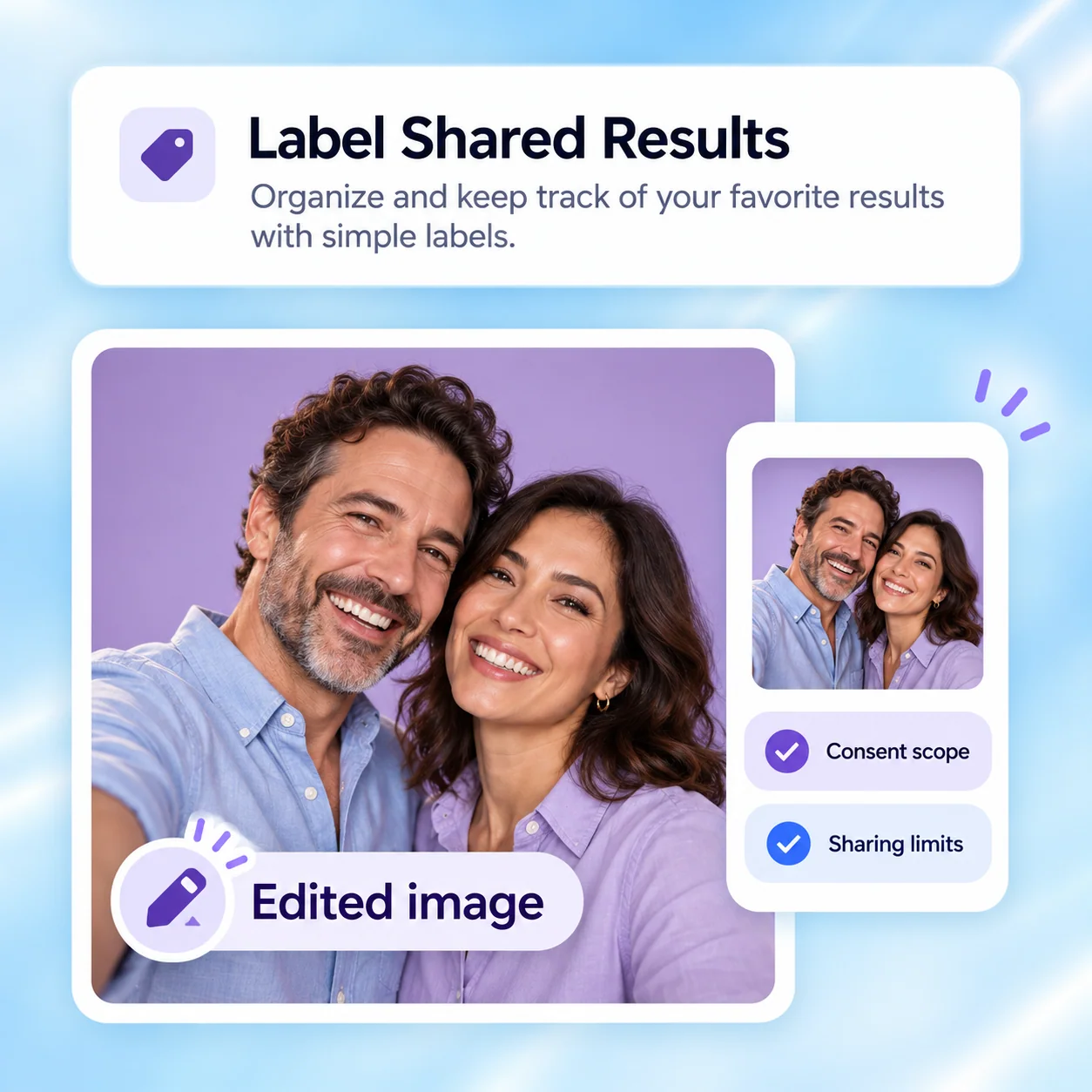
Label Shared Results

Inspect the hairline, eyes, jaw, ears, and neck transition, then check that the result stays within the agreed purpose. Keep consent records outside the public prompt and disclose the manipulation when sharing. A convincing portrait must not be used to mislead people about identity or real events.

Try Now
Conceptual workflow illustration for face swap: label shared results.

A Casual Swap Request vs. a Responsible Brief

Process checks for creative editing—not a promise of biometric accuracy or a native face-swap feature.

Unstructured approach

Permission
Uses any portrait found online
Purpose
Leaves the audience and context unclear
References
Pairs mismatched angles blindly
Review
Checks only whether the face looks convincing
Sharing
Presents the image as an unedited photo

Guided workflow

Permission
Confirms rights and specific consent for real adults
Purpose
Defines a non-deceptive creative use
References
Checks pose, light, expression, and scale
Review
Checks boundaries, consent scope, and misleading context
Sharing
Labels the result and follows the agreed sharing scope

Prepare a Responsible Face Swap in Four Steps

Use the product for the actual task. The diagrams below explain the workflow and are not screenshots of available controls.

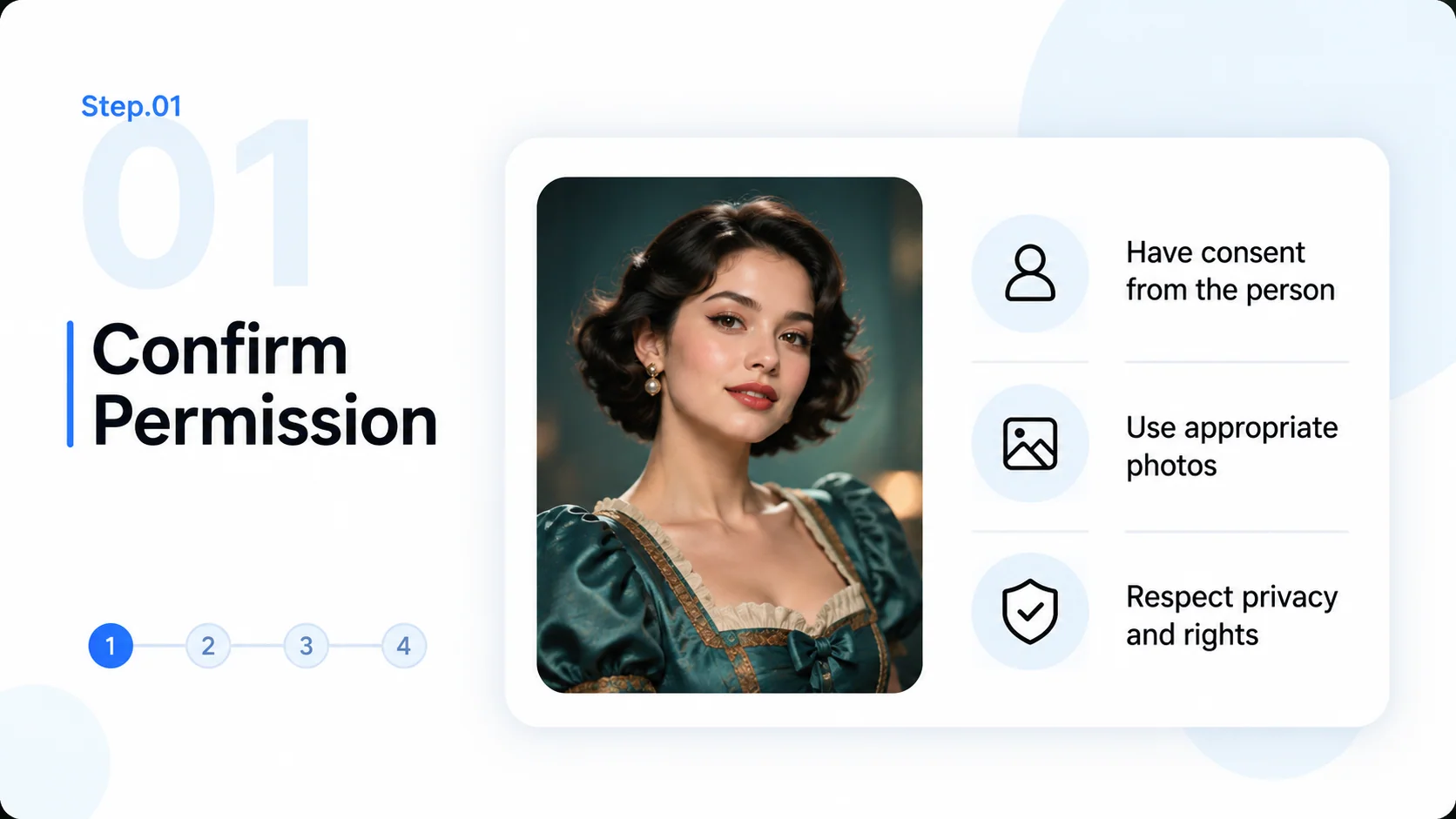
  1. Step.01

    Confirm Permission

    Establish image rights, adult-subject consent, and the intended creative use. Do not proceed with impersonation or non-consensual sexual content.

    Step 1 conceptual diagram: confirm permission for the face swap workflow.
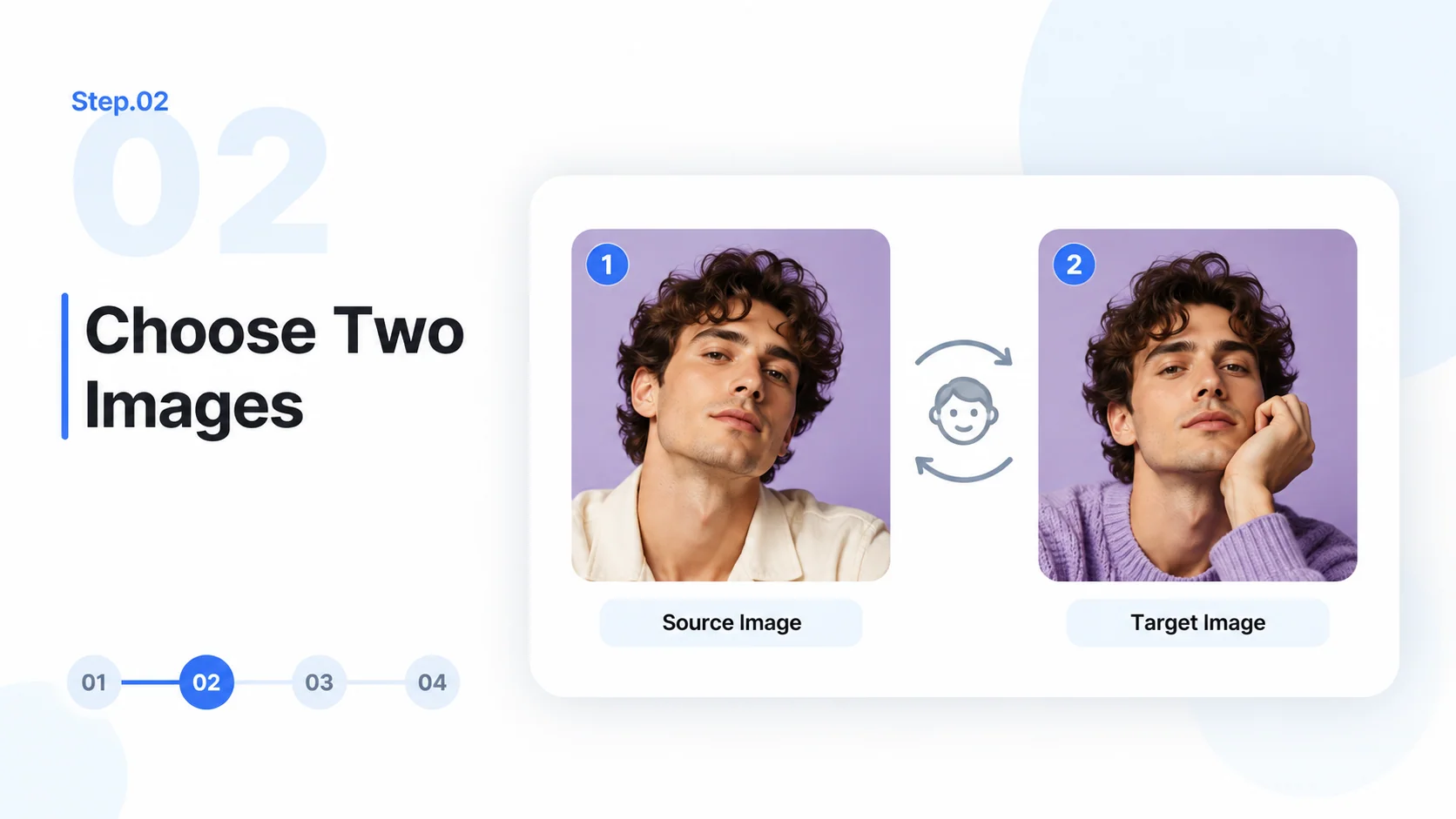
  2. Step.02

    Choose Two Images

    Provide authorized source and target images in the relevant product tool. Check pose and lighting, and confirm that face-swap processing is supported.

    Step 2 conceptual diagram: choose two images for the face swap workflow.
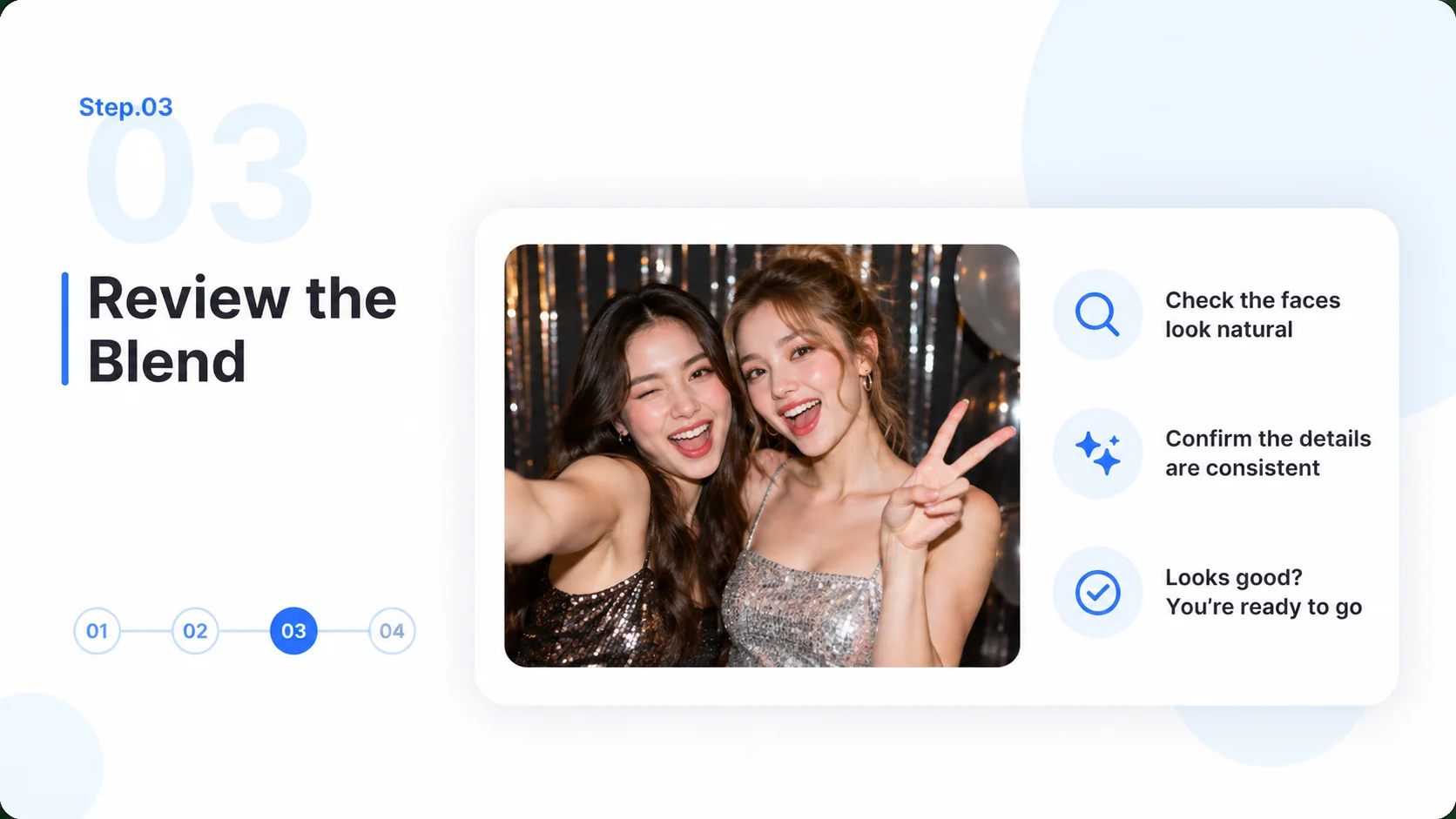
  3. Step.03

    Review the Blend

    Inspect hairline, face angle, eyes, jaw, and neck transitions. Ensure the edited scene remains within the agreed purpose and does not imply a real event.

    Step 3 conceptual diagram: review the blend for the face swap workflow.
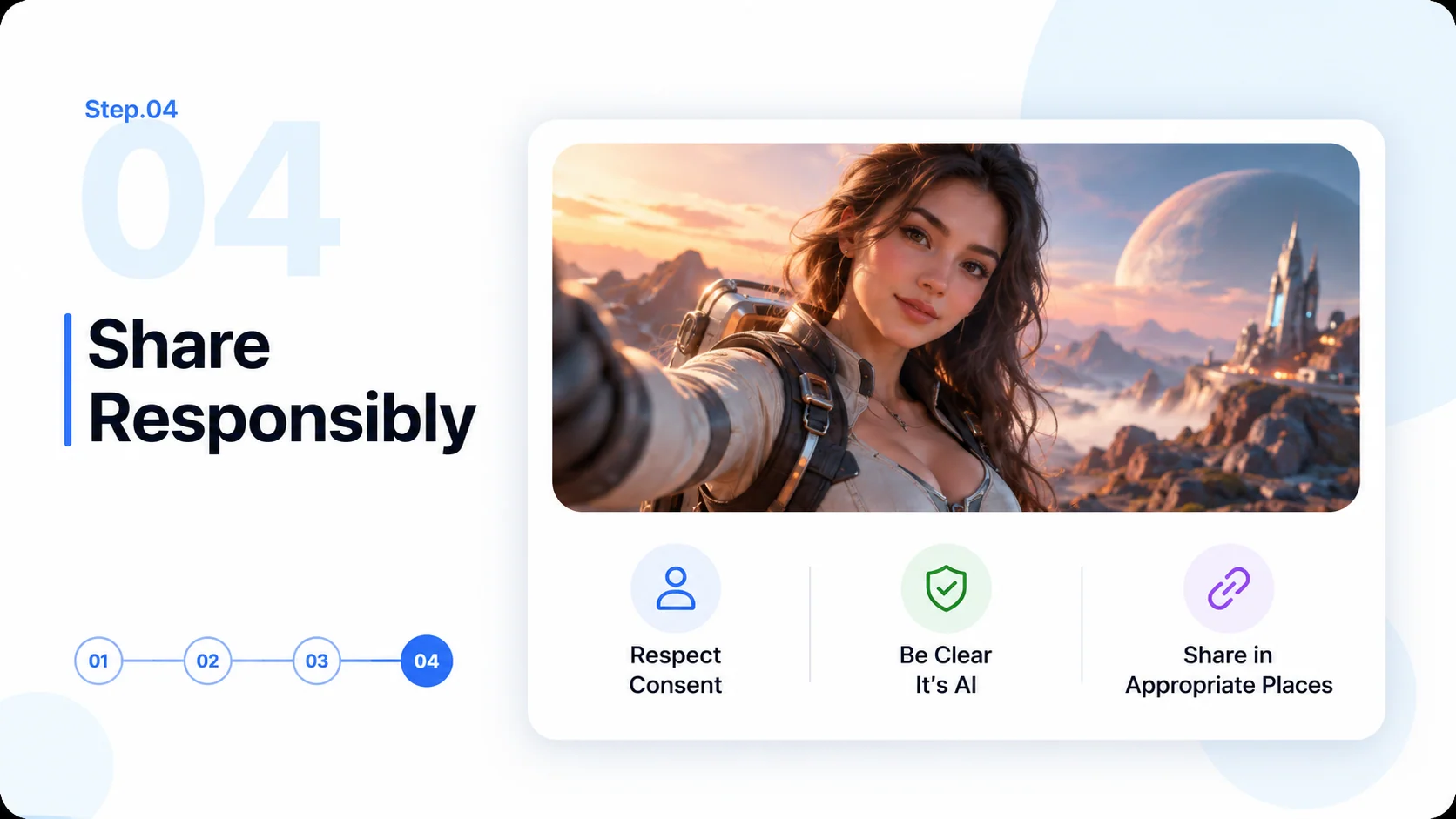
  4. Step.04

    Share Responsibly

    Save an approved version, label it as edited, and respect the subject’s sharing limits. Keep private source photos and consent details out of public links.

    Step 4 conceptual diagram: share responsibly for the face swap workflow.

Face Swap FAQ

Practical answers about source images, workflow limits, and reviewing the final deliverable.

Keep Creative Portraits Consented and Clear