AI Thumbnail Generator for Videos Worth Opening

Turn a video idea into a clear visual hook. Explore compositions, headline treatments, and thumbnail variations with MiniMax Code, then review them at feed size before publishing.

Start Your AI Thumbnail Generator Brief

Choose an example or describe your task, then continue in MiniMax Code.

Sample prompts

One Video Idea, Many Visual Directions

Explore four original thumbnail concepts. These AI-generated illustrations are design examples, not published videos or evidence of higher click-through rates.

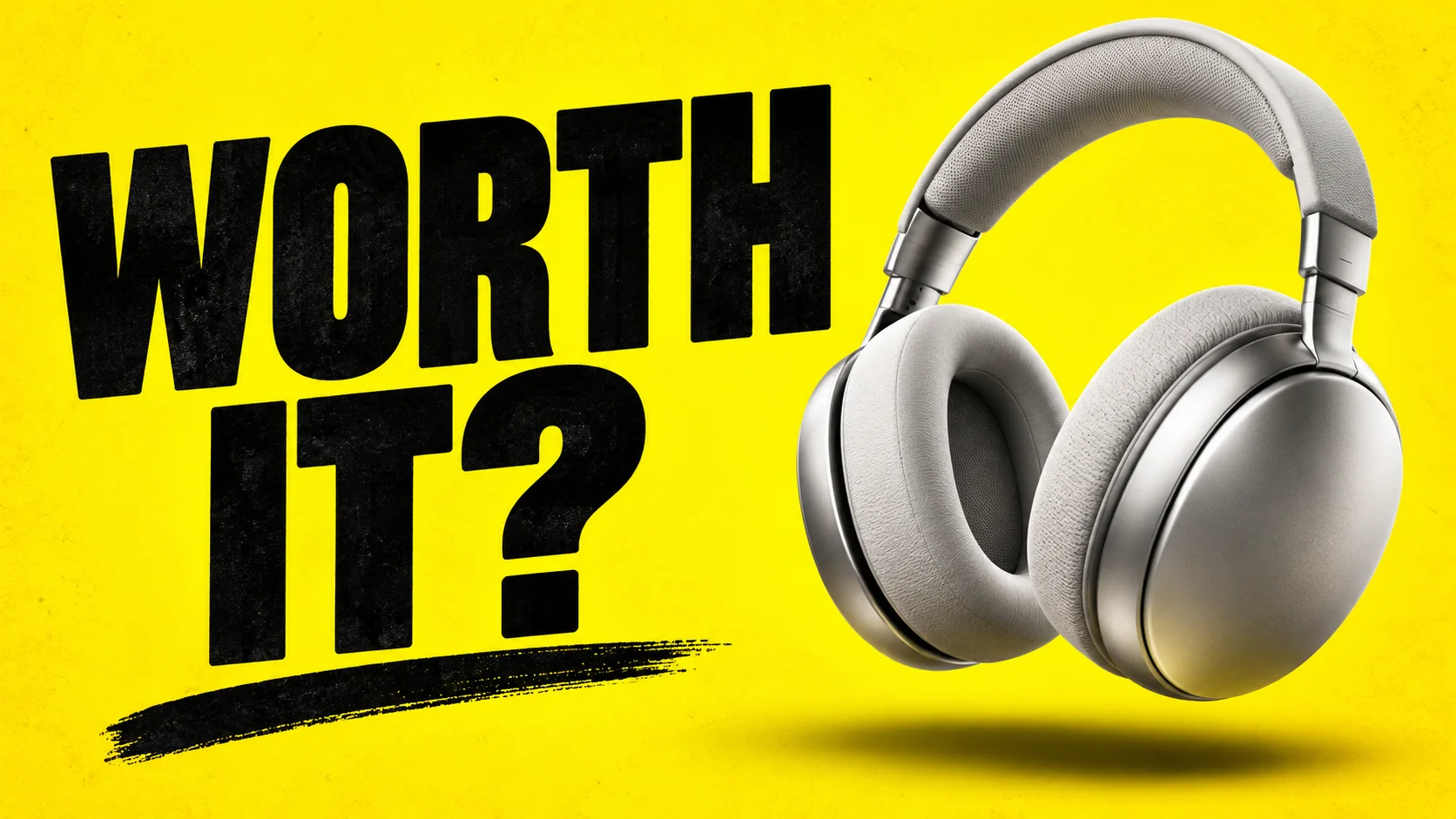
AI Thumbnail Generator: Tech Review. Illustrative concept, not a verified customer result.

A bold product close-up and short question create one clear focal point.

Create Thumbnails Around the Story

Keep the subject, audience, and viewing context connected from the first brief to the final cover.

Video Brief

Find the Hook Before Choosing the Layout

Tell the AI thumbnail generator what the video actually delivers and who should watch it. MiniMax Code can help turn that premise into a focused image brief: one subject, a recognizable action, and a short headline. Keep the promise accurate. A tutorial cover should show what viewers will learn, while a review should not imply a verdict the video never makes.

Try Now

Illustrative AI Thumbnail Generator workflow: Find the Hook Before Choosing the Layout.

Creative Variations

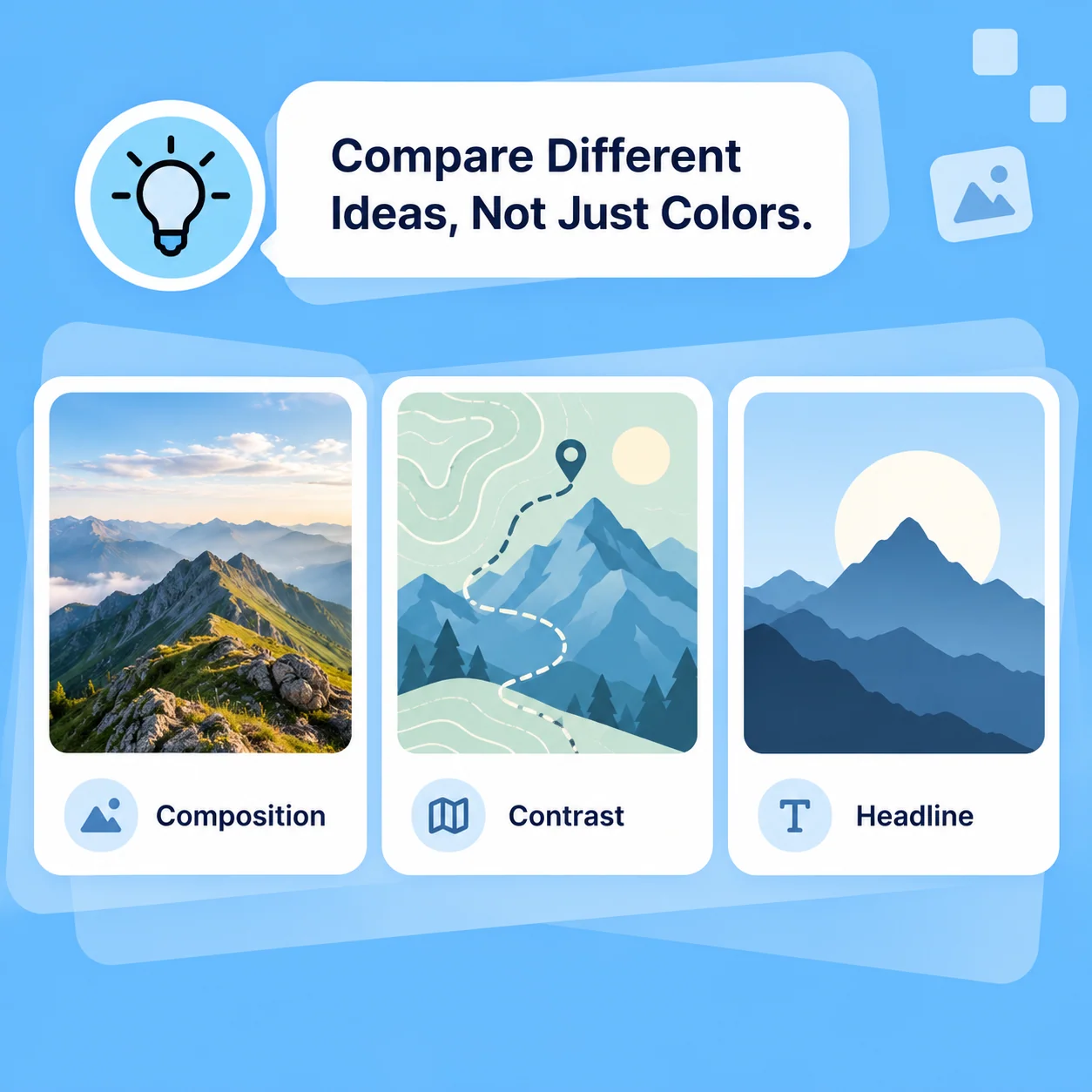
Compare Different Ideas, Not Just Colors

Try a product close-up, an environmental scene, or a graphic treatment while keeping the video topic fixed. Ask for specific revisions to subject scale, negative space, contrast, and headline placement. Comparing meaningfully different directions is more useful than collecting many nearly identical covers. Generated lettering and details still need inspection.

Try Now
Illustrative AI Thumbnail Generator workflow: Compare Different Ideas, Not Just Colors.

Feed Readiness

Check the Small-Screen View

Review the chosen cover at its expected feed size, not only full screen. Make sure the subject is recognizable, the words are legible, and the duration badge will not cover critical content. Match the thumbnail to the title without repeating every word. Resize or refine the final file in your chosen workflow and check the publishing platform requirements.

Try Now
Illustrative AI Thumbnail Generator workflow: Check the Small-Screen View.

From Blank Canvas to a Focused Cover

A comparison of workflows, not measured performance. Review facts and outputs before using them.

Working Manually

Starting point
Gather inspiration and arrange assets by hand
Variation
Rebuild separate layouts manually
Headline
Choose and place every word
Review
Check the cover against the video and platform requirements
Performance
Measure results after publishing

With MiniMax Code

Starting point
Turn the video premise into an image brief and initial directions
Variation
Explore distinct compositions through revised prompts
Headline
Try short headline treatments, then inspect generated lettering
Review
Keep the same accuracy, readability, and export checks
Performance
No guaranteed clicks or views; evaluate actual audience response

Make a Thumbnail in Four Steps

Prepare a focused brief, work in MiniMax Code, and review the result before the final handoff.

  1. Step.01

    Describe the Video

    Enter the topic, audience, key moment, and a truthful visual promise. Continue in MiniMax Code to develop the image brief.

    Illustrative AI Thumbnail Generator step 1: Describe the Video.
  2. Step.02

    Choose a Direction

    Specify the focal subject, visual style, color palette, aspect ratio, and any exact headline text.

    Illustrative AI Thumbnail Generator step 2: Choose a Direction.
  3. Step.03

    Refine the Cover

    Compare compositions and request targeted changes to framing, contrast, text placement, and unnecessary details.

    Illustrative AI Thumbnail Generator step 3: Refine the Cover.
  4. Step.04

    Review at Feed Size

    Inspect the cover on a small preview, verify the wording and video match, then prepare the required file for upload.

    Illustrative AI Thumbnail Generator step 4: Review at Feed Size.

AI Thumbnail Generator FAQs

Practical answers about inputs, scope, product workflow, and review.

Give Your Next Video a Clear Visual Hook