AI Tattoo Generator for Ideas You Can Make Your Own

Develop a tattoo concept around your symbols, style, and preferred placement. Use MiniMax Code to explore visual directions and prepare a thoughtful reference for a professional tattoo artist.

Start Your AI Tattoo Generator Brief

Choose an example or describe your task, then continue in MiniMax Code.

Sample prompts

Distinct Motifs for a Personal Tattoo Brief

These AI-generated designs are concept references on paper, not tattoos on skin or artist-approved stencils. A professional tattoo artist should adapt any selected idea.

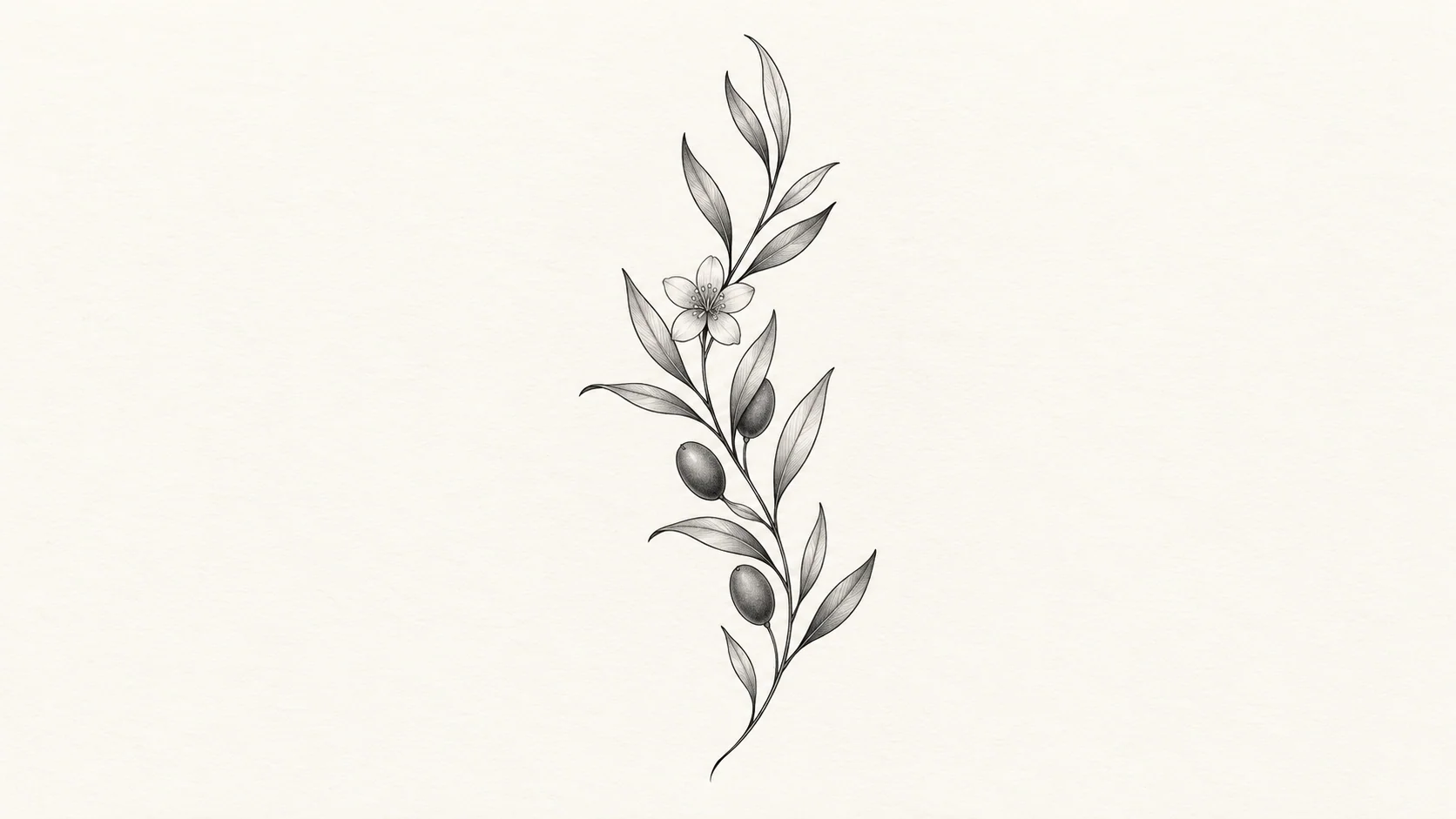
AI Tattoo Generator: Botanical Linework. Illustrative concept, not a verified customer result.

An airy botanical arrangement explores delicate lines and intentional negative space.

Move from Inspiration to an Artist-Ready Conversation

Explore the idea visually, then let a qualified artist assess its fit, execution, and long-term clarity.

Personal Meaning

Start with a Motif That Matters to You

Tell the AI tattoo generator the story, memory, or visual theme you want to explore. Specify symbols to include or avoid and whether you prefer botanical, geometric, illustrative, or brushwork designs. MiniMax Code can help compare directions without treating the first result as a final decision. Check the meaning of unfamiliar symbols before using them.

Try Now
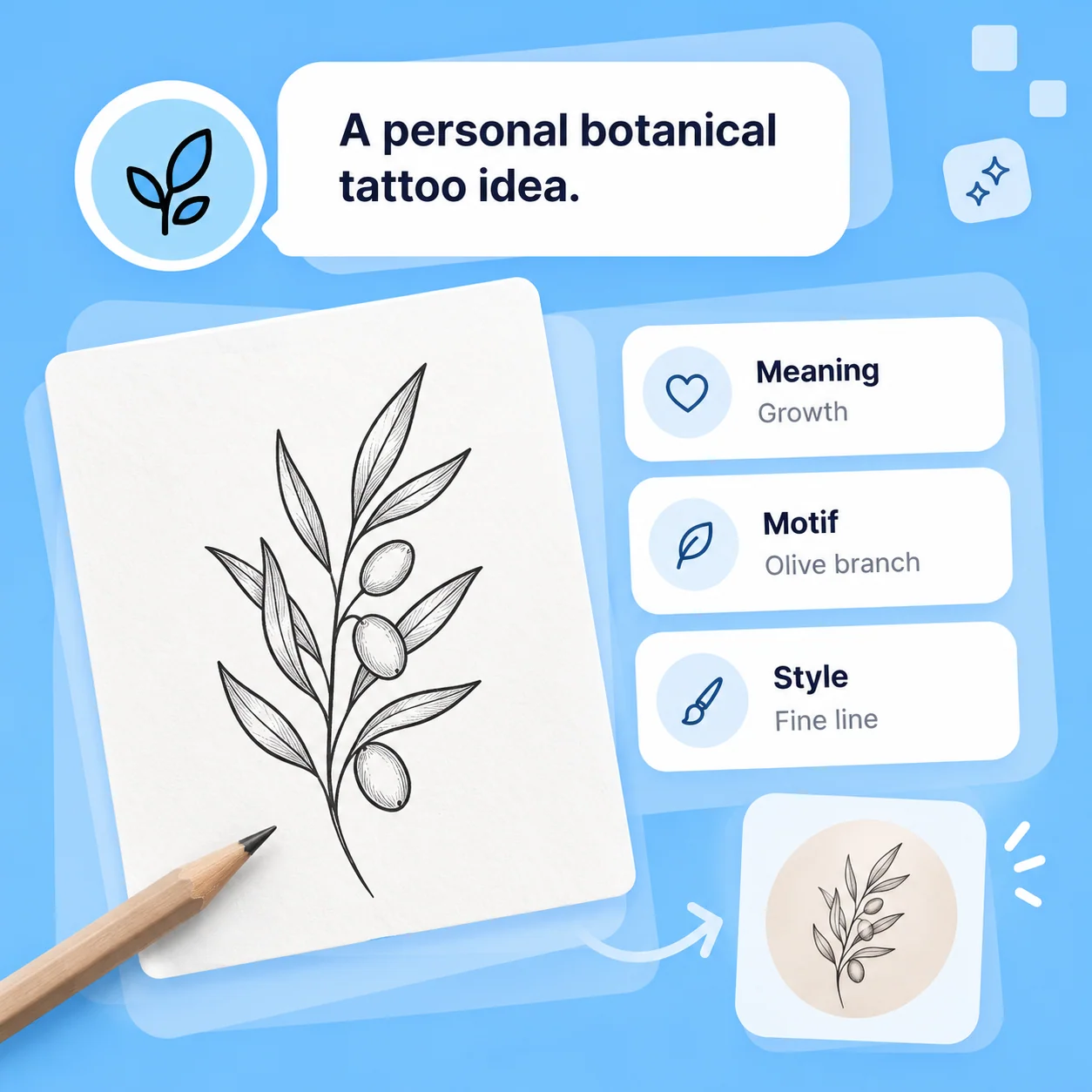
Illustrative AI Tattoo Generator workflow: Start with a Motif That Matters to You.

Placement and Scale

Think About Shape Before Adding Detail

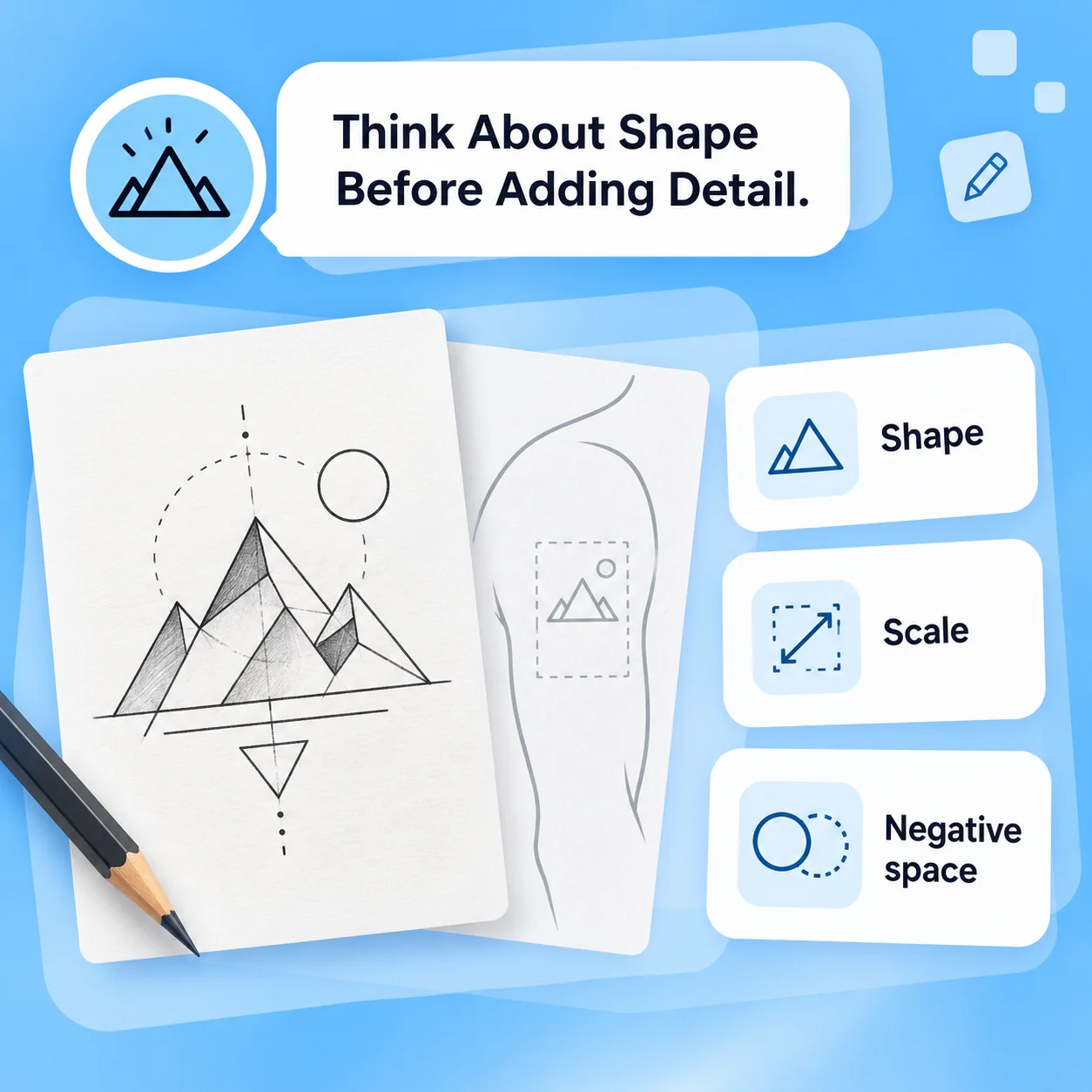
Describe the intended placement and approximate size so the concept can explore an appropriate overall shape. Keep the drawing readable with clear line hierarchy and negative space. AI artwork cannot determine how a design will sit on your body or age on skin. Ask a professional tattoo artist to assess scale, line density, placement, and practical changes.

Try Now
Illustrative AI Tattoo Generator workflow: Think About Shape Before Adding Detail.

Artist Collaboration

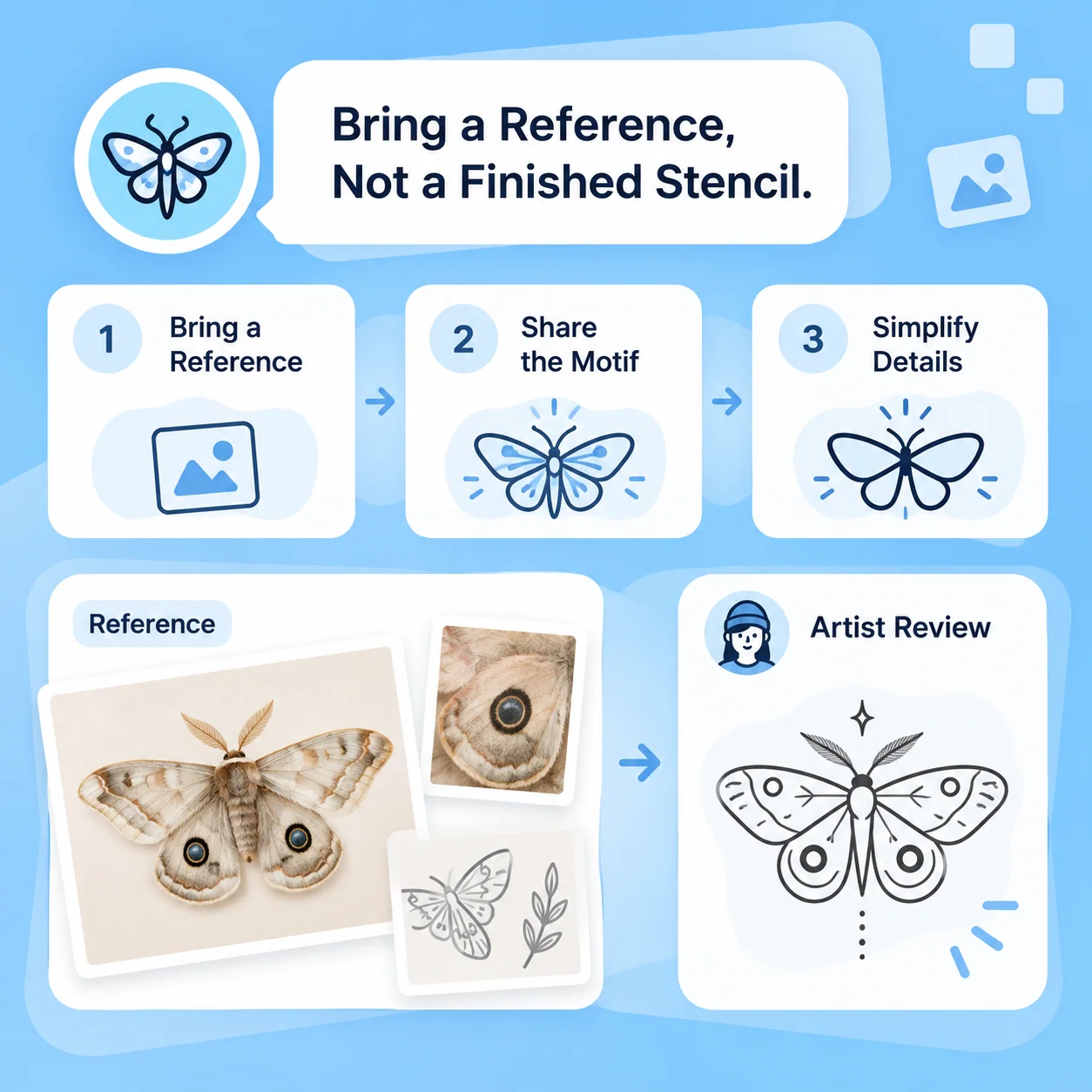
Bring a Reference, Not a Finished Stencil

Choose the direction you like and note what matters: motif, mood, line weight, and details you are willing to change. Share that brief with a professional artist and invite them to redraw or adapt it. A generated concept is not an approved stencil, a safety assessment, or a promise about the final tattoo. Use original references and respect other artists’ work.

Try Now
Illustrative AI Tattoo Generator workflow: Bring a Reference, Not a Finished Stencil.

A Better Starting Point for a Tattoo Consultation

A comparison of workflows, not measured performance. Review facts and outputs before using them.

Working Manually

Inspiration
Collect references and explain your preferences
Exploration
Sketch or discuss separate design directions
Placement
Discuss body placement and size with an artist
Production
An artist adapts the design and prepares a stencil
Decision
Review rights, meaning, suitability, and consent

With MiniMax Code

Inspiration
Turn your motif and meaning into an original visual brief
Exploration
Compare linework, layout, and detail through prompts
Placement
Use placement as context, then seek the same artist assessment
Production
Generated artwork remains a reference, not an approved stencil
Decision
Keep professional review before making a permanent choice

Explore a Tattoo Concept in Four Steps

Prepare a focused brief, work in MiniMax Code, and review the result before the final handoff.

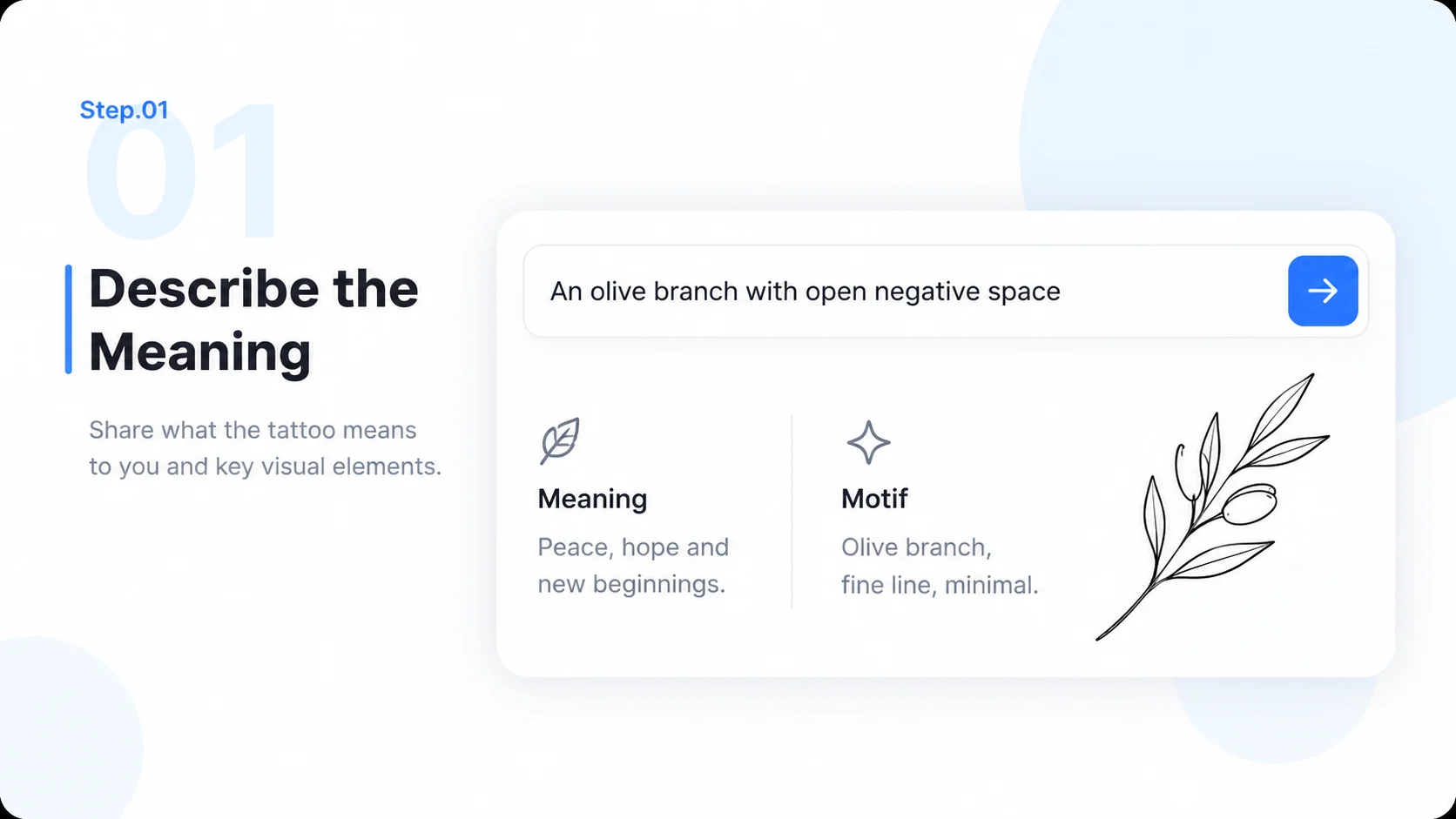
  1. Step.01

    Describe the Meaning

    Write the motif, personal context, style, and symbols to include or avoid. Continue the design brief in MiniMax Code.

    Illustrative AI Tattoo Generator step 1: Describe the Meaning.
  2. Step.02

    Set Shape and Placement

    Describe the approximate size and intended area as design context. Keep practical placement decisions for a professional artist.

    Illustrative AI Tattoo Generator step 2: Set Shape and Placement.
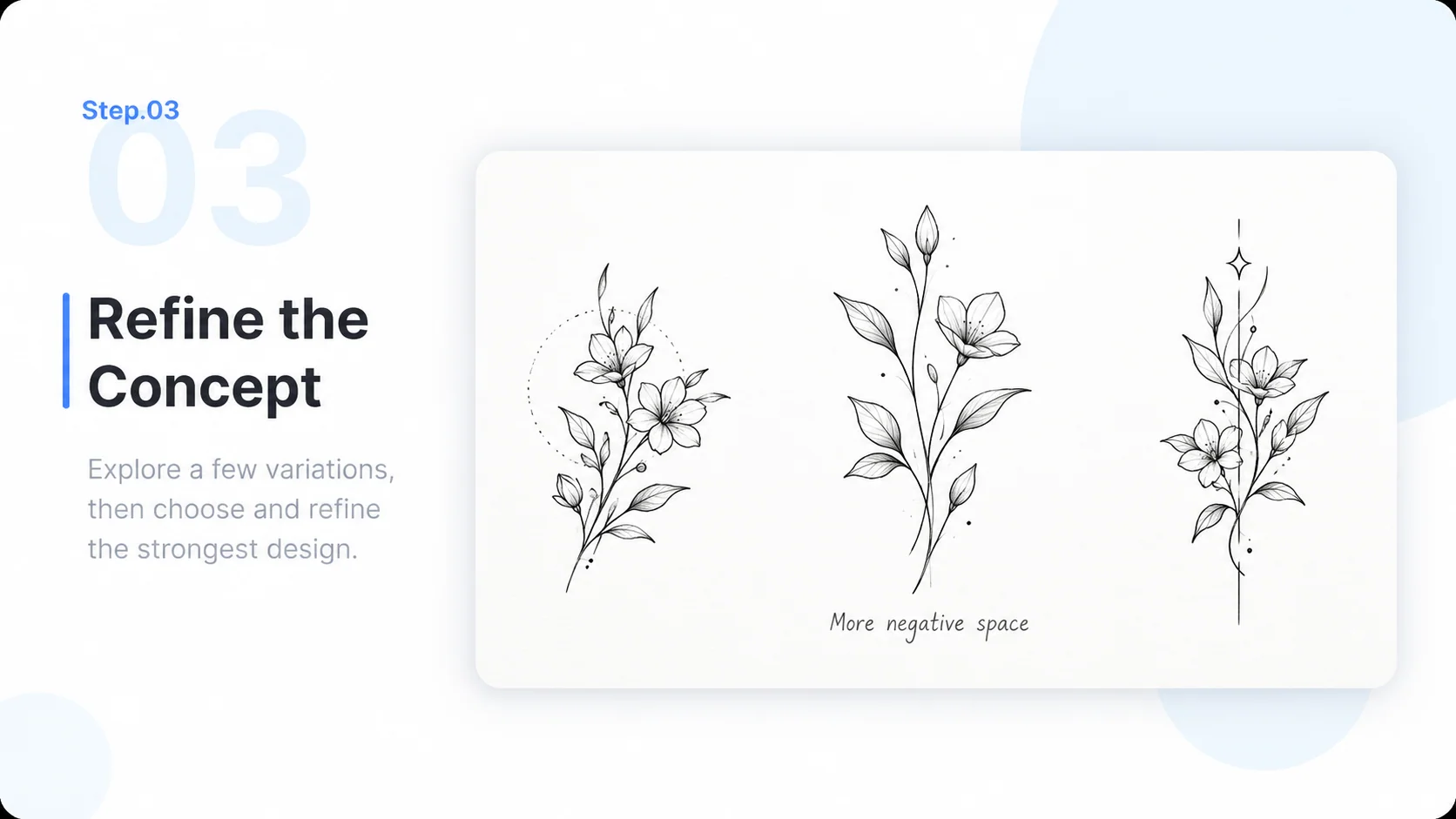
  3. Step.03

    Refine the Concept

    Compare linework, composition, and detail. Request simpler shapes or a different motif while preserving the idea you value.

    Illustrative AI Tattoo Generator step 3: Refine the Concept.
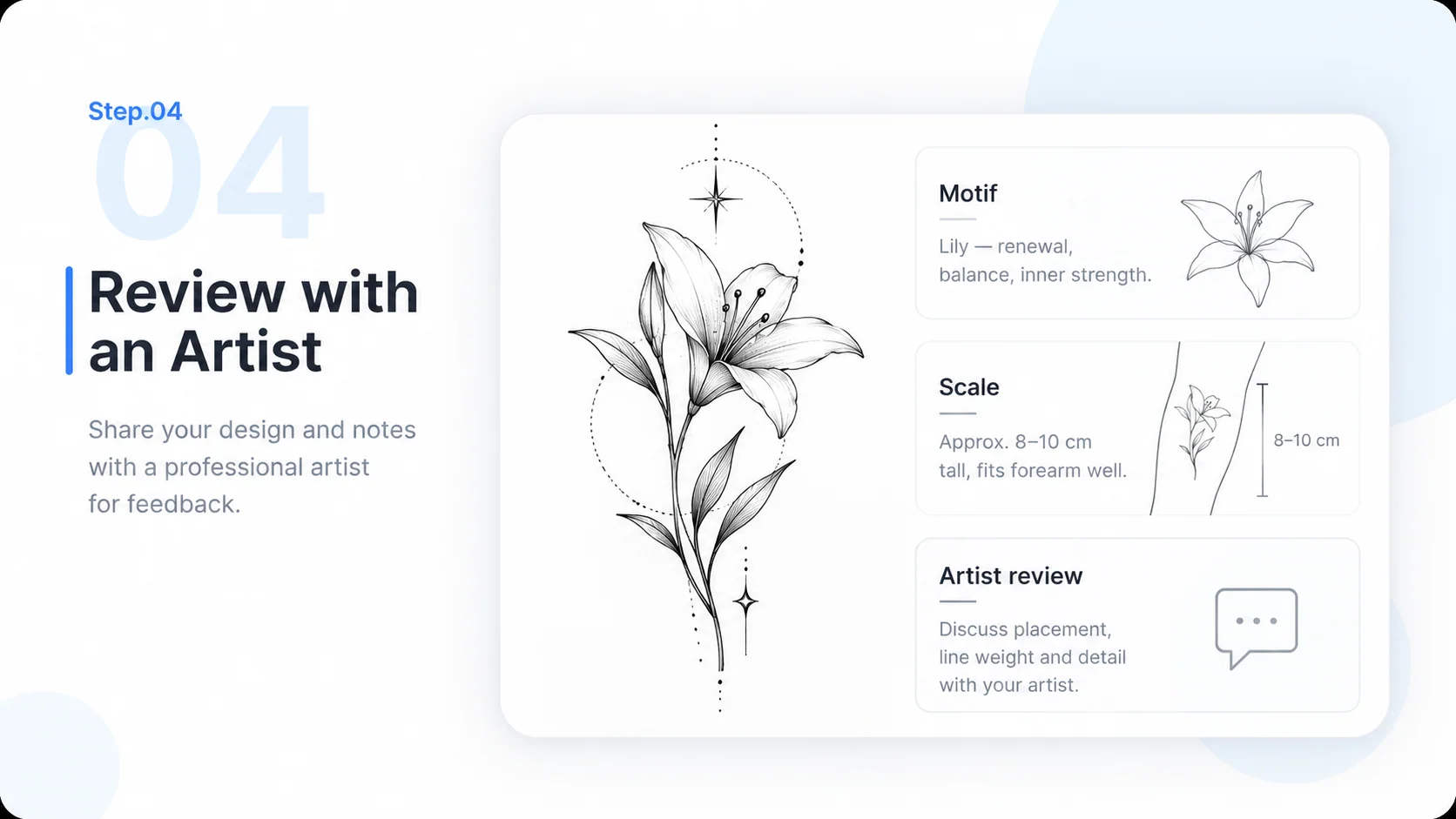
  4. Step.04

    Review with an Artist

    Bring the concept and your notes to a professional tattoo artist for adaptation, suitability, and a proper stencil process.

    Illustrative AI Tattoo Generator step 4: Review with an Artist.

AI Tattoo Generator FAQs

Practical answers about inputs, scope, product workflow, and review.

Bring a More Personal Idea to Your Tattoo Artist