AI Report Generator for Evidence You Can Explain

Turn permitted notes, documents, and data into a report built for its reader. MiniMax Code helps structure findings, create supporting charts, and keep sources and unresolved questions visible from outline to review.

Start Your AI Report Generator Brief

Choose an example or describe your task, then continue in MiniMax Code.

Sample prompts

Reports Shaped Around the Decision

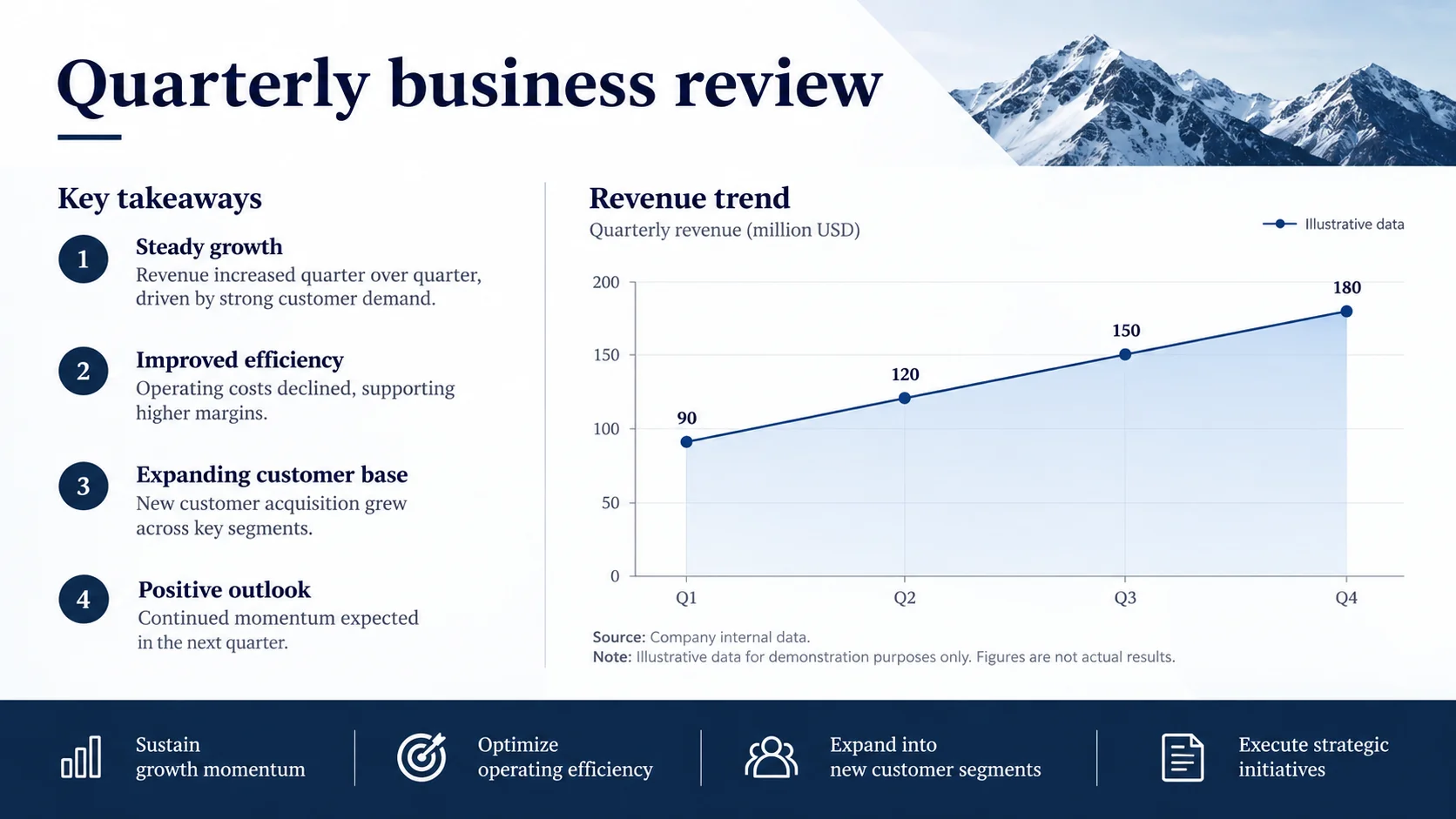
Illustrative report layouts show different structures for business performance, project delivery, research, and operations. Sample data is not a real company result.

AI Report Generator: Business Review. Illustrative concept, not a verified customer result.

An executive report combining verified metrics, explanations, and decisions for the next reporting period.

Connect the Report to Its Evidence and Reader

A useful report explains what the material establishes, what remains uncertain, and which decision it supports.

Report Structure

Choose the Sections Your Reader Needs

Start with the report purpose, audience, reporting period, and decision. Use it as a business report generator to organize an executive summary, findings, supporting evidence, limitations, and next actions. Keep the structure proportional to the question: an update for a project sponsor needs a different flow from a research brief. Reuse approved terminology and explain unfamiliar metrics.

Try Now
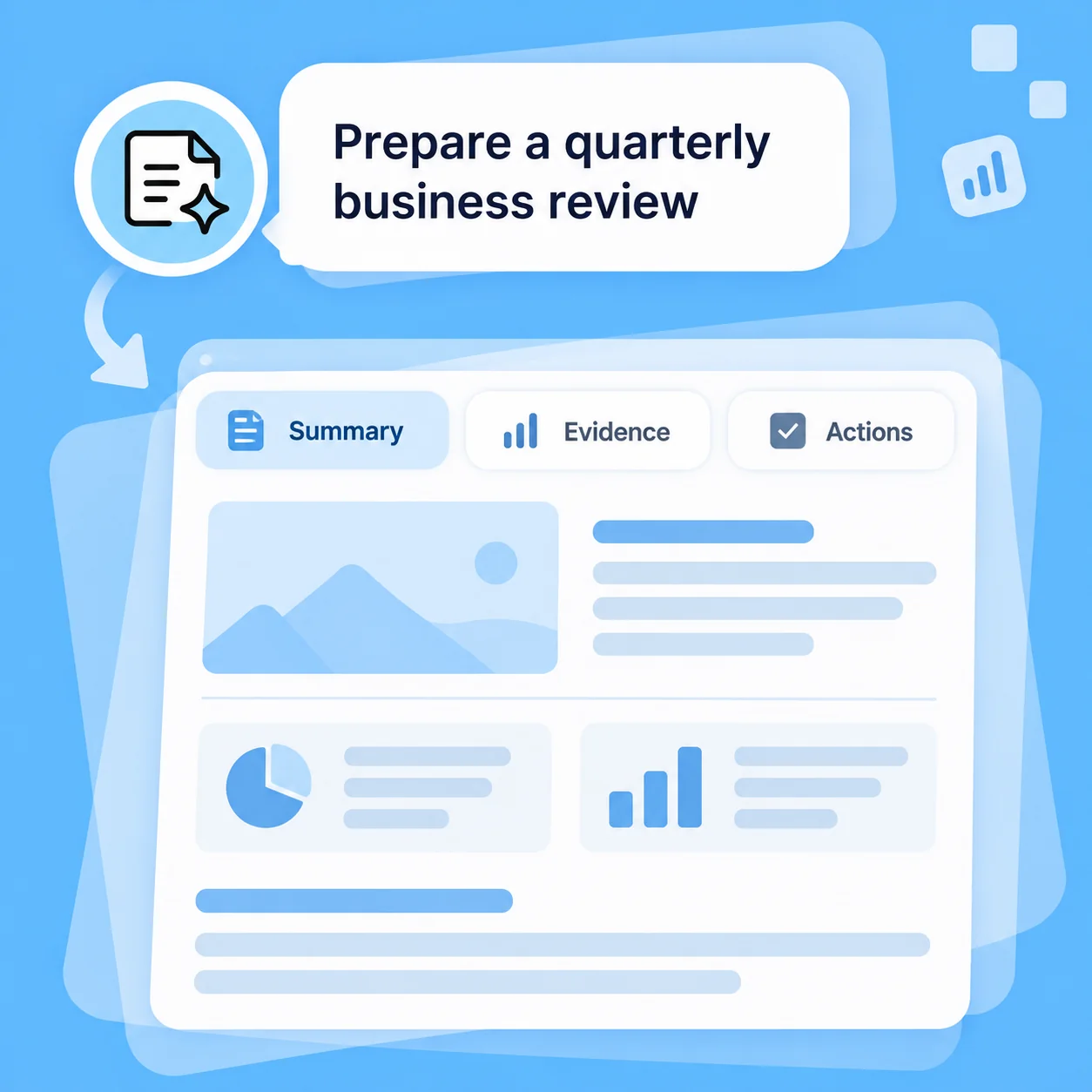
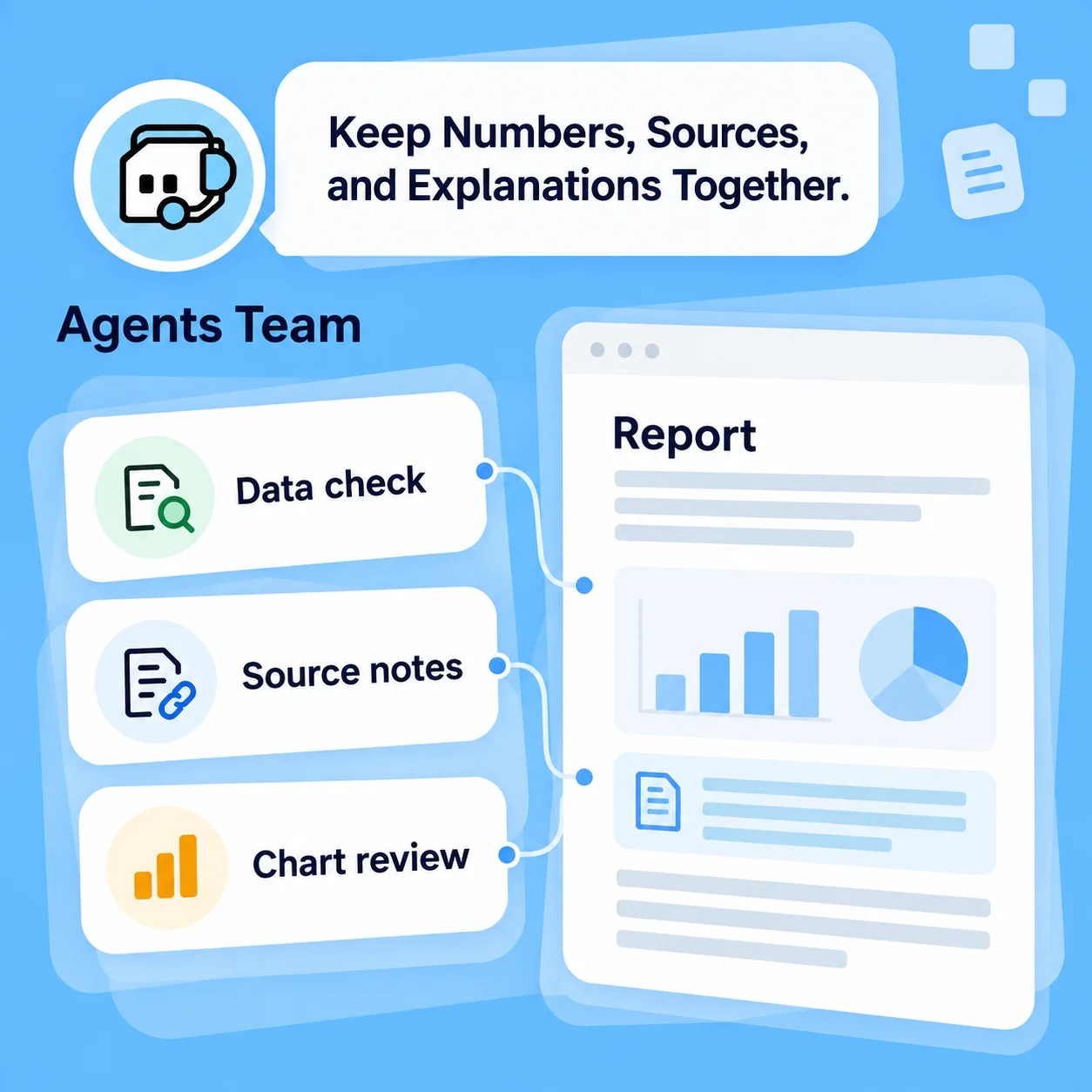
Illustrative AI Report Generator workflow: Choose the Sections Your Reader Needs.

Evidence and Charts

Keep Numbers, Sources, and Explanations Together

Provide only material you are authorized to use, with clear dates, units, and metric definitions. MiniMax Code can help inspect data, develop charts, and connect each finding to its supporting table or source note. Reconcile totals and distinguish calculation from interpretation. If a source cannot support a claim, keep the gap visible rather than inventing evidence.

Try Now
Illustrative AI Report Generator workflow: Keep Numbers, Sources, and Explanations Together.

Stakeholder Handoff

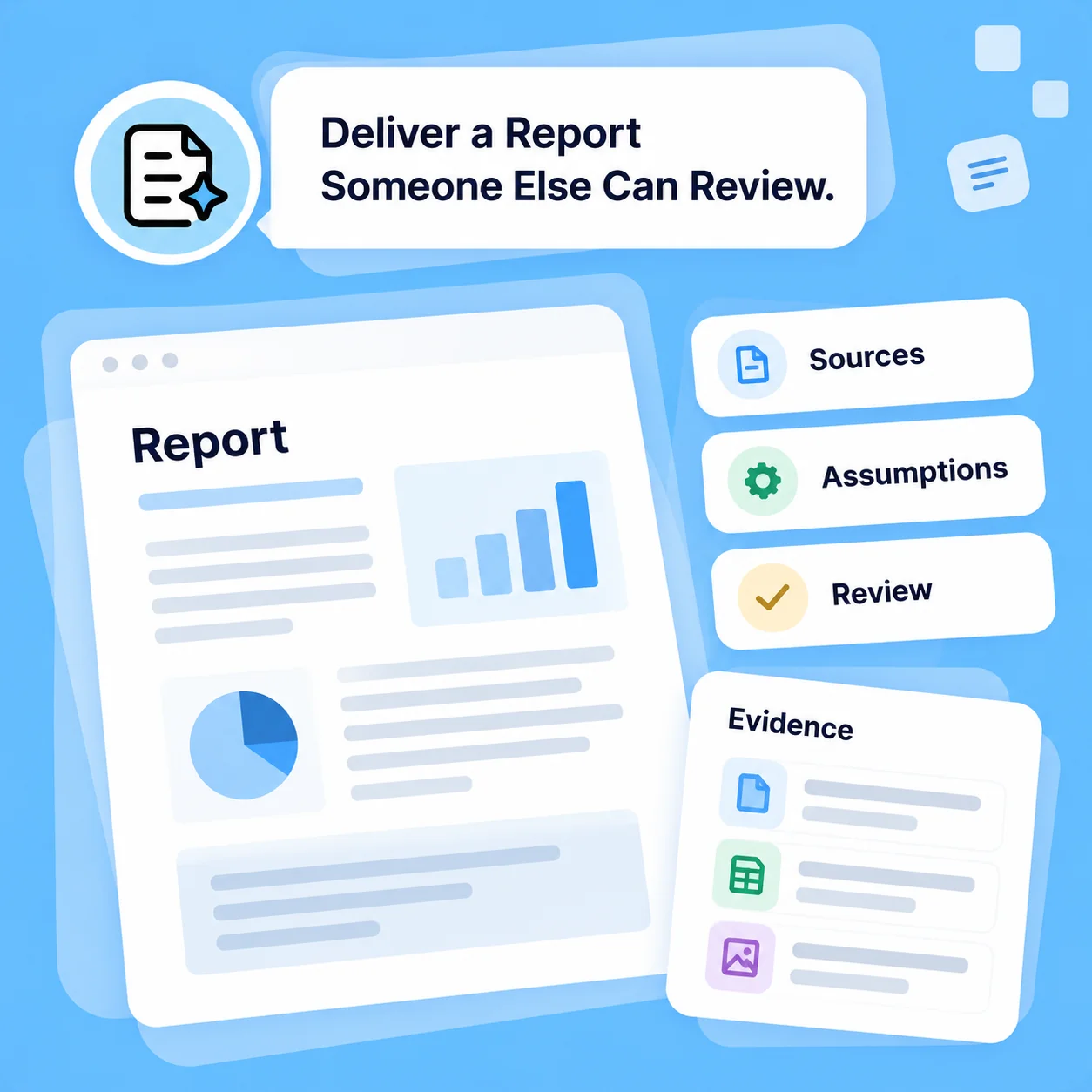
Deliver a Report Someone Else Can Review

Ask for a report draft plus the source register, assumptions, and questions for the reviewer. Review chart labels, quotations, conclusions, and recommendations before distribution. Choose the document or HTML delivery workflow available in your environment. Sending to stakeholders or setting up a recurring report requires separate access and approval; a finished draft does not authorize distribution.

Try Now
Illustrative AI Report Generator workflow: Deliver a Report Someone Else Can Review.

Report Writing with a Clear Evidence Trail

A comparison of workflows, not measured performance. Review facts and outputs before using them.

Working Manually

Outline
Start with a blank report template
Source material
Move notes and tables between files
Charts
Recreate data and labels in another tool
Claims
Track assumptions while drafting
Delivery
Assemble appendices and review notes separately

With MiniMax Code

Outline
Shape the sections around the reader and decision
Source material
Organize supplied material with dates and definitions
Charts
Develop a supporting chart with its source context
Claims
Keep unsupported claims and limitations visible for review
Delivery
Prepare a draft, source register, and review checklist together

Generate a Report in Four Steps

Prepare a focused brief, work in MiniMax Code, and review the result before the final handoff.

  1. Step.01

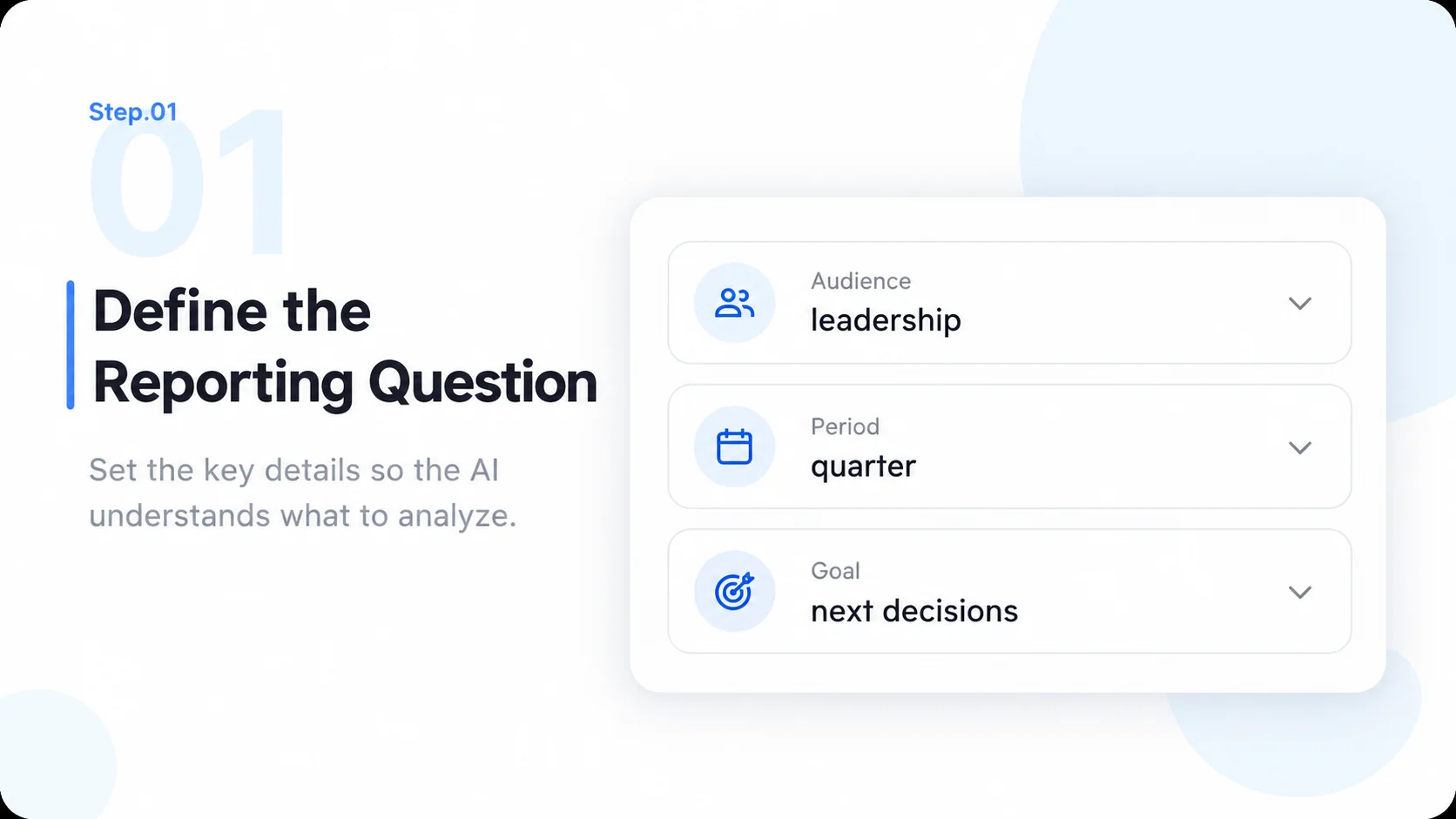
    Define the Reporting Question

    State the audience, purpose, reporting period, expected decision, and required sections or house style.

    Illustrative AI Report Generator step 1: Define the Reporting Question.
  2. Step.02

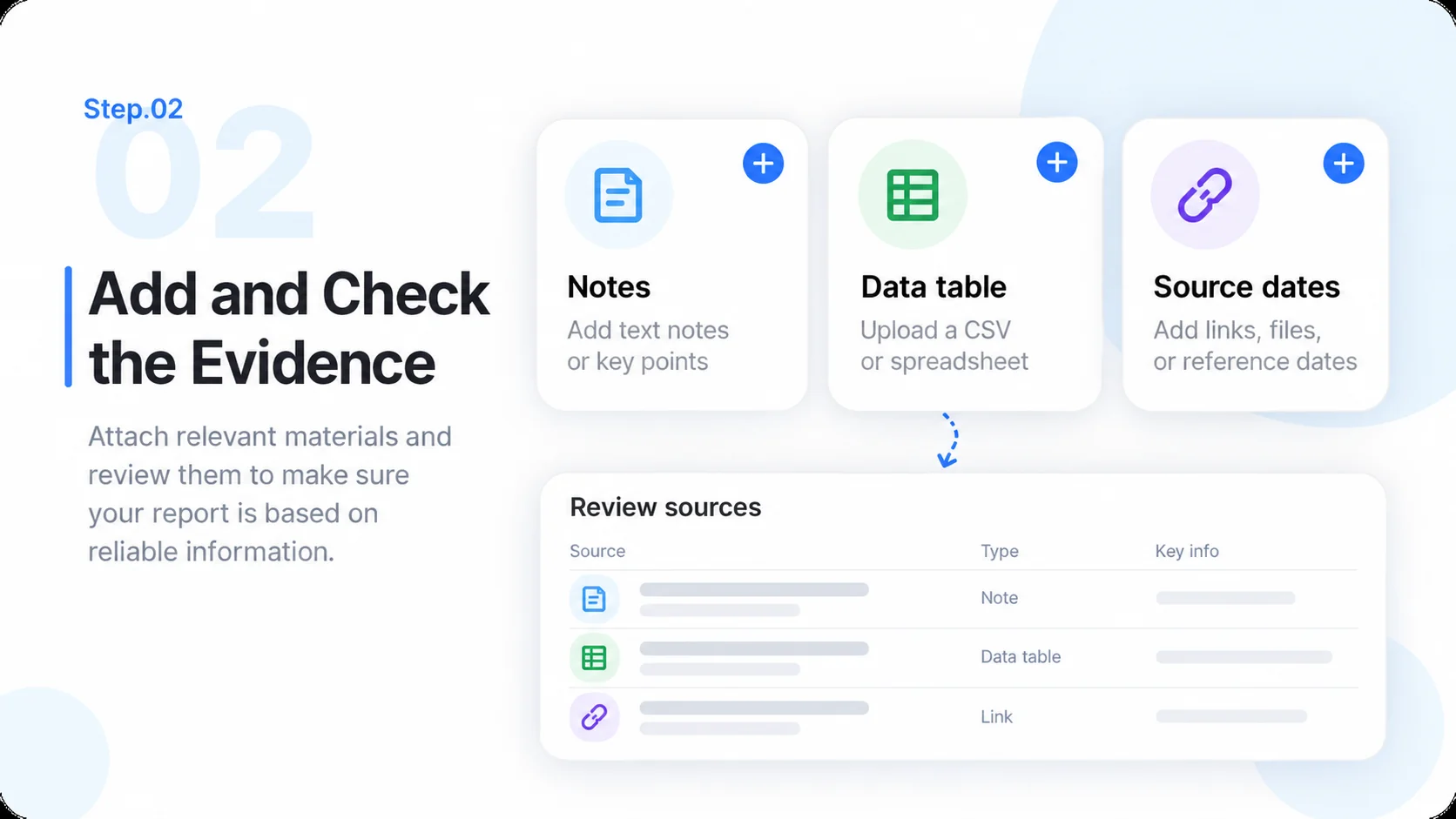
    Add and Check the Evidence

    Provide the permitted notes and data inside MiniMax Code. Confirm definitions, source dates, missing material, and calculation rules.

    Illustrative AI Report Generator step 2: Add and Check the Evidence.
  3. Step.03

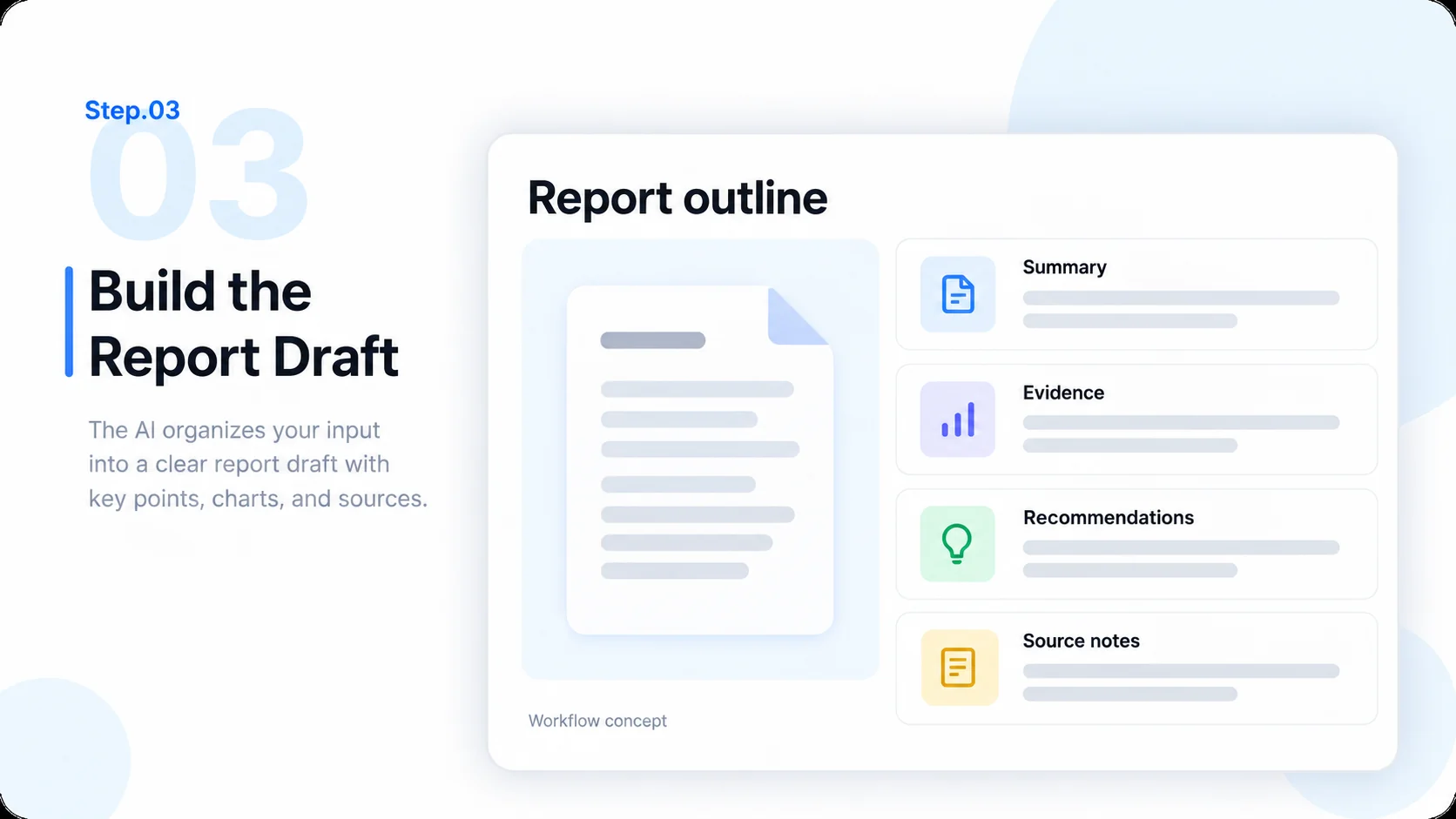
    Build the Report Draft

    Organize findings, prepare relevant charts, and connect claims to the evidence. Separate observations, limitations, and proposed actions.

    Illustrative AI Report Generator step 3: Build the Report Draft.
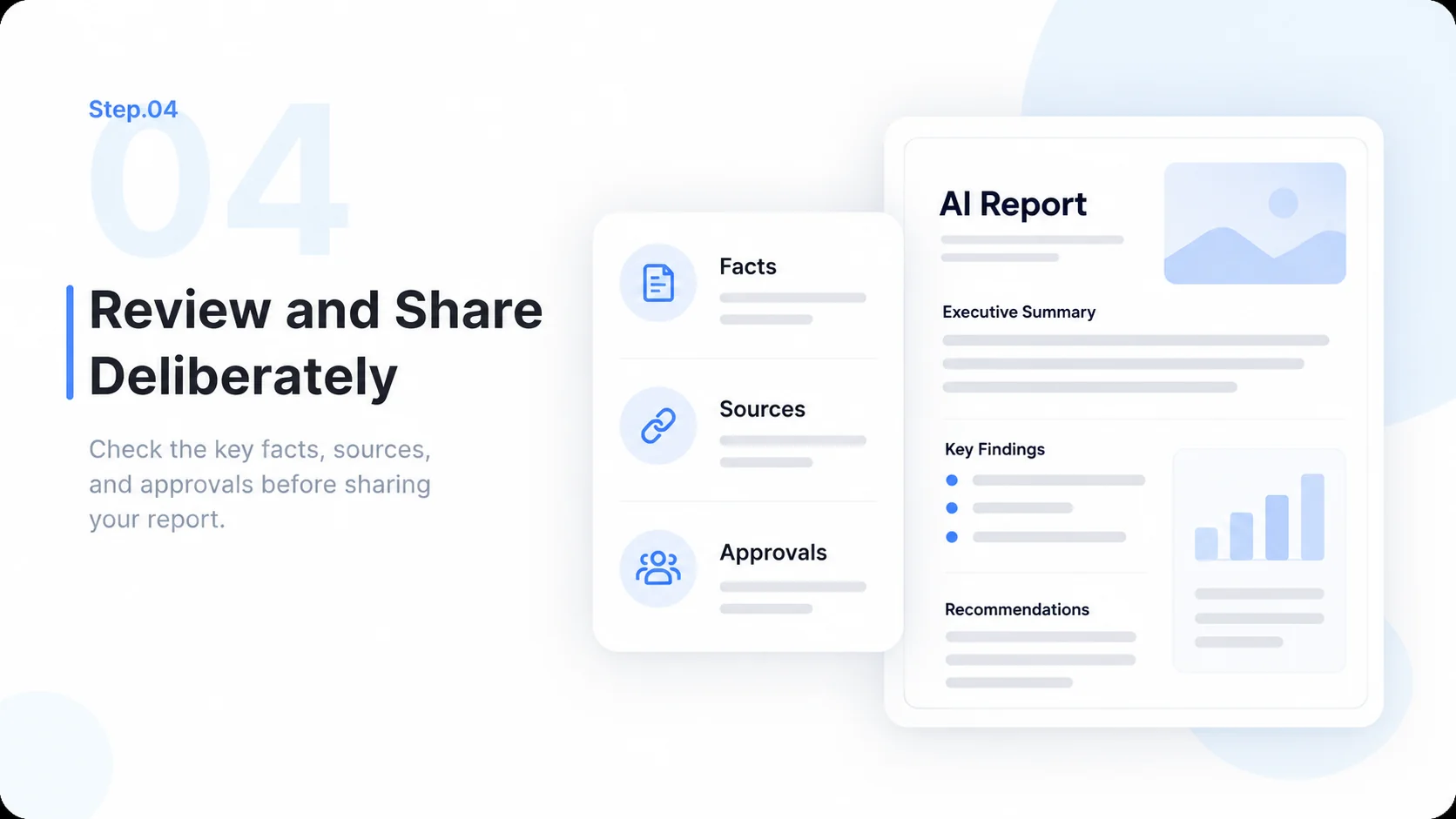
  4. Step.04

    Review and Share Deliberately

    Verify facts, totals, labels, and conclusions. Prepare the requested format, then review permissions before distributing the report.

    Illustrative AI Report Generator step 4: Review and Share Deliberately.

AI Report Generator FAQs

Practical answers about inputs, scope, product workflow, and review.

Start Your Next Report with a Question Worth Answering