AI Headshot Generator for a Professional First Impression

Plan a professional portrait around your role, setting, and personal style. Use MiniMax Code to develop a headshot brief and refine the result, with careful review of likeness and natural detail.

Start Your AI Headshot Generator Brief

Choose an example or describe your task, then continue in MiniMax Code.

Sample prompts

Professional Portraits, Different Personalities

Four AI-generated portraits of fictional adults illustrate possible visual directions. They are not customer transformations, identity matches, or before-and-after results.

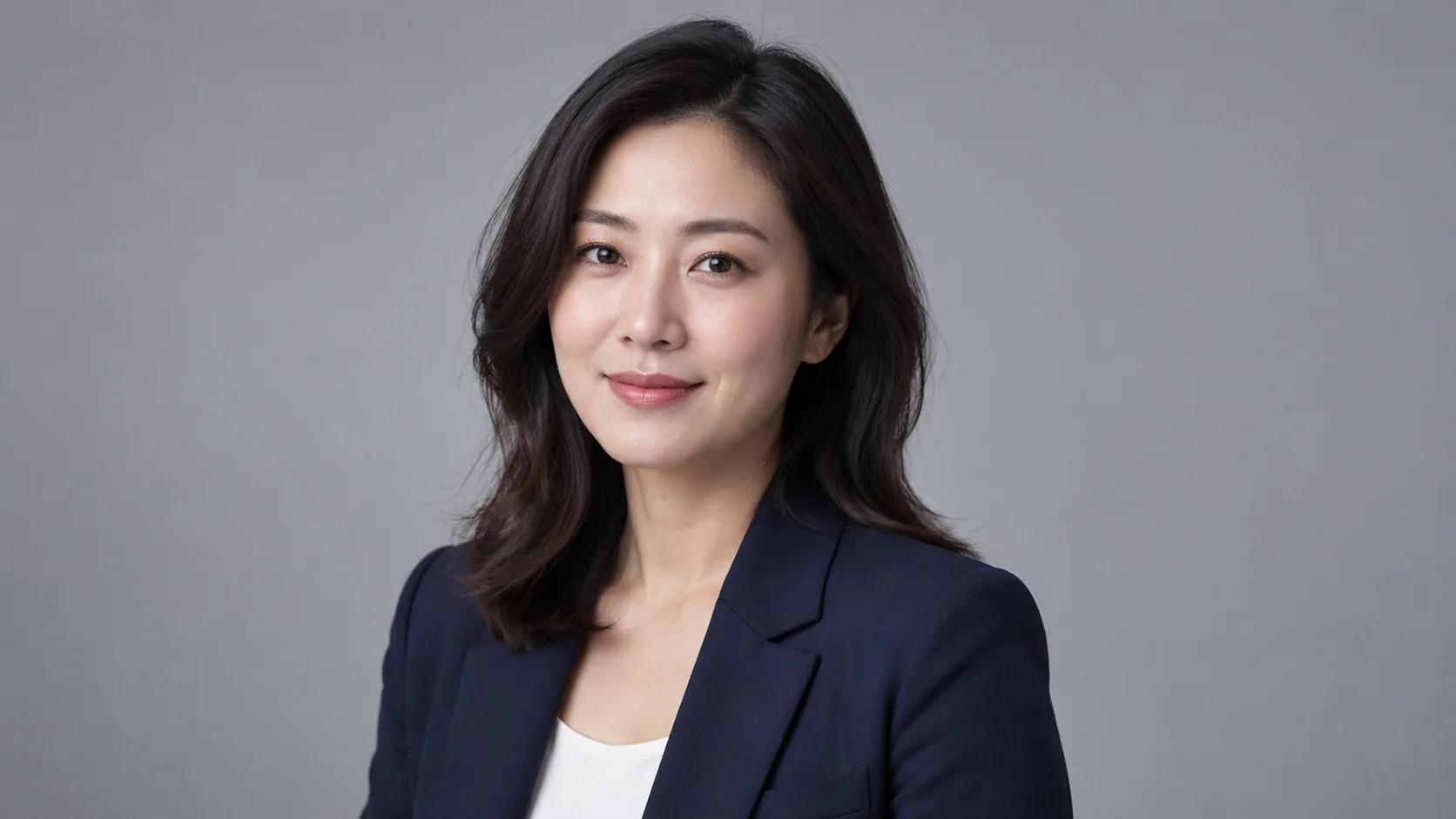
AI Headshot Generator: Studio Professional. Illustrative concept, not a verified customer result.

A clean gray backdrop and soft lighting keep attention on an approachable expression.

Build a Portrait Brief That Still Feels Like You

Professional does not have to mean generic. Define the context, preserve personal details, and review the final image.

Career Profiles

Match the Portrait to the Professional Context

A profile photo, a personal website, and a company bio may need different crops and levels of formality. Tell MiniMax Code where the image will appear and describe an appropriate outfit, background, and expression. Use the AI headshot generator workflow to explore those choices without inventing credentials, uniforms, or affiliations. Confirm the receiving platform accepts AI-assisted imagery.

Try Now
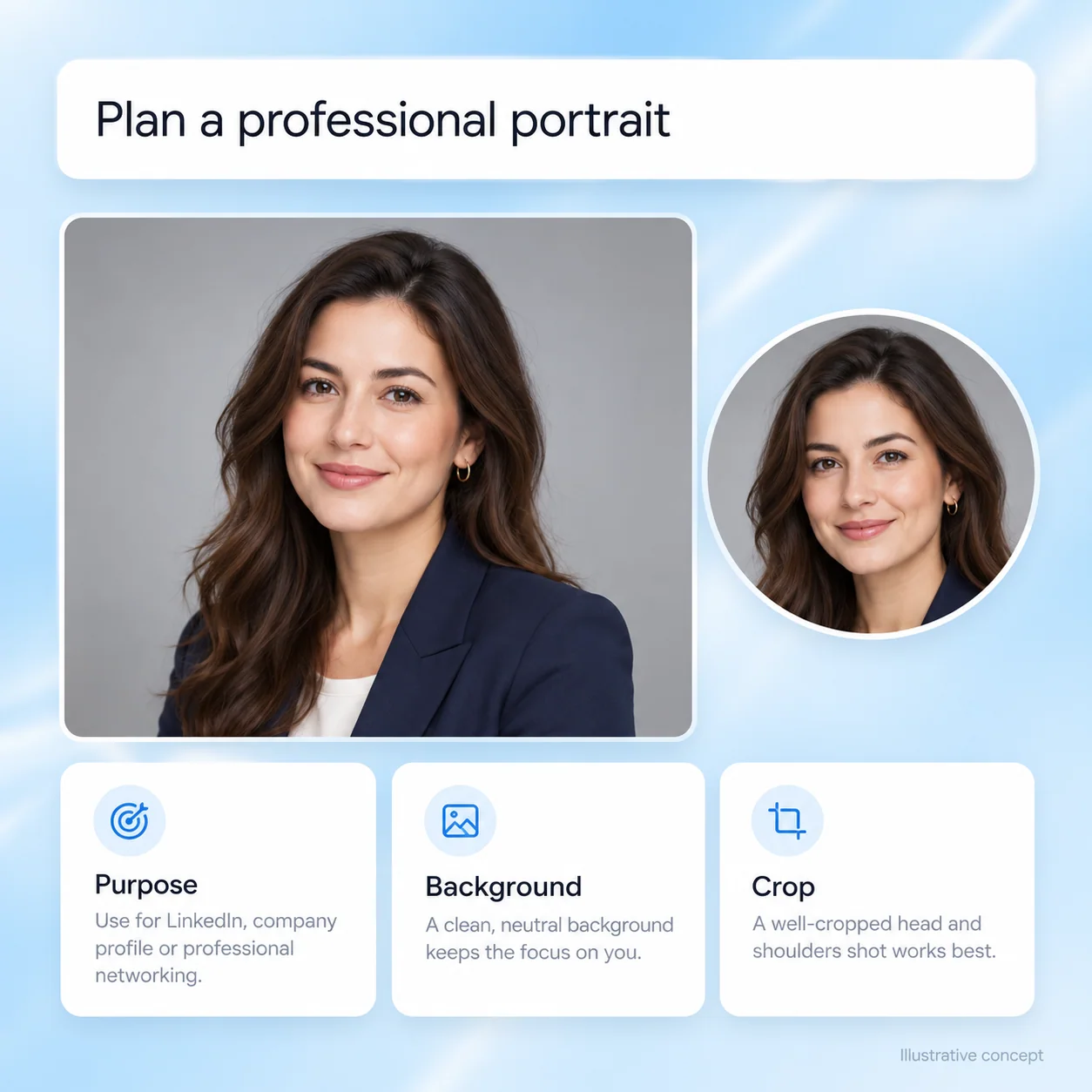
Illustrative AI Headshot Generator workflow: Match the Portrait to the Professional Context.

Personal Likeness

Use Reference Photos with Permission

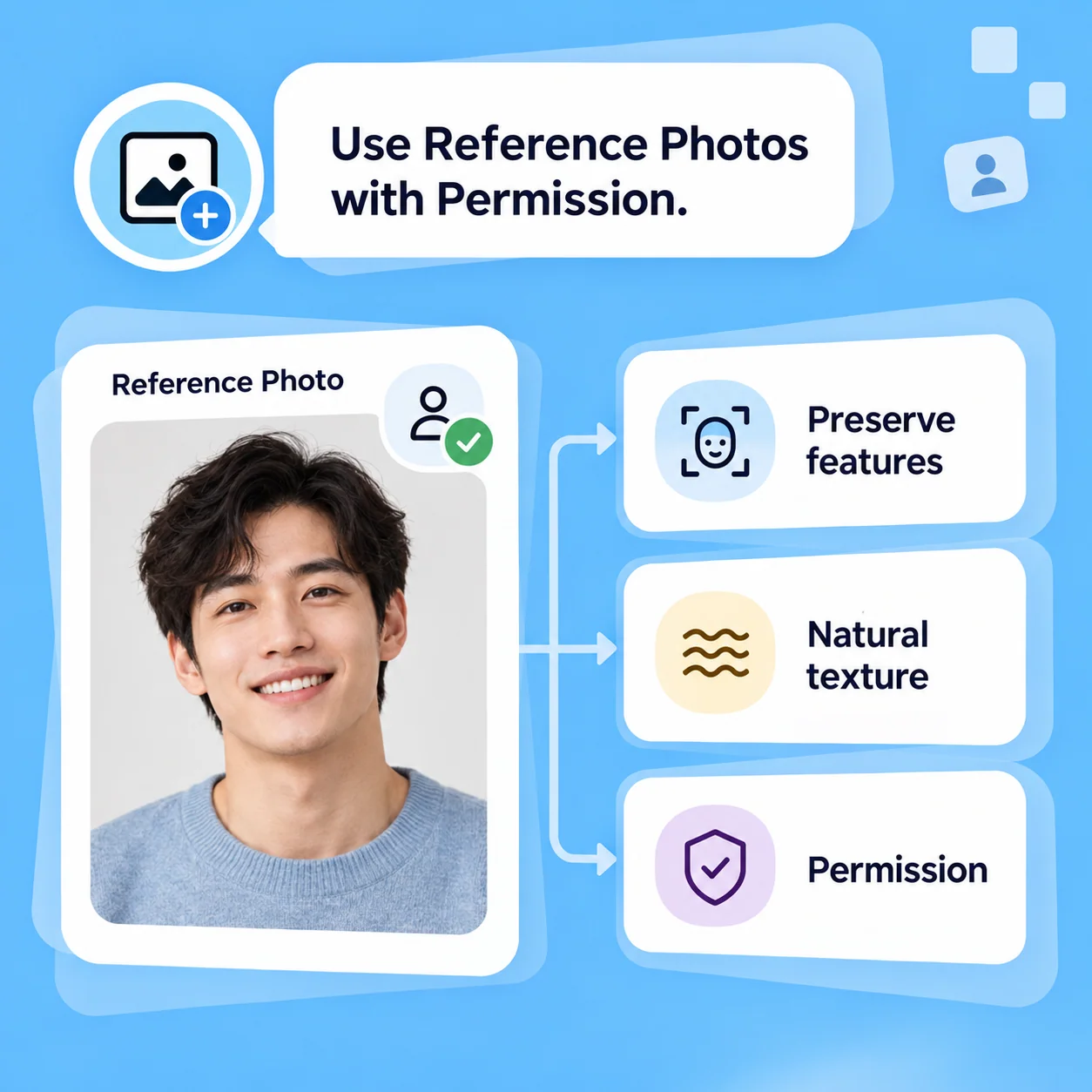
For a portrait of yourself, use a clear, authorized reference inside a workflow that supports image input. Specify features that should remain unchanged and request natural skin, hair, and proportions. Exact likeness is not guaranteed. Compare the result against the source and reject changes that make the image misleading. Never create a deceptive professional identity for another person.

Try Now
Illustrative AI Headshot Generator workflow: Use Reference Photos with Permission.

Team Presentation

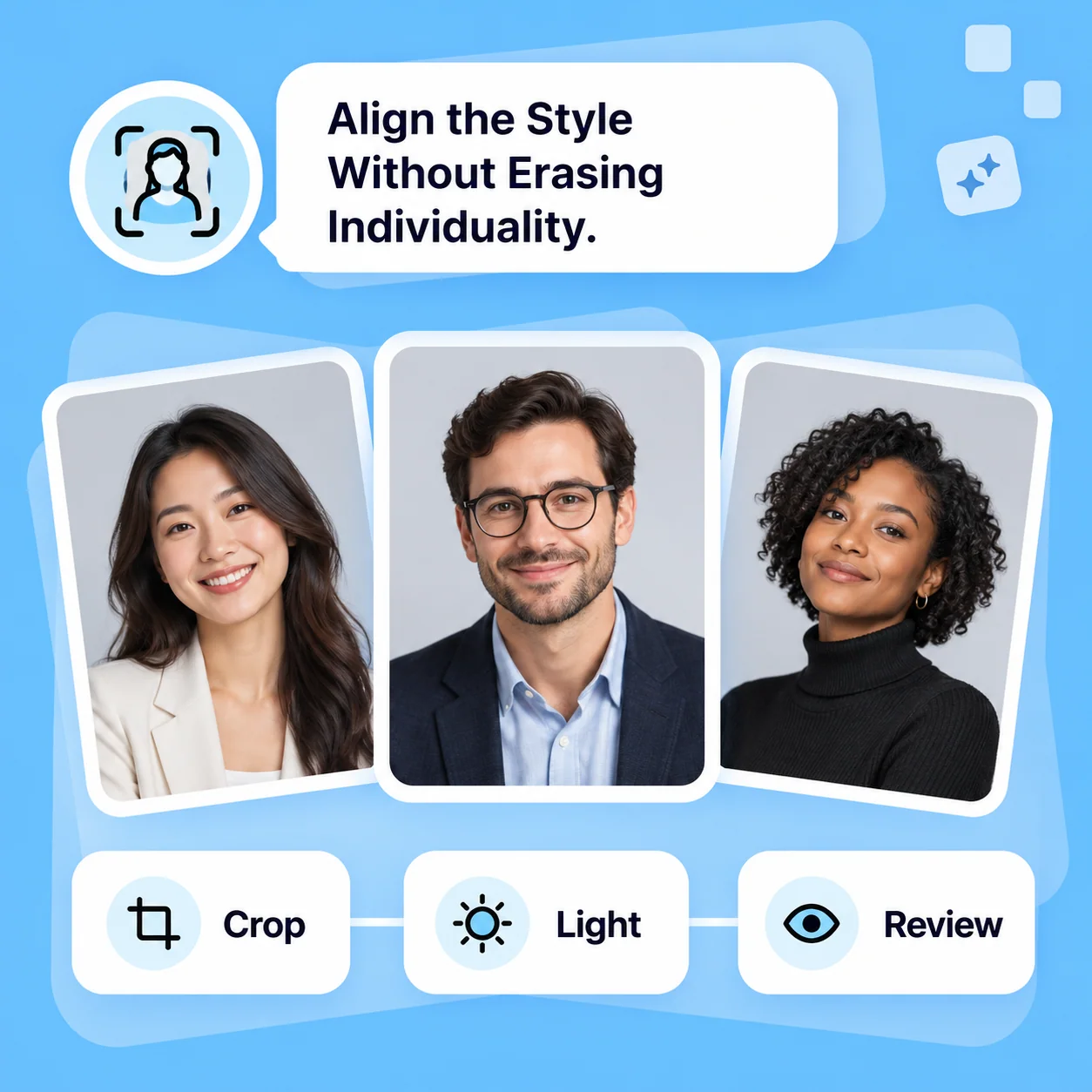
Align the Style Without Erasing Individuality

Write a shared brief for crop, background tone, and lighting so team portraits have a coherent presentation. Keep each person’s expression, appearance, and approved reference separate. Review every image with the subject before use. A consistent design direction is a goal for iteration, not a promise that different generated images will match perfectly.

Try Now
Illustrative AI Headshot Generator workflow: Align the Style Without Erasing Individuality.

A More Structured Portrait Brief

A comparison of workflows, not measured performance. Review facts and outputs before using them.

Working Manually

Preparation
Plan wardrobe, location, and camera setup
Reference
Capture and select permitted photographs
Iteration
Retake or retouch individual photographs
Identity
Review that the photo represents the subject
Use
Confirm consent and destination requirements

With MiniMax Code

Preparation
Describe the purpose, appearance, and visual direction
Reference
Use approved photos only in a workflow that supports them
Iteration
Request changes to lighting, framing, and background
Identity
Check likeness carefully; generation can change facial details
Use
Apply the same consent and platform review before use

Develop Your Headshot in Four Steps

Prepare a focused brief, work in MiniMax Code, and review the result before the final handoff.

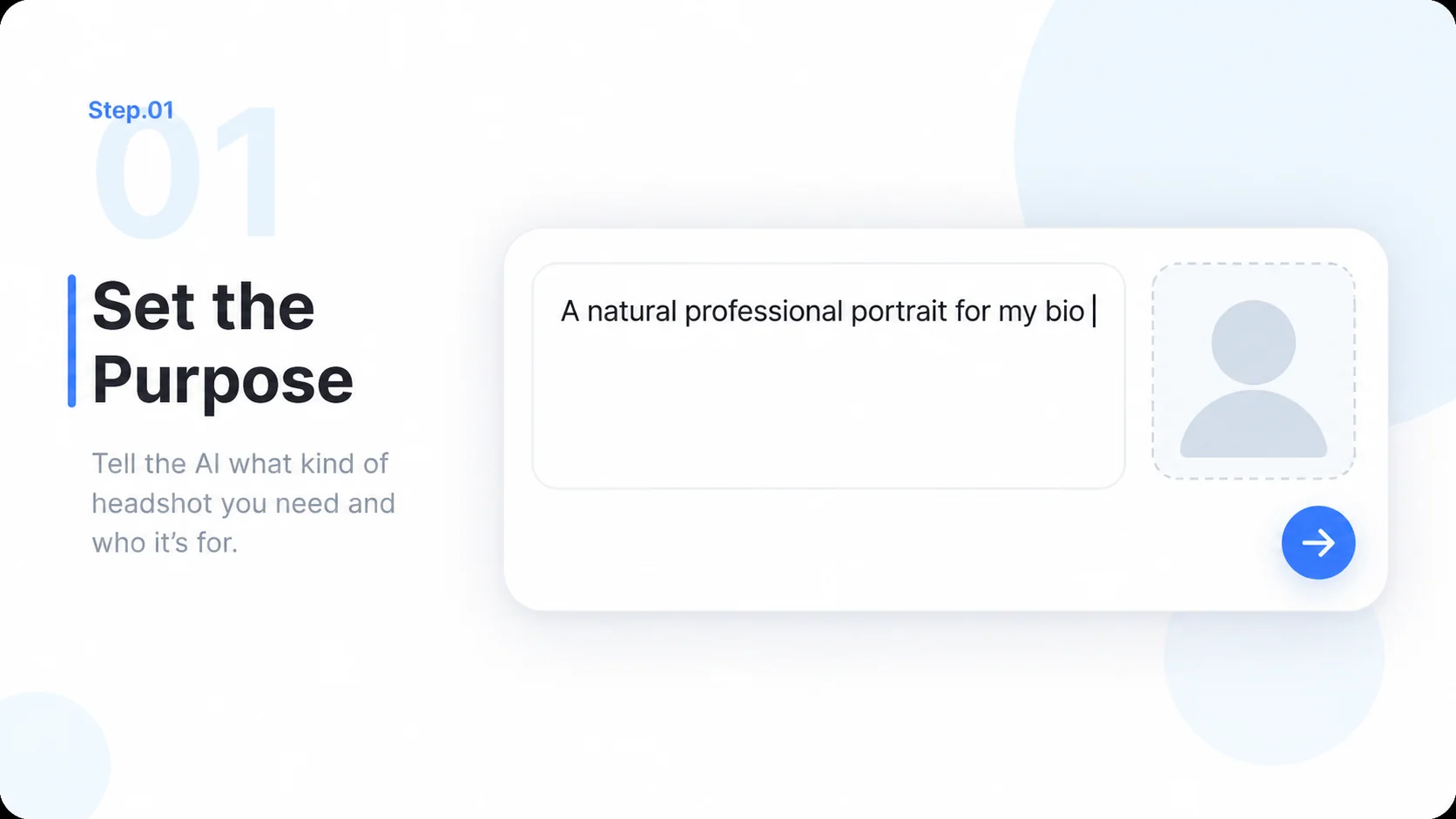
  1. Step.01

    Set the Purpose

    Describe the profile, audience, crop, and tone. Start the brief here and continue in MiniMax Code.

    Illustrative AI Headshot Generator step 1: Set the Purpose.
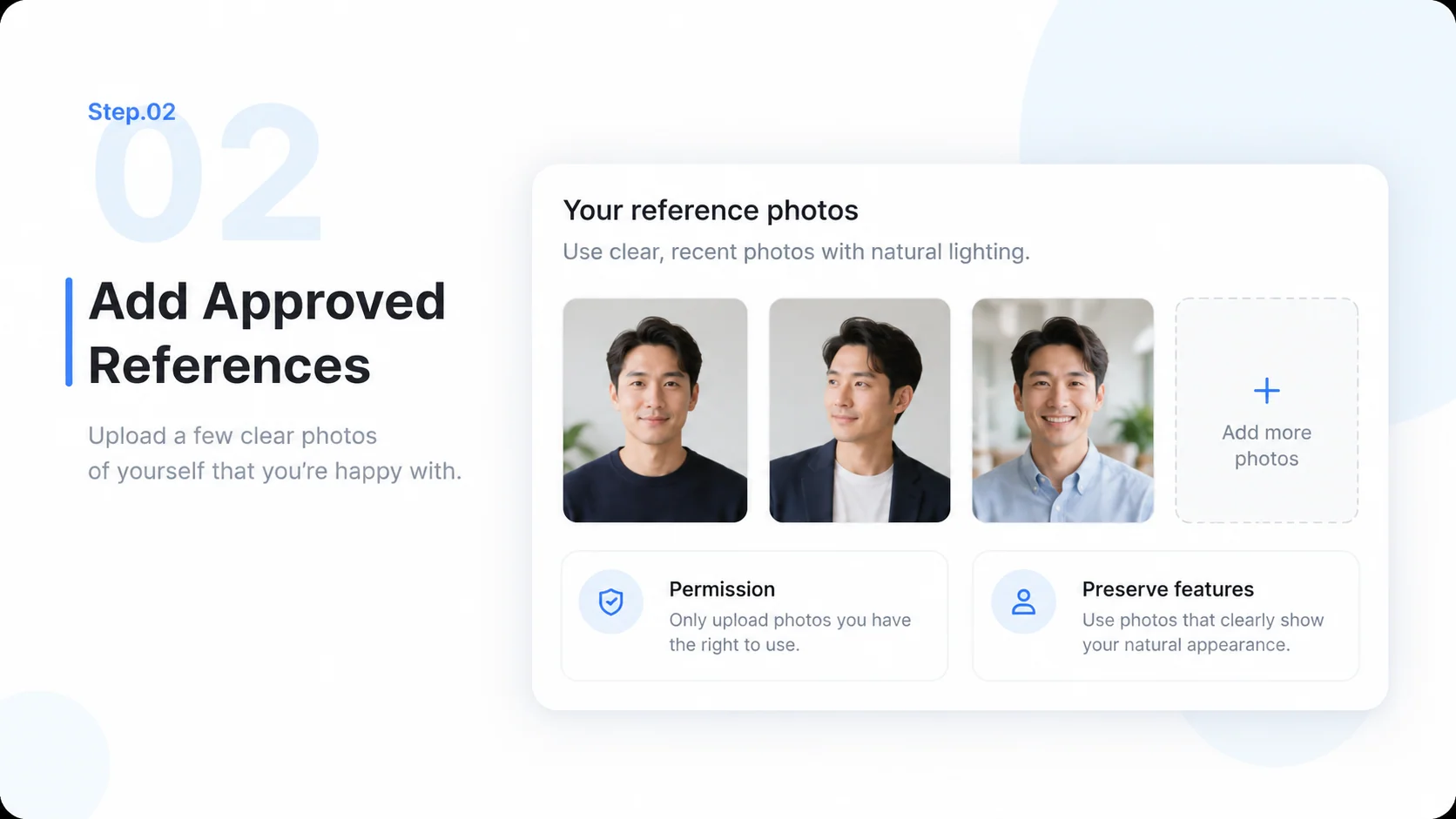
  2. Step.02

    Add Approved References

    If the selected workflow supports image input, add your own authorized photos in the product and list details to preserve.

    Illustrative AI Headshot Generator step 2: Add Approved References.
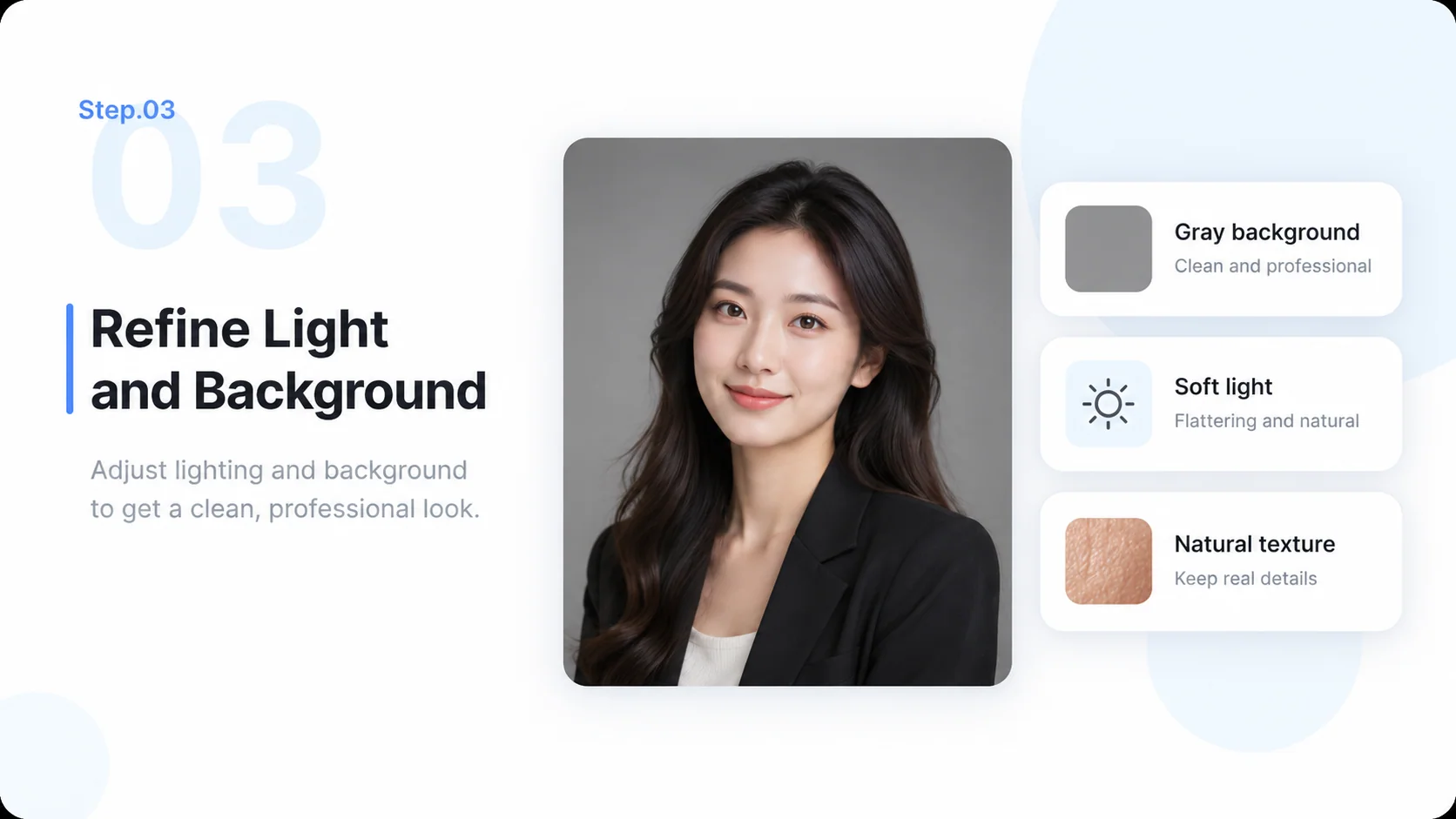
  3. Step.03

    Refine Light and Background

    Adjust the outfit, framing, setting, and lighting while checking that the portrait remains natural and appropriate.

    Illustrative AI Headshot Generator step 3: Refine Light and Background.
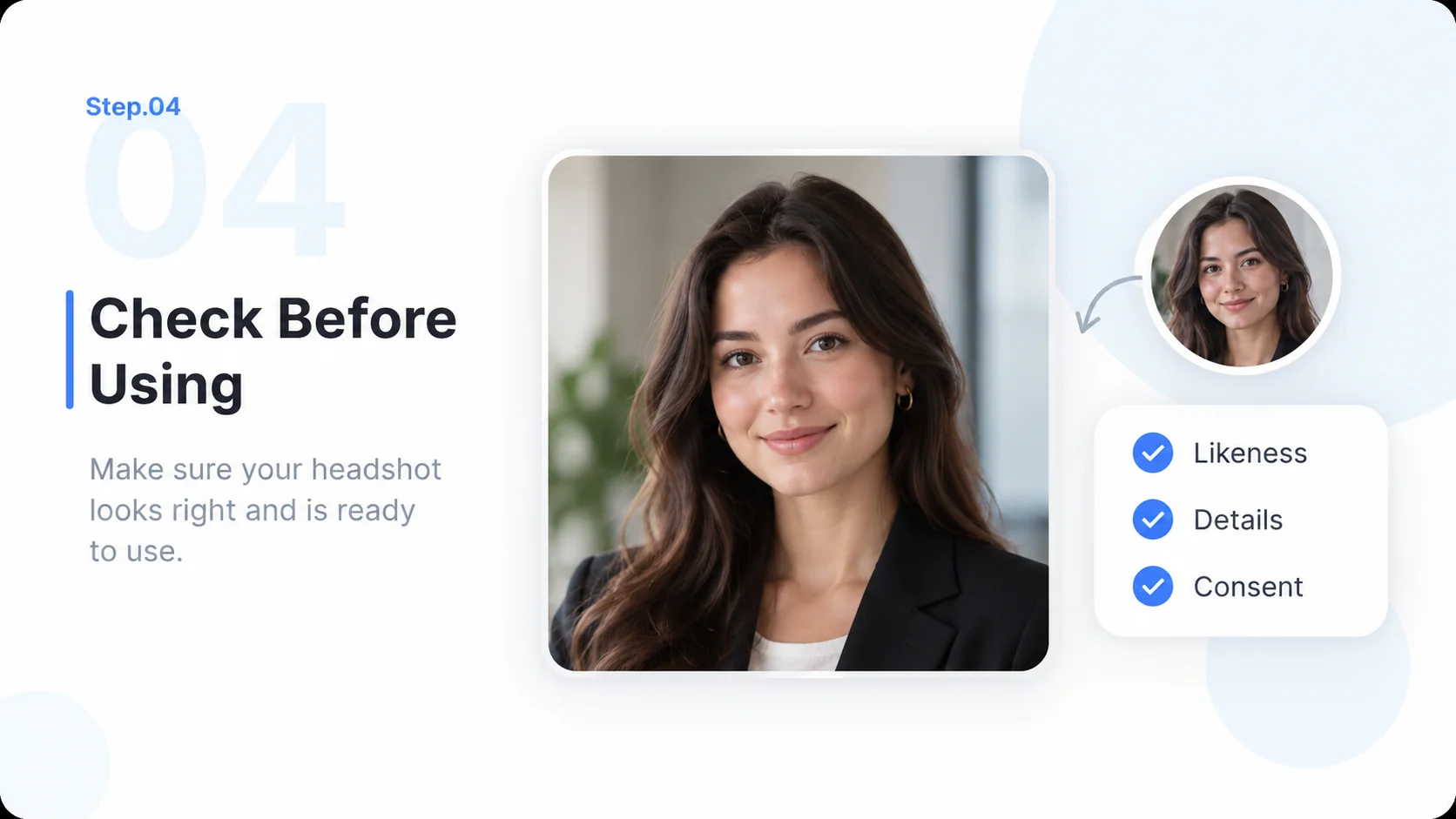
  4. Step.04

    Check Before Using

    Review likeness, eyes, hair, clothing, and crop. Confirm platform rules and the person’s approval before sharing.

    Illustrative AI Headshot Generator step 4: Check Before Using.

AI Headshot Generator FAQs

Practical answers about inputs, scope, product workflow, and review.

Start with a Portrait Brief That Feels Personal