AI Character Generator for Original Worlds and Stories

Turn a character idea into a visual direction. Explore silhouettes, costumes, expressions, and concept-art styles with MiniMax Code, then refine the details that make the character recognizable.

Start Your AI Character Generator Brief

Choose an example or describe your task, then continue in MiniMax Code.

Sample prompts

Characters with Their Own Visual Language

These original AI-generated concepts explore four different design approaches. They are illustrative artwork, not licensed characters, rigged models, or production-ready game assets.

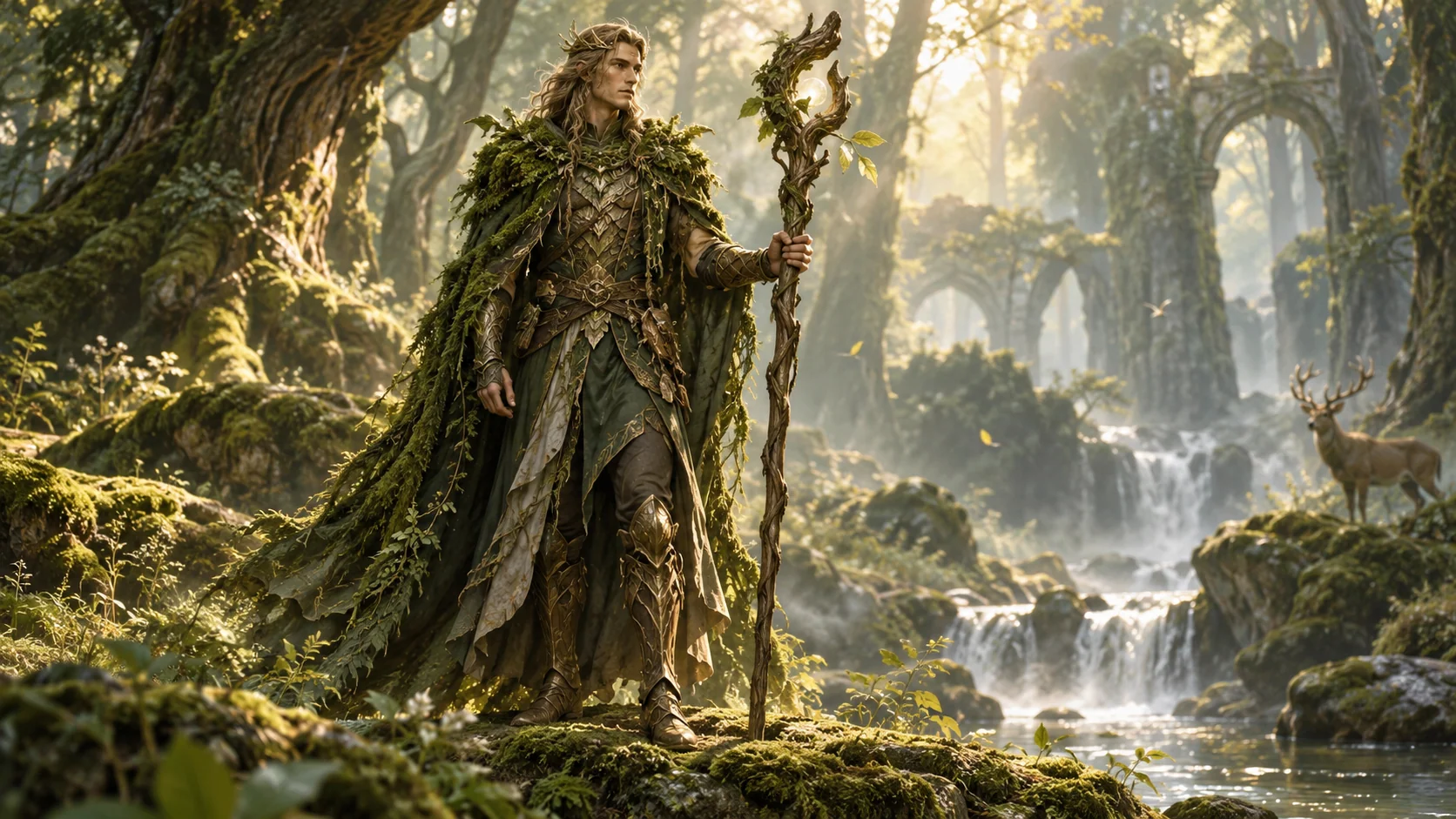
AI Character Generator: Forest Guardian. Illustrative concept, not a verified customer result.

Painterly fantasy concept art built around a strong cloak silhouette and botanical materials.

Connect Personality to Visible Design Choices

Give every character a role, a recognizable silhouette, and a practical reference for the next creative step.

Stories and Worlds

Design a Character with a Reason to Look This Way

Start with the character’s role, environment, and personality. Translate those ideas into clothing, posture, materials, and a limited palette. MiniMax Code can help turn narrative notes into a visual brief, so a courier’s equipment supports their job and a guardian’s silhouette fits the world. Keep original influences broad rather than asking for a near-copy of an existing franchise.

Try Now
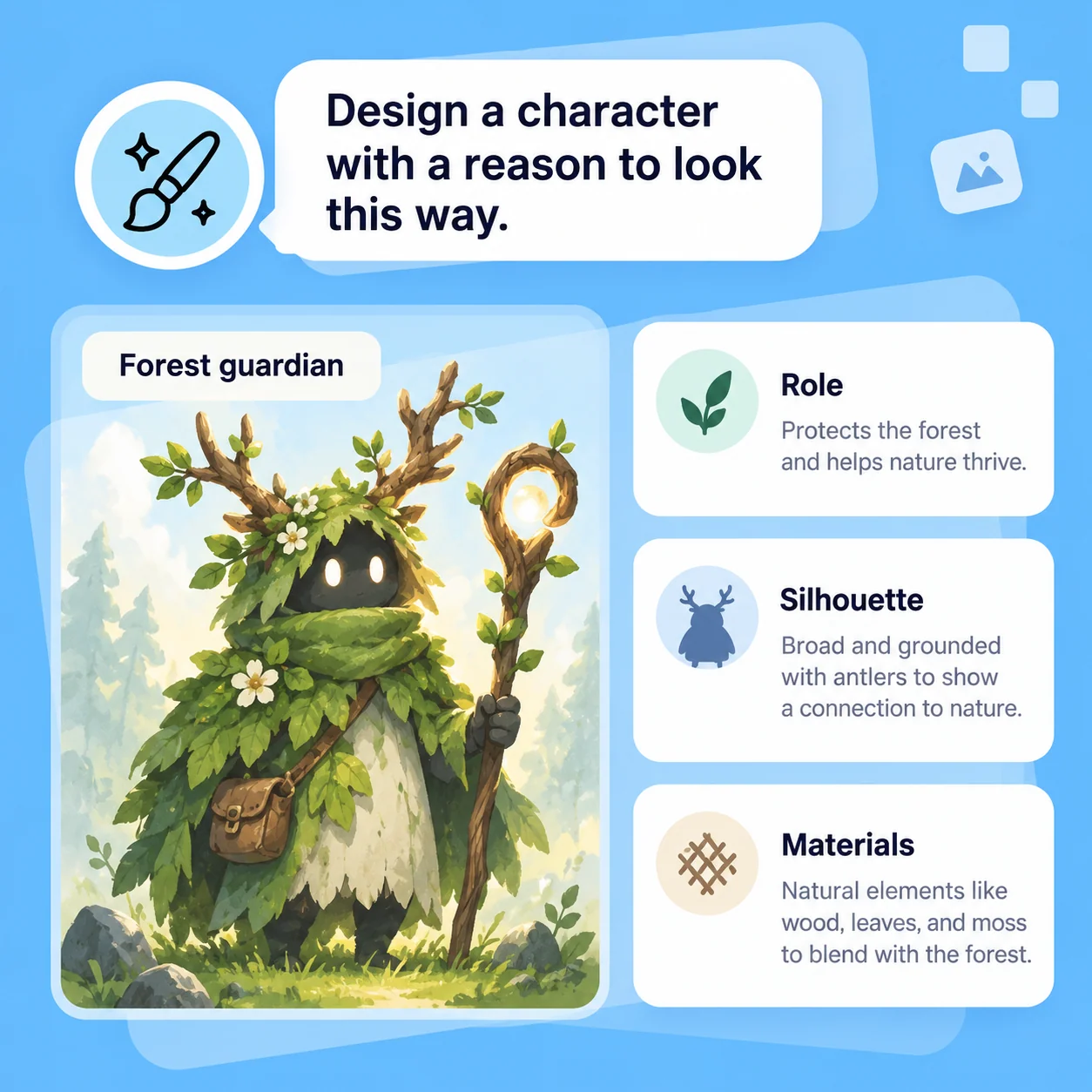
Illustrative AI Character Generator workflow: Design a Character with a Reason to Look This Way.

Games and Creative Projects

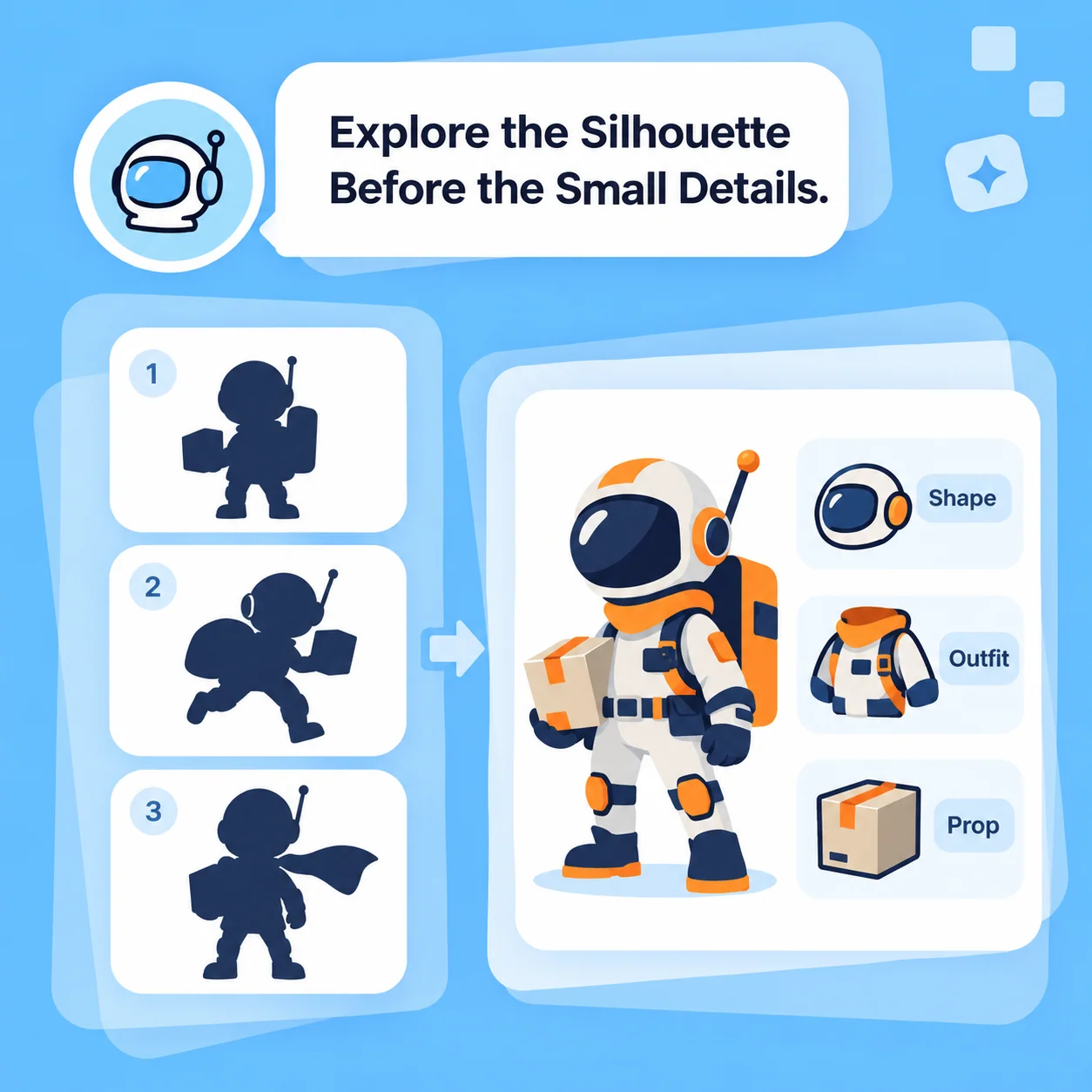
Explore the Silhouette Before the Small Details

Use the AI character generator to compare body proportions, costume shapes, and a few signature accessories. Request an isolated view or a concept sheet when helpful, and verify that the details agree across views. The result is a design reference: rigging, topology, animation, collision, and engine integration remain separate production work.

Try Now
Illustrative AI Character Generator workflow: Explore the Silhouette Before the Small Details.

Mascots and Visual Identity

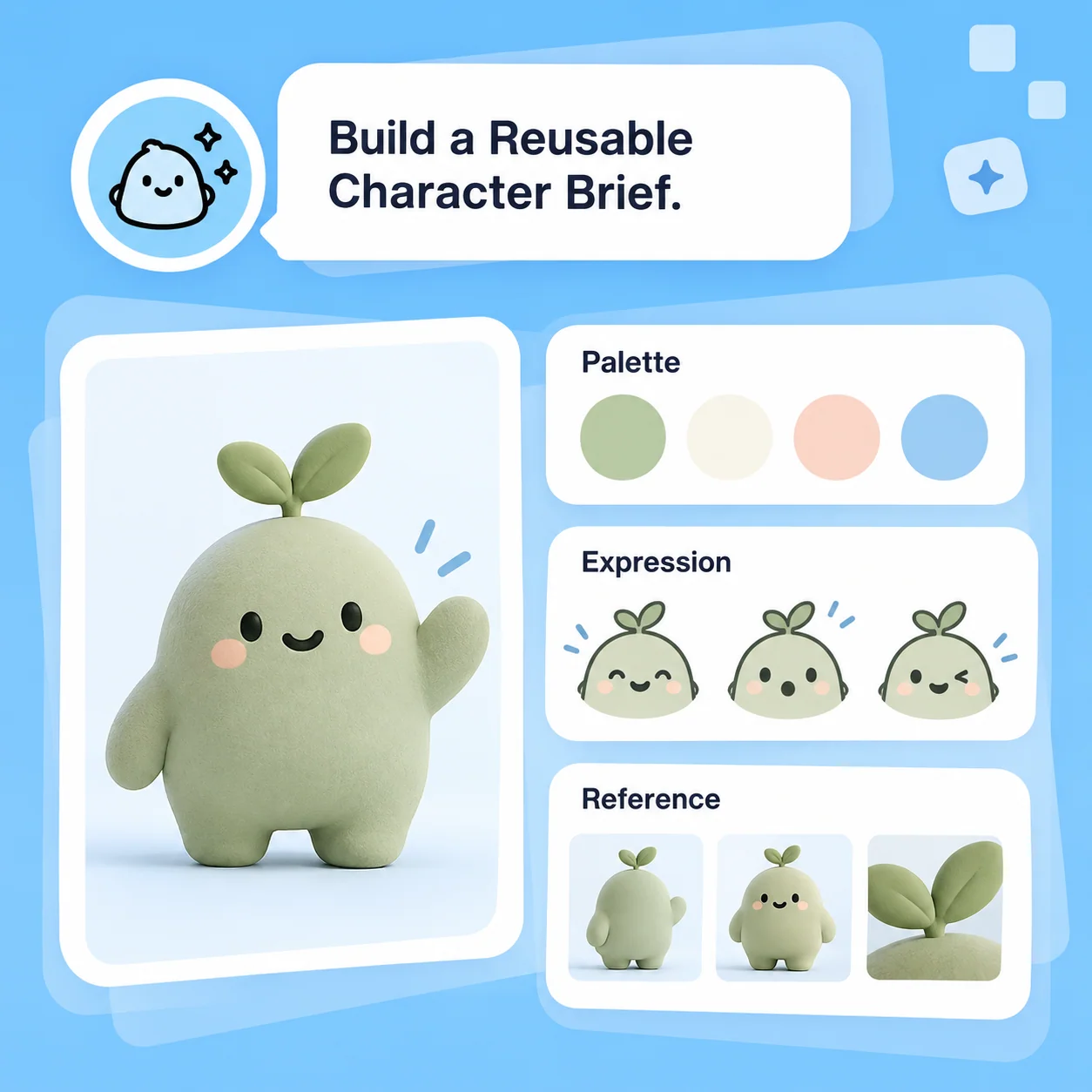
Build a Reusable Character Brief

Define a mascot’s shape language, palette, expressions, and what should never change. Keep a reference sheet and use it when a workflow supports image guidance. Review each new pose for consistency rather than assuming it is automatic. Before commercial use, check similarity to existing characters and the rights attached to all reference materials.

Try Now
Illustrative AI Character Generator workflow: Build a Reusable Character Brief.

From Character Idea to Design Reference

A comparison of workflows, not measured performance. Review facts and outputs before using them.

Working Manually

Concept
Write a brief and gather visual references
Exploration
Sketch each silhouette and costume direction
Consistency
Maintain a model sheet by hand
Production
Build, rig, and integrate usable assets
Originality
Review influences and rights

With MiniMax Code

Concept
Connect story notes to specific visual design choices
Exploration
Explore alternative shapes and styles through prompts
Consistency
Use a reference brief and review every generated view
Production
Treat images as concepts; production asset work remains separate
Originality
Check generated designs for unwanted similarity and source rights

Create an Original Character in Four Steps

Prepare a focused brief, work in MiniMax Code, and review the result before the final handoff.

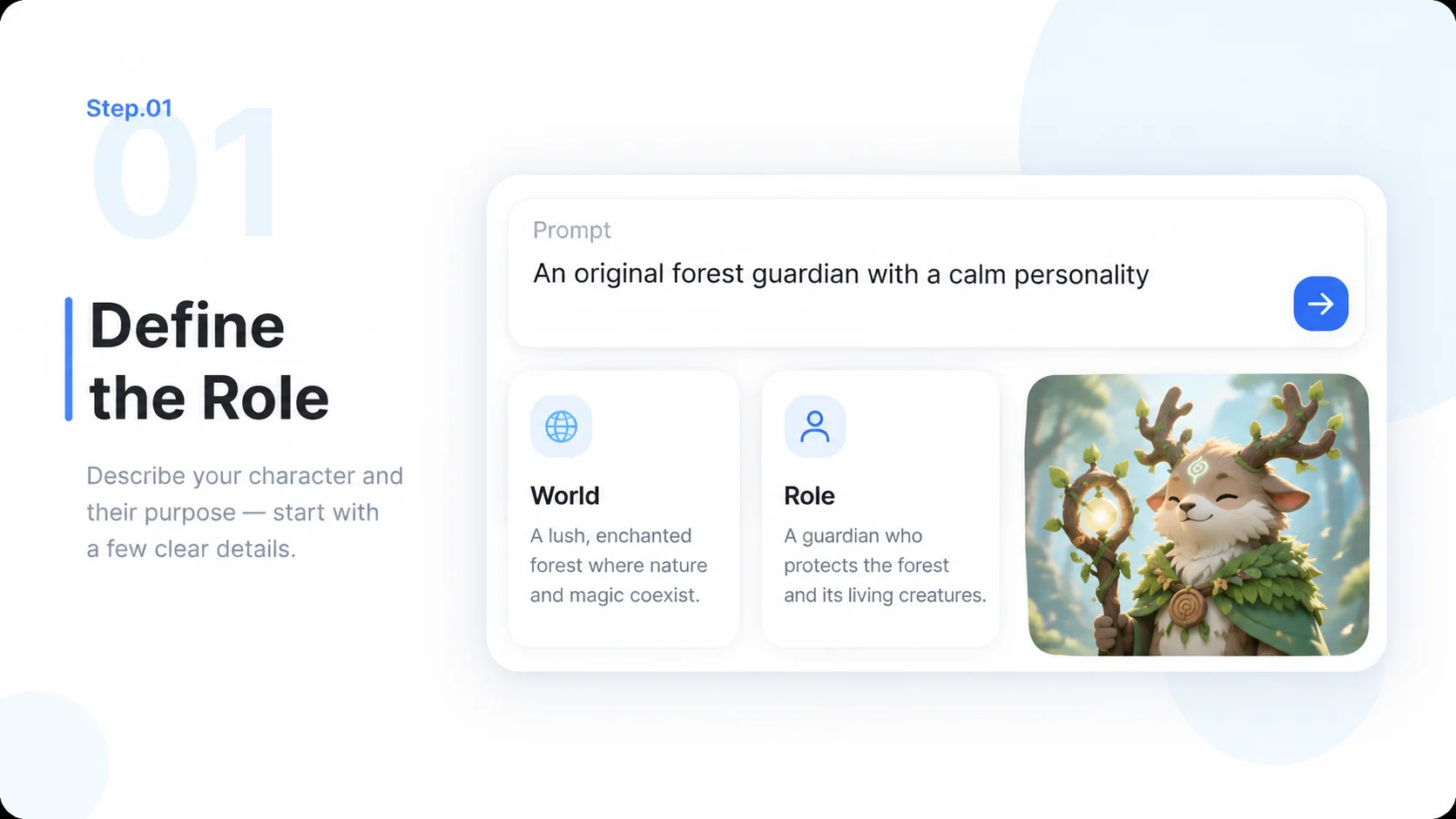
  1. Step.01

    Define the Role

    Describe the character’s world, personality, age range, and purpose. Start with an original idea and references you may use.

    Illustrative AI Character Generator step 1: Define the Role.
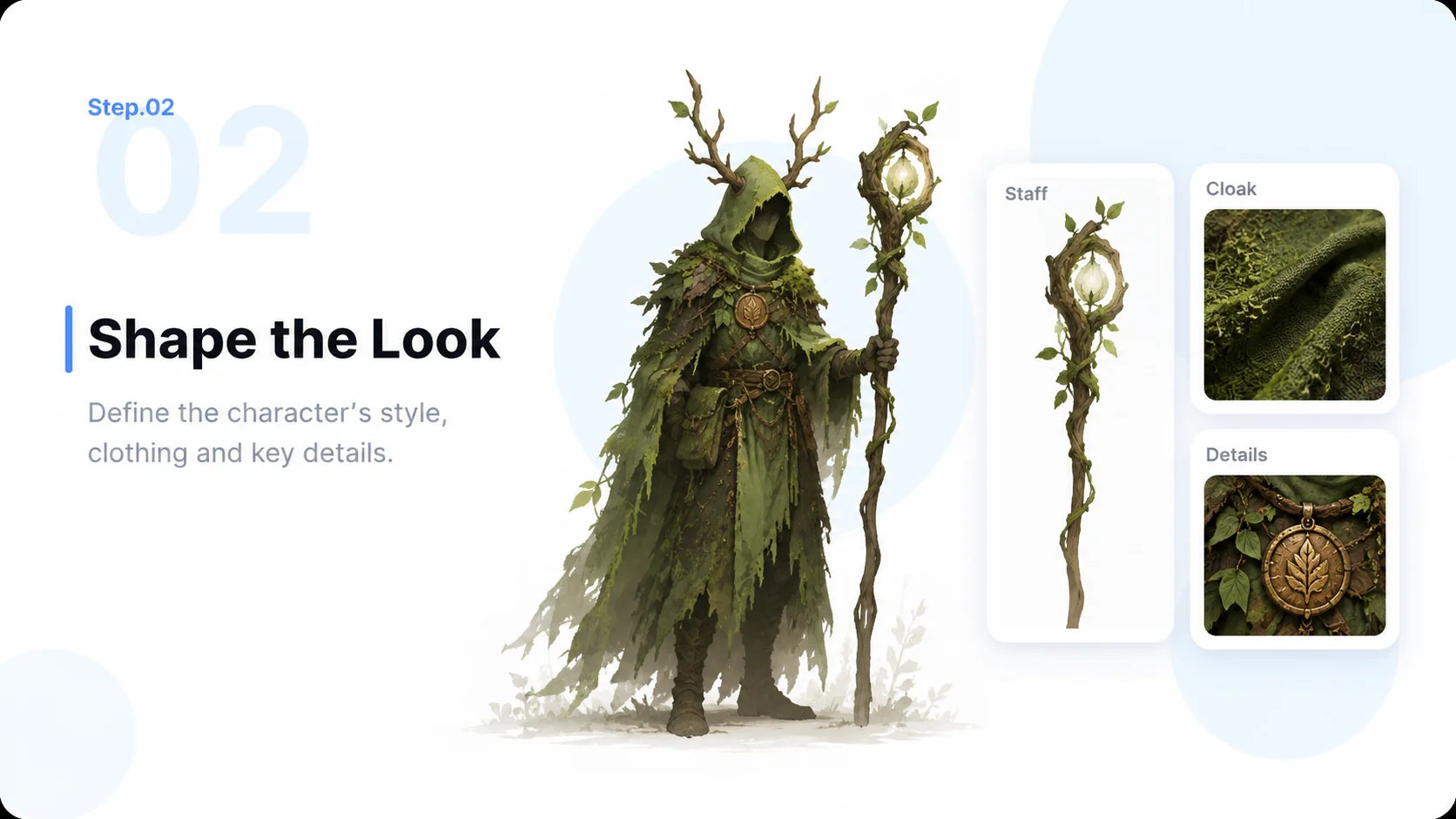
  2. Step.02

    Shape the Look

    Specify silhouette, outfit, materials, color palette, and art direction. Prioritize a few recognizable features.

    Illustrative AI Character Generator step 2: Shape the Look.
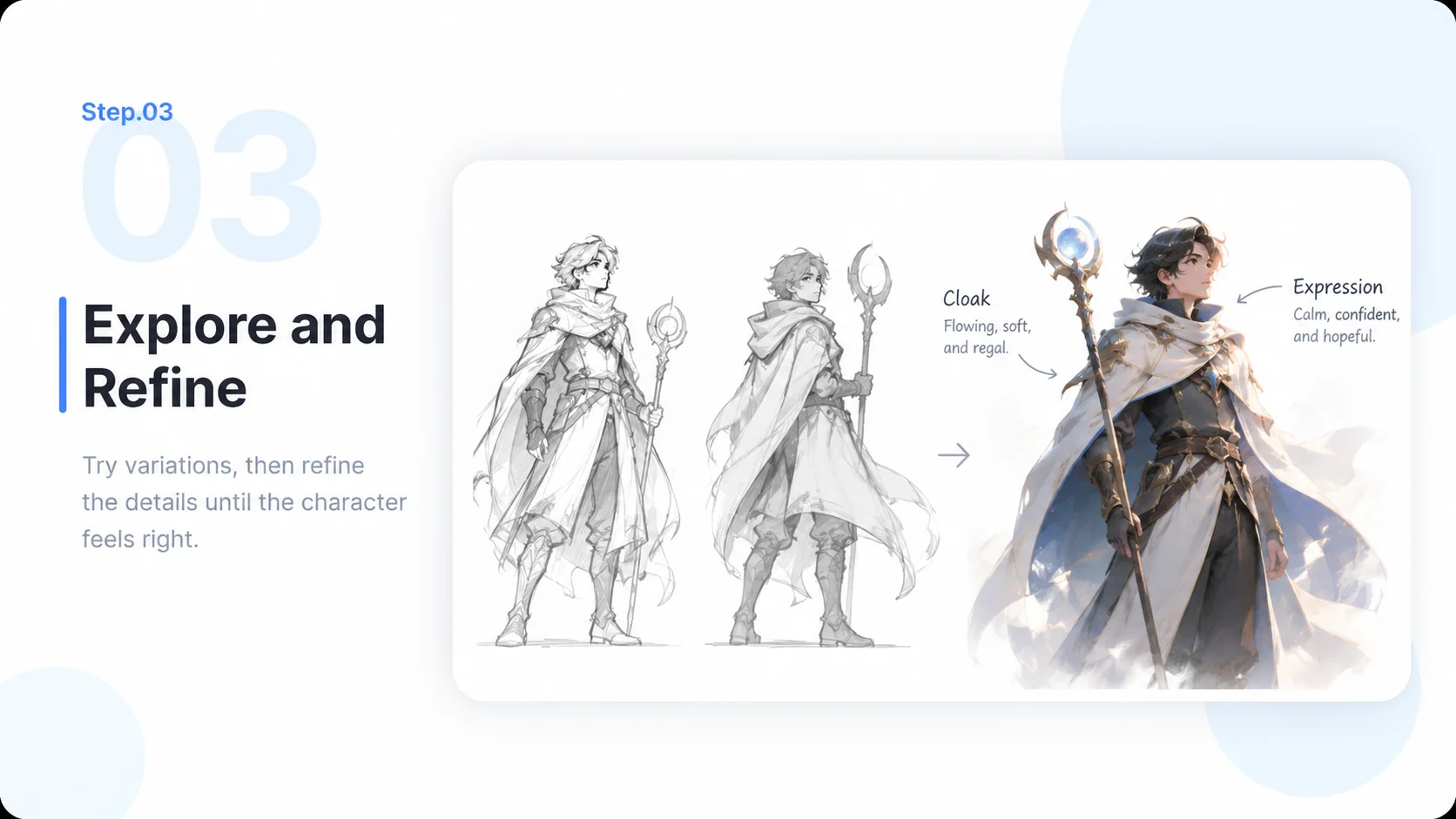
  3. Step.03

    Explore and Refine

    Compare concept directions and revise selected details. Ask for useful poses or expressions and check them for consistency.

    Illustrative AI Character Generator step 3: Explore and Refine.
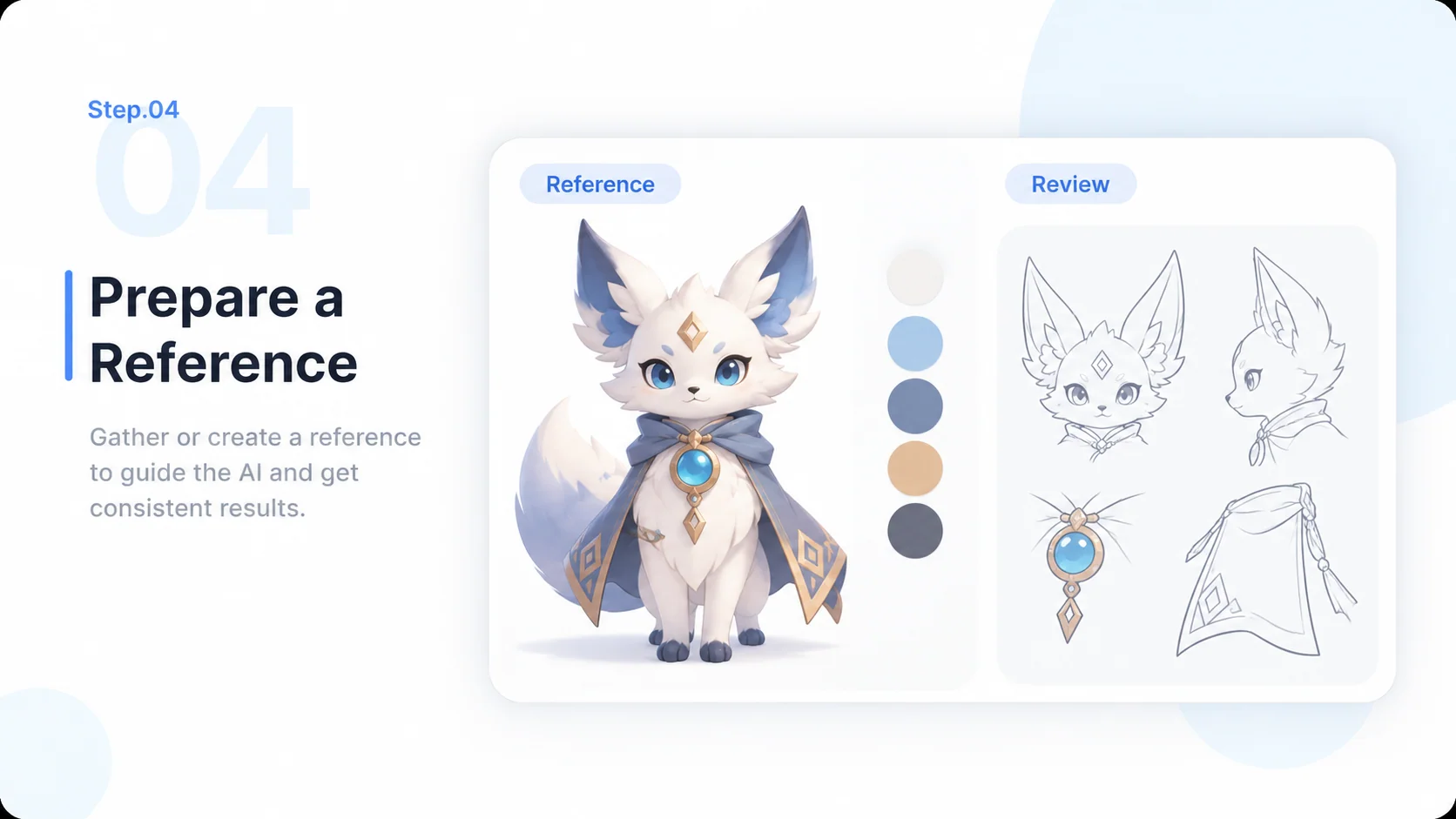
  4. Step.04

    Prepare a Reference

    Choose a design, document its defining features, and review rights and production requirements before using it in a project.

    Illustrative AI Character Generator step 4: Prepare a Reference.

AI Character Generator FAQs

Practical answers about inputs, scope, product workflow, and review.

Give Your Next Character a Distinctive Identity