AI Anime Generator for Original Scenes and Artwork

Describe a world, a mood, and a moment. MiniMax Code helps you develop anime-inspired illustrations with expressive characters, cinematic settings, and a visual direction of your own.

Start Your AI Anime Generator Brief

Choose an example or describe your task, then continue in MiniMax Code.

Sample prompts

Four Worlds, Four Anime Art Directions

Original AI-generated illustrations demonstrate different settings and moods. They are not frames from an existing series, licensed franchise art, or animation outputs.

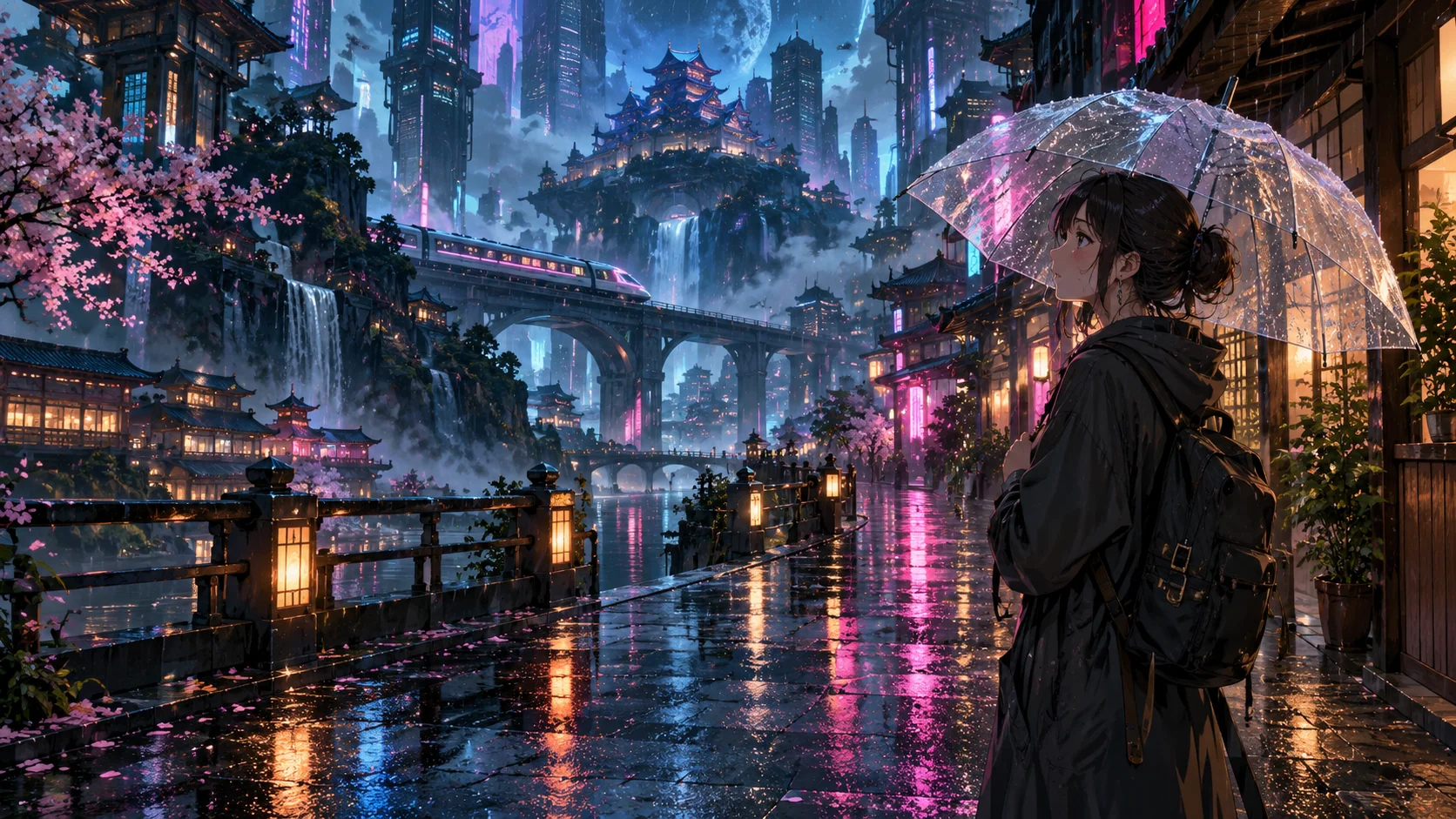
AI Anime Generator: Rainy City. Illustrative concept, not a verified customer result.

A neon-lit city scene combines reflective streets, cinematic framing, and a quiet human moment.

Build a Scene, Not Just a Style Label

Use a specific moment, environment, and composition to make anime-inspired art feel intentional.

Worldbuilding

Turn a Setting into a Visual Story

Give the AI anime generator a place, time of day, weather, and a moment worth illustrating. MiniMax Code can help connect those choices to lighting and composition. A neon street and a sunlit floating garden call for different color and depth treatments. Use original world details so the brief does more than request a generic anime image.

Try Now
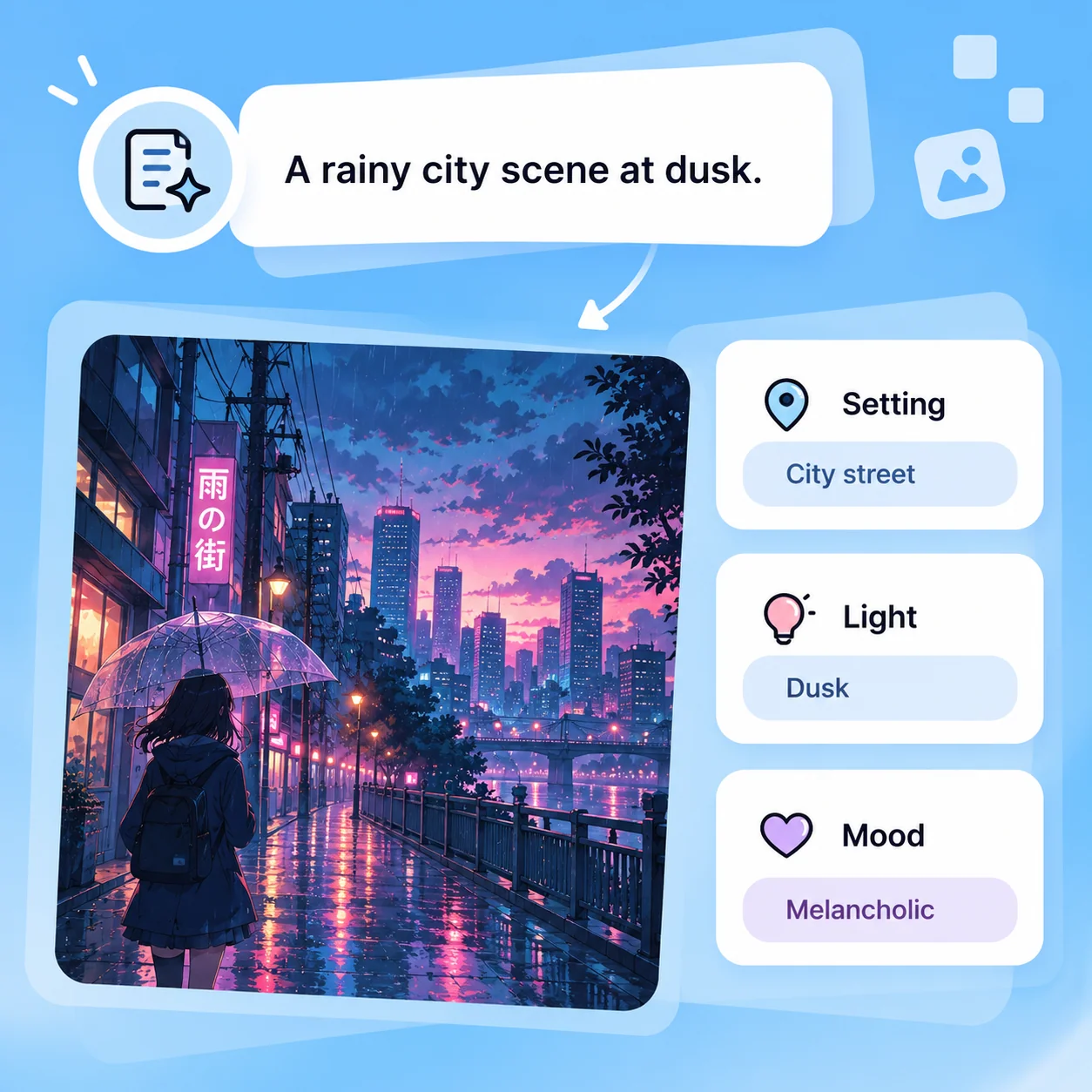
Illustrative AI Anime Generator workflow: Turn a Setting into a Visual Story.

Illustration and Covers

Compose for the Intended Canvas

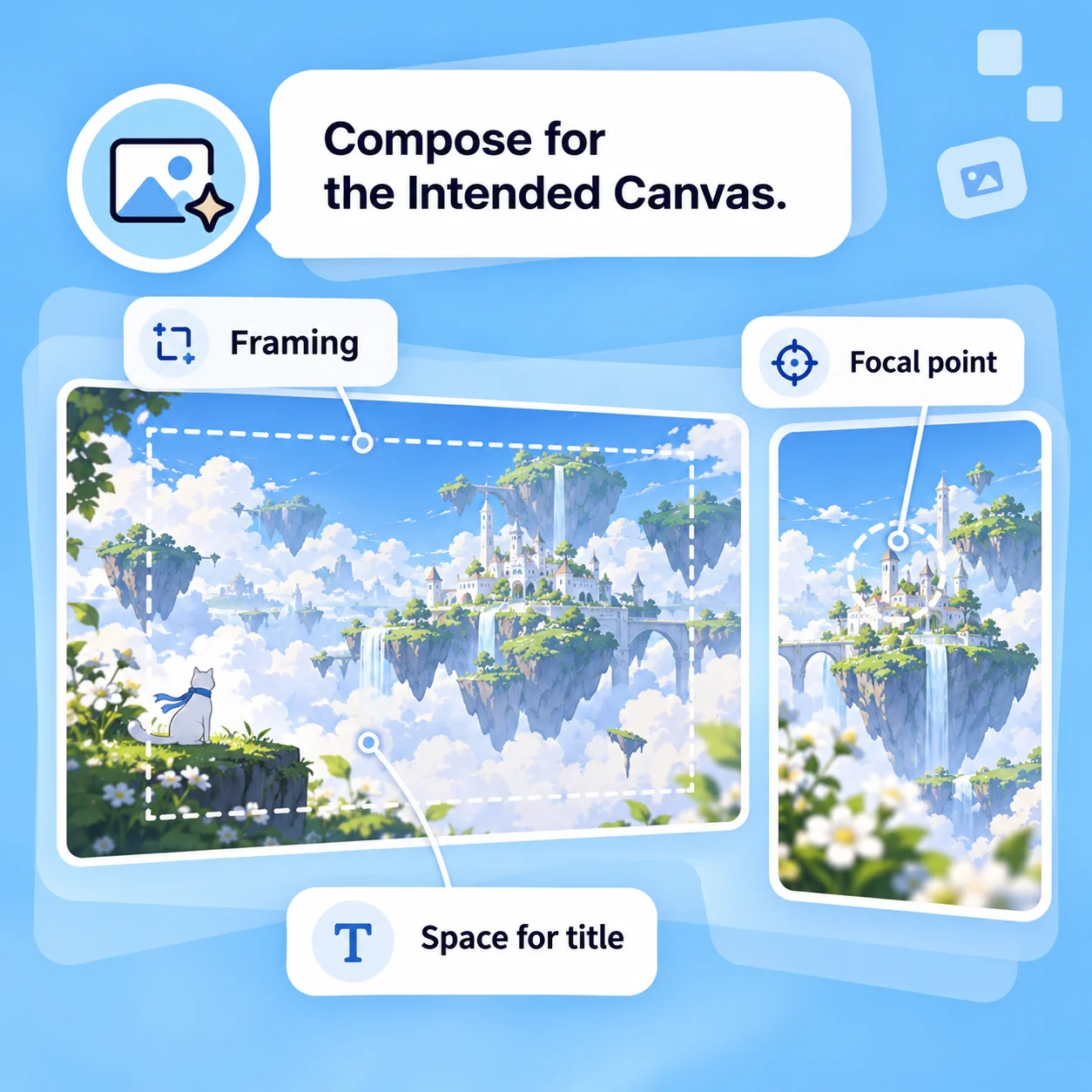
A wallpaper, a story cover, and a social post need different framing. Describe the aspect ratio, focal subject, negative space, and any area reserved for later typography. Ask for changes to the scene instead of relying on a destructive crop. Confirm final dimensions and readability in the application where the artwork will be used.

Try Now
Illustrative AI Anime Generator workflow: Compose for the Intended Canvas.

Creative Iteration

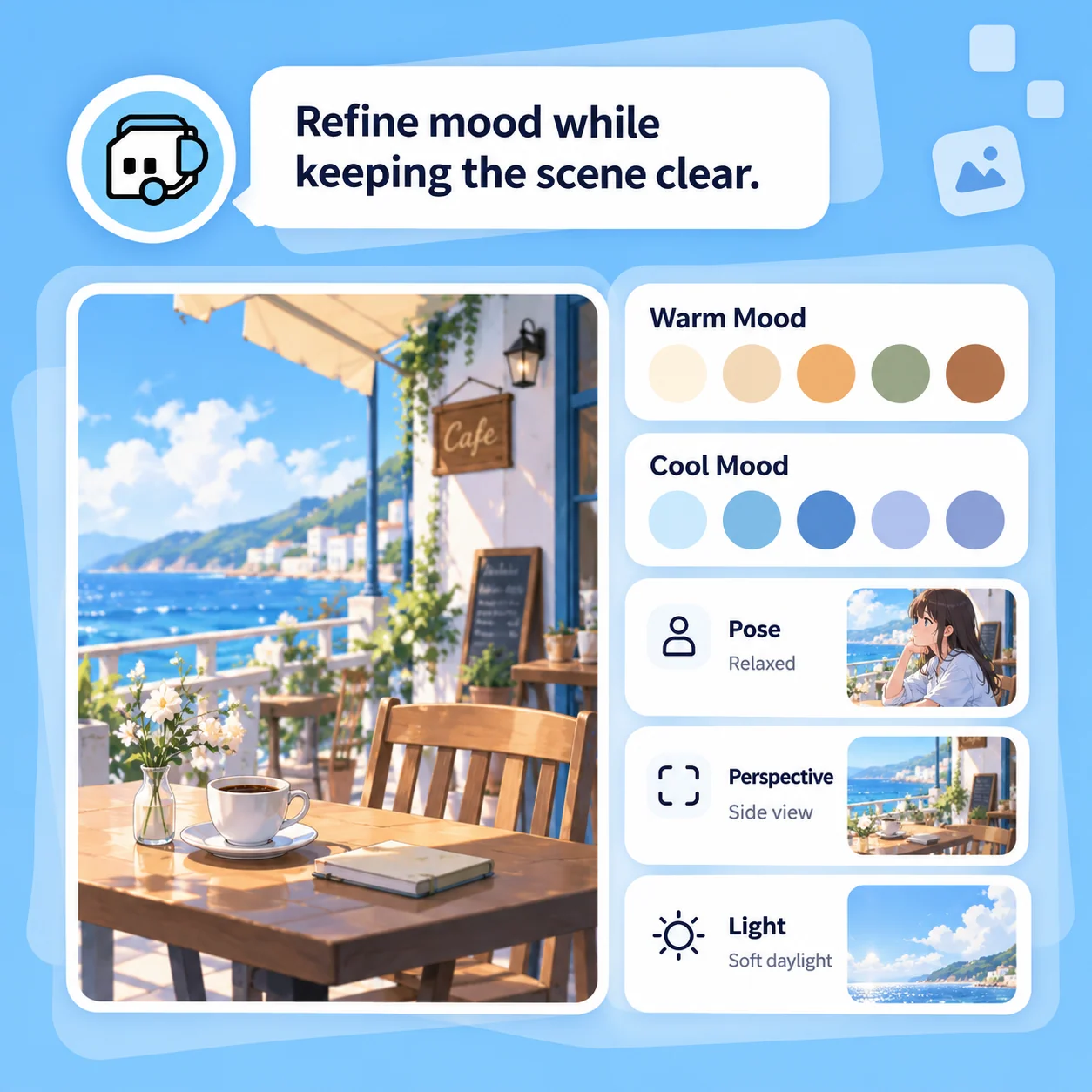
Refine Mood While Keeping the Scene Clear

Compare palettes, poses, and environmental details one decision at a time. Review hands, faces, perspective, and background objects before accepting a result. Use broad visual descriptions such as crisp cel shading or watercolor-like scenery instead of requesting a replica of a specific artist or franchise. Additional views may require work to maintain consistency.

Try Now
Illustrative AI Anime Generator workflow: Refine Mood While Keeping the Scene Clear.

A Clearer Brief for Anime-Inspired Art

A comparison of workflows, not measured performance. Review facts and outputs before using them.

Working Manually

Scene
Plan the setting and draw the composition
Art direction
Build a palette and rendering approach
Variations
Rework the scene manually
Format
Prepare each canvas and crop
Finish
Review anatomy, details, and rights

With MiniMax Code

Scene
Describe the moment, environment, and focal point
Art direction
Explore linework, shading, and lighting in a written brief
Variations
Request targeted changes while reviewing visual continuity
Format
Specify the intended canvas and verify the final image
Finish
Keep the same editorial review; generated art can contain errors

Create Anime-Inspired Art in Four Steps

Prepare a focused brief, work in MiniMax Code, and review the result before the final handoff.

  1. Step.01

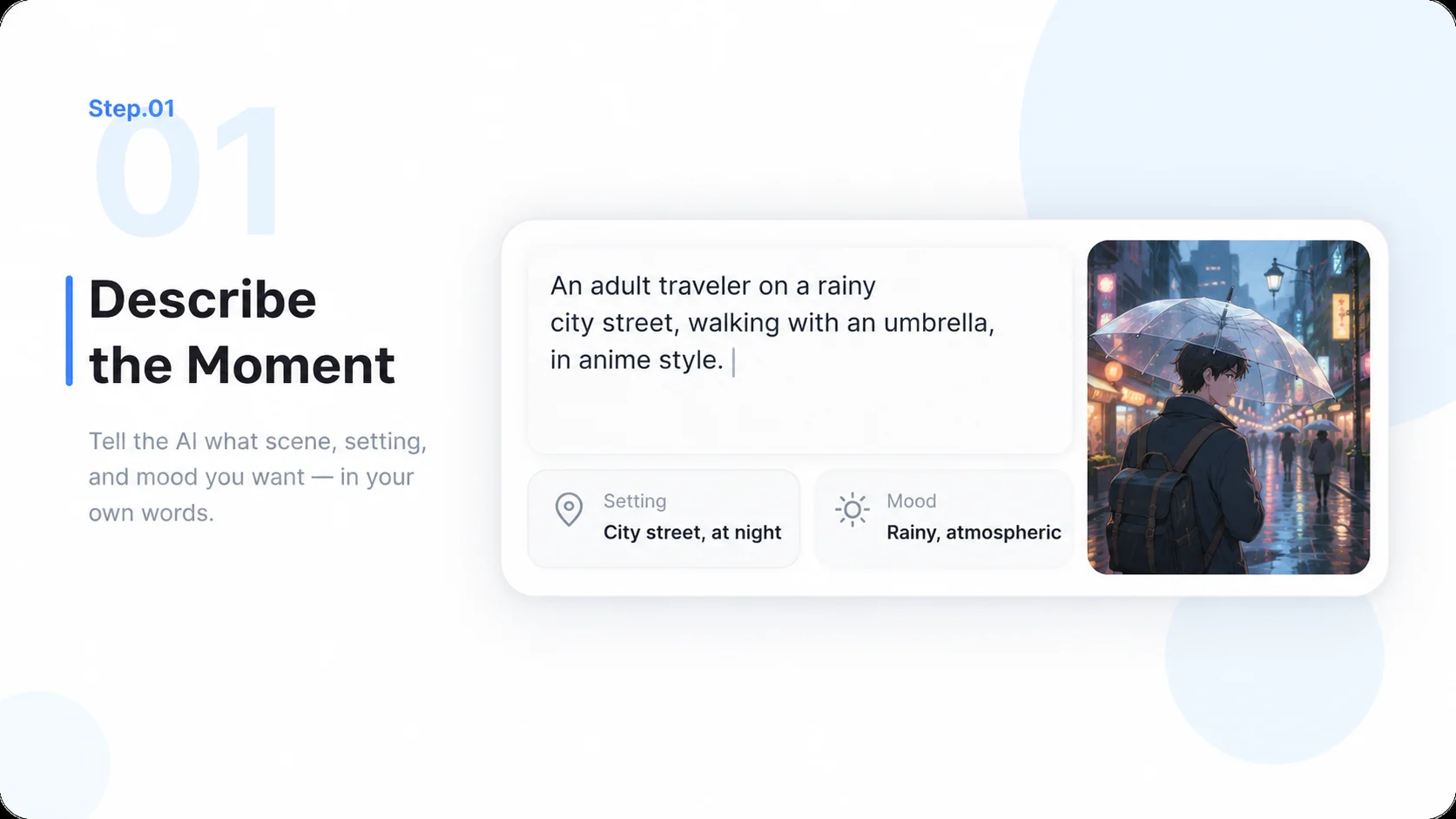
    Describe the Moment

    Start with an original setting, subject, action, and mood. Continue the brief in MiniMax Code.

    Illustrative AI Anime Generator step 1: Describe the Moment.
  2. Step.02

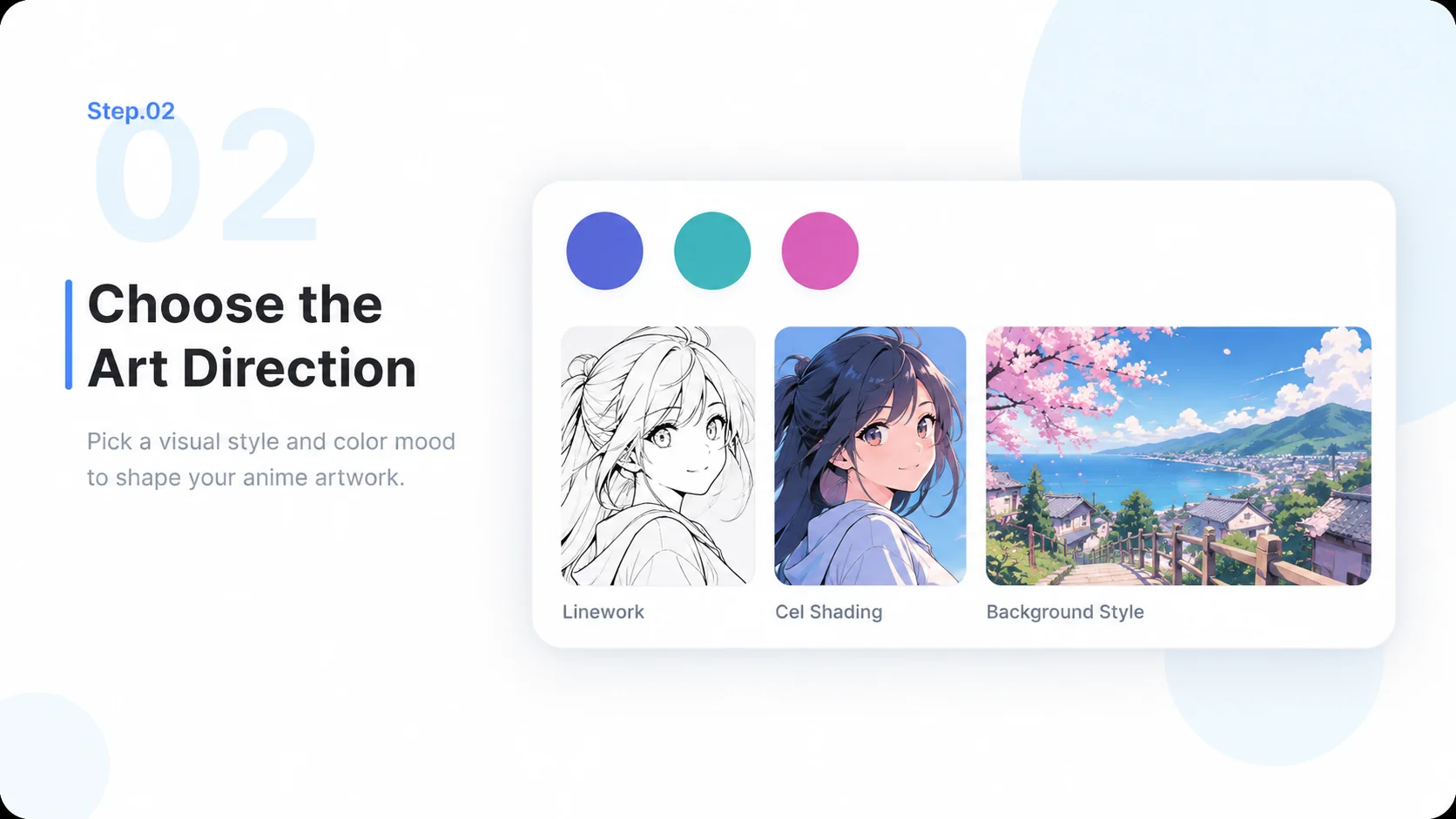
    Choose the Art Direction

    Specify linework, shading, lighting, palette, and aspect ratio. Name visual traits rather than copying a franchise.

    Illustrative AI Anime Generator step 2: Choose the Art Direction.
  3. Step.03

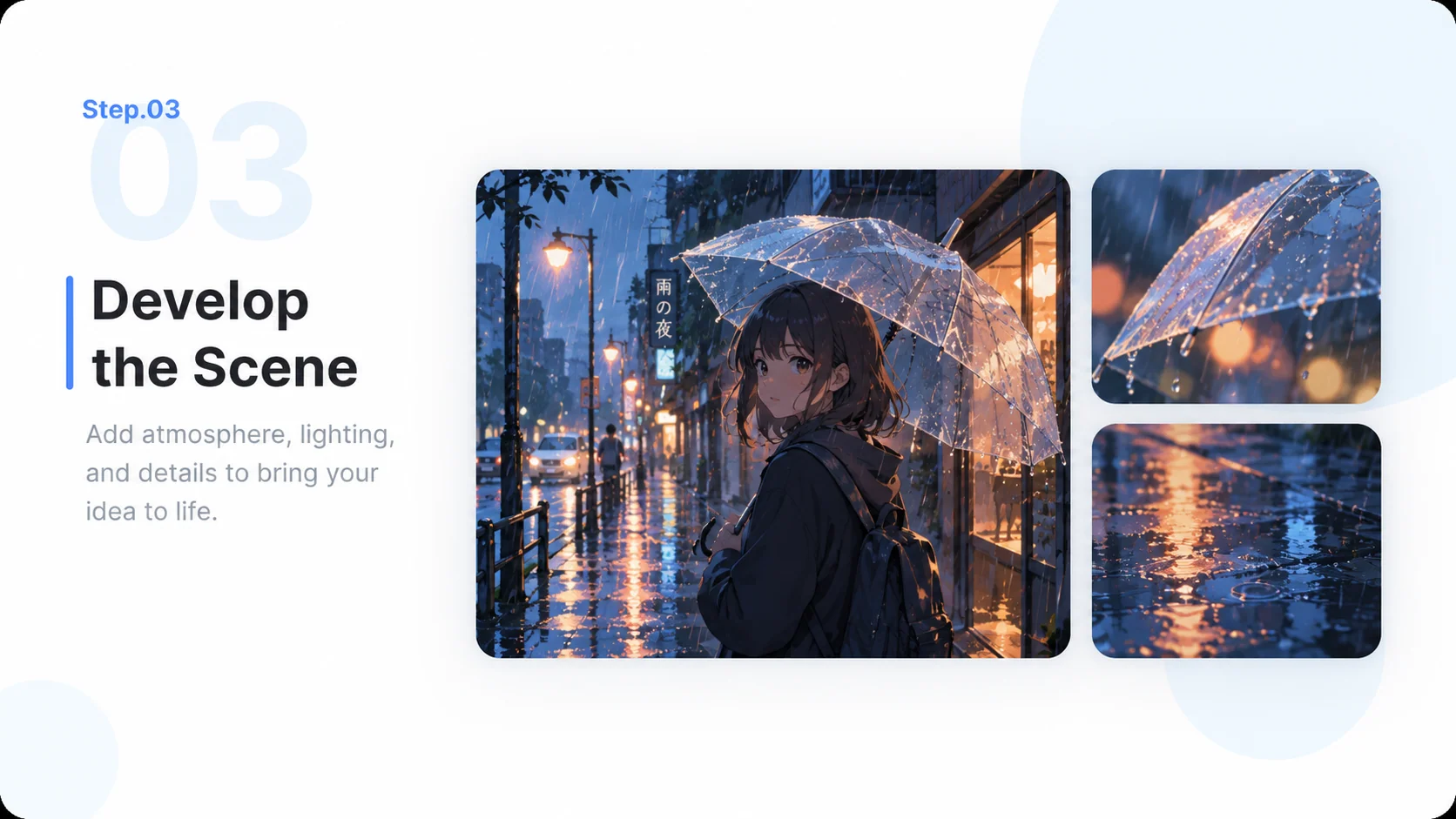
    Develop the Scene

    Generate and refine the composition. Review the relationship between characters, perspective, lighting, and environment.

    Illustrative AI Anime Generator step 3: Develop the Scene.
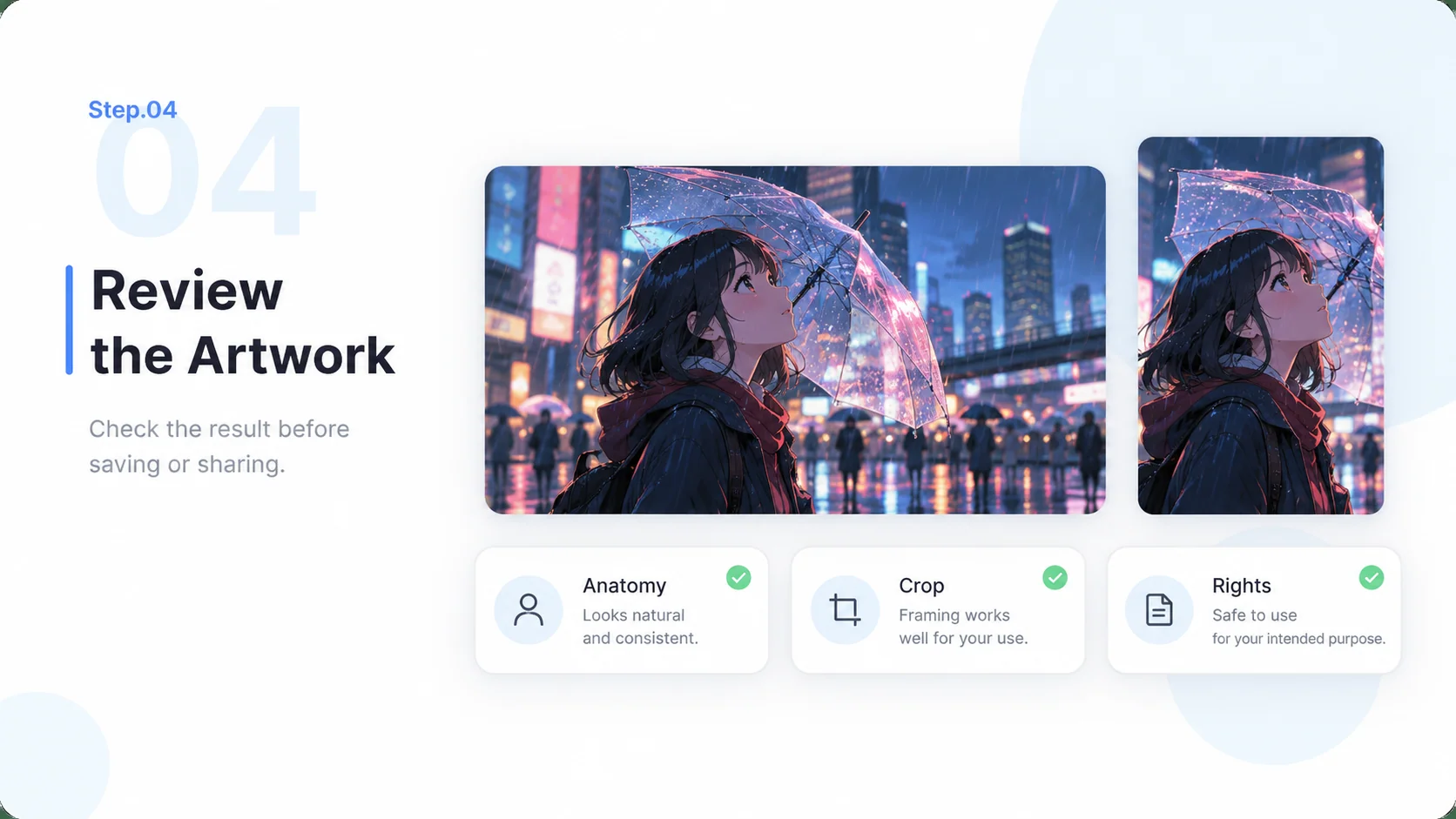
  4. Step.04

    Review the Artwork

    Check anatomy, details, rights, and final crop. Prepare the image for the intended cover, wallpaper, or creative project.

    Illustrative AI Anime Generator step 4: Review the Artwork.

AI Anime Generator FAQs

Practical answers about inputs, scope, product workflow, and review.

Turn an Original Moment into Anime-Inspired Art